Your Next Teammate Is an AI Agent: The 2026 Automation Stack
The busywork layer of knowledge work, triage, scheduling, research, data entry, is quietly being handed to AI agents. The stack has settled into recognizable layers: agents you talk to, workflows you draw, and the plumbing that feeds them. Here's who does what.
Agents, workflows and plumbing
"AI agent" gets used for everything, so a quick map helps. At the top are agent platforms: you describe a job ("triage my inbox", "follow up with leads") and an AI employee runs it. Underneath sit workflow builders, where you wire steps together visually and drop AI in where judgment is needed. At the bottom is plumbing: the tools that give agents hands and eyes, connections to your apps, and clean data from the web.
Most real setups mix layers. An agent that researches prospects might use a workflow builder for the schedule, a search API for discovery, and a scraper for the details. The tools below cover the full stack.
1 Lindy: hire an AI employee
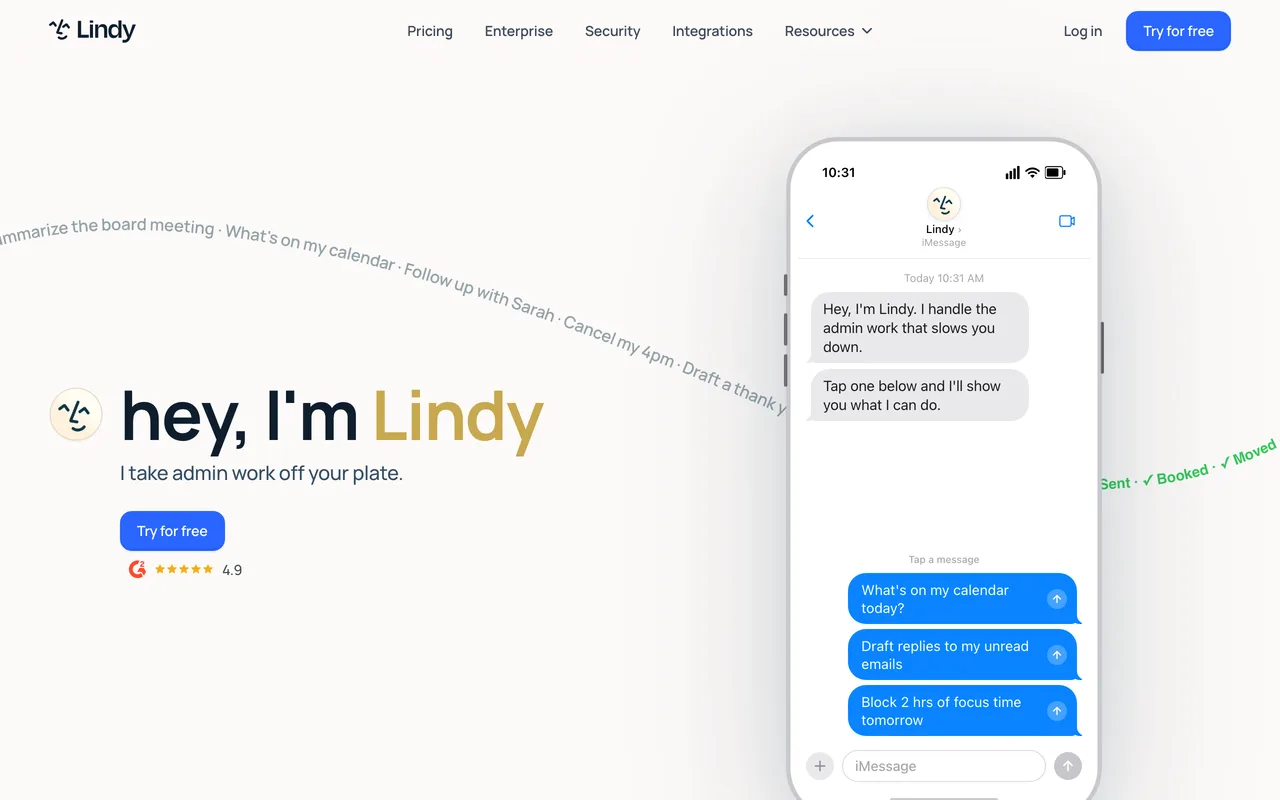
Lindy is the closest thing to hiring: you pick a role, meeting scheduler, email triager, sales follow-upper, describe how you like things done, and the agent starts doing it across your email, calendar and CRM.
The pitch is delegation, not configuration. If the job you want automated is one you'd otherwise explain to an assistant in a paragraph, Lindy is built for exactly that paragraph.
2 Gumloop: draw the workflow, drop in AI
Gumloop is a canvas where you drag nodes into a flow: scrape this page, summarize with AI, categorize, write to a sheet, notify Slack. Each node is simple; the chains get powerful fast.
It shines on repetitive research and content pipelines, the kind of work that's too fiddly for a single prompt but too boring for a human to keep doing weekly.
3 n8n: the open-source workhorse
n8n is workflow automation you can self-host: hundreds of integrations, a visual editor, and native AI nodes for building agent logic with real control over where your data lives.
Teams pick it when privacy, cost at scale or custom nodes matter. It asks a bit more of you than the no-code tools, and gives back a lot more control.
4 Zapier: the connector everyone already has
Zapier remains the broadest bridge between apps, and its AI features turned static zaps into smarter ones: drafting, classifying and routing between the tools your company already uses.
It's rarely the whole answer anymore, but it's often the glue in the answer, the fastest way to get event A in one app to trigger action B in another, with a model in the middle.
5 Composio: give your agent hands
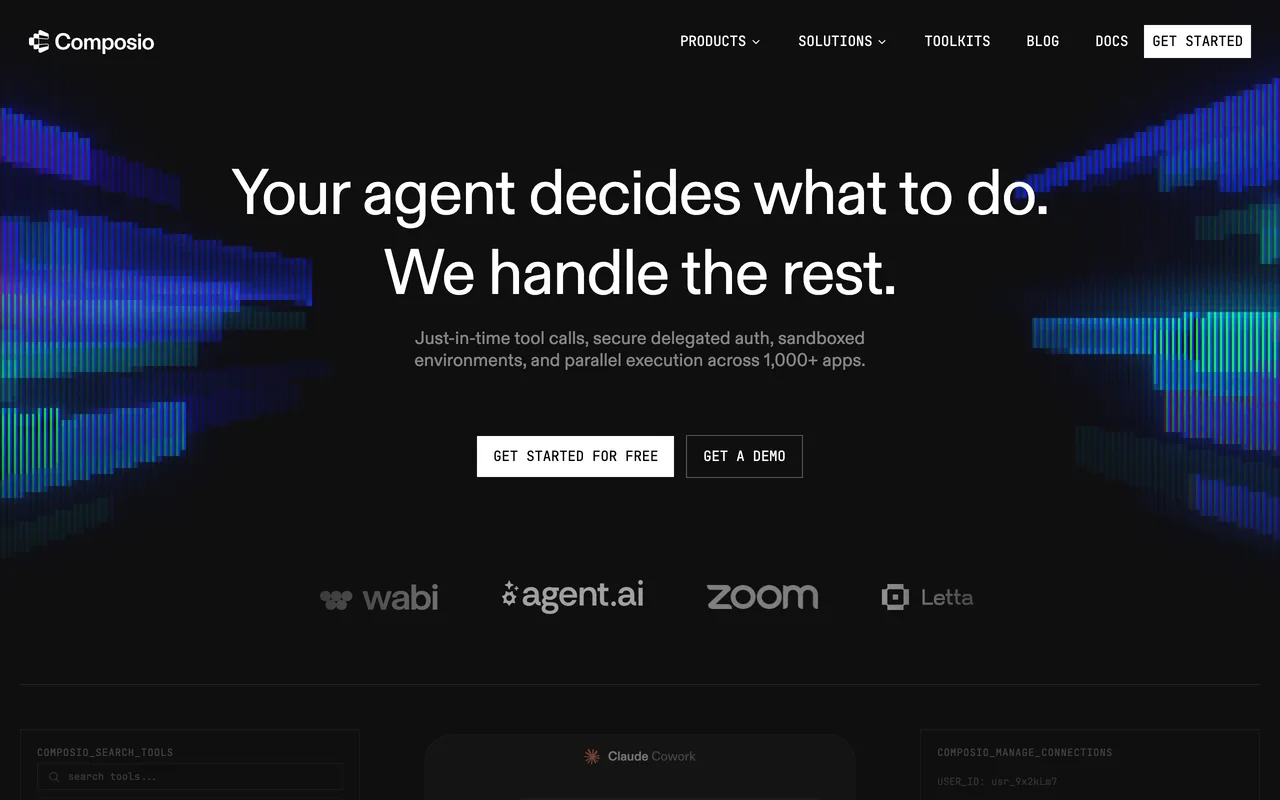
Agents are only as useful as the tools they can call. Composio provides that layer: authenticated, ready-made connections to hundreds of apps (Gmail, GitHub, Notion, Slack and friends) that any LLM agent can use safely.
If you're building agents rather than renting them, this is the piece that saves you from writing and maintaining fifty OAuth integrations yourself.
6 Firecrawl: the web, made agent-readable
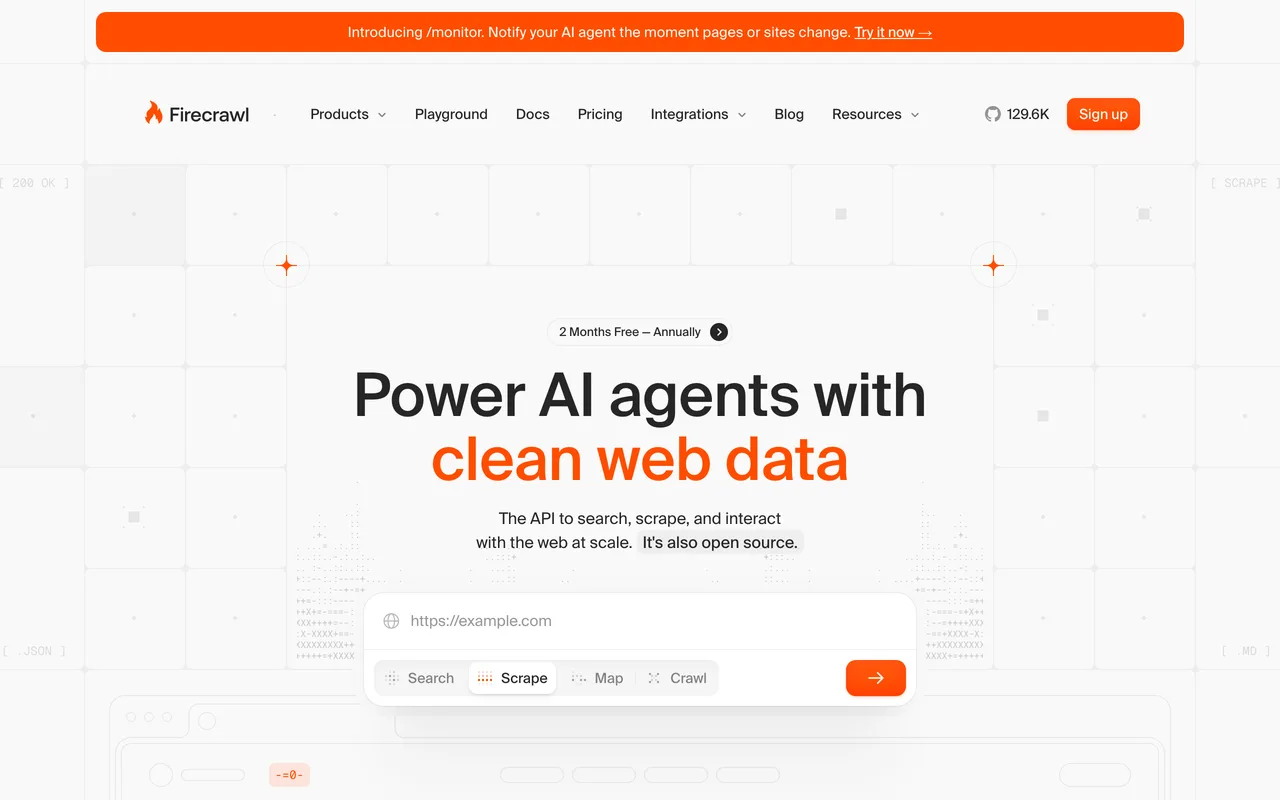
Firecrawl turns any website into clean, LLM-ready markdown: crawl a domain, extract structured data, feed it to your agent. No brittle selectors, no HTML soup.
Every research or monitoring agent eventually needs to read the web properly. This is the tool that makes web content something an agent can actually reason over.
7 Exa: search built for machines
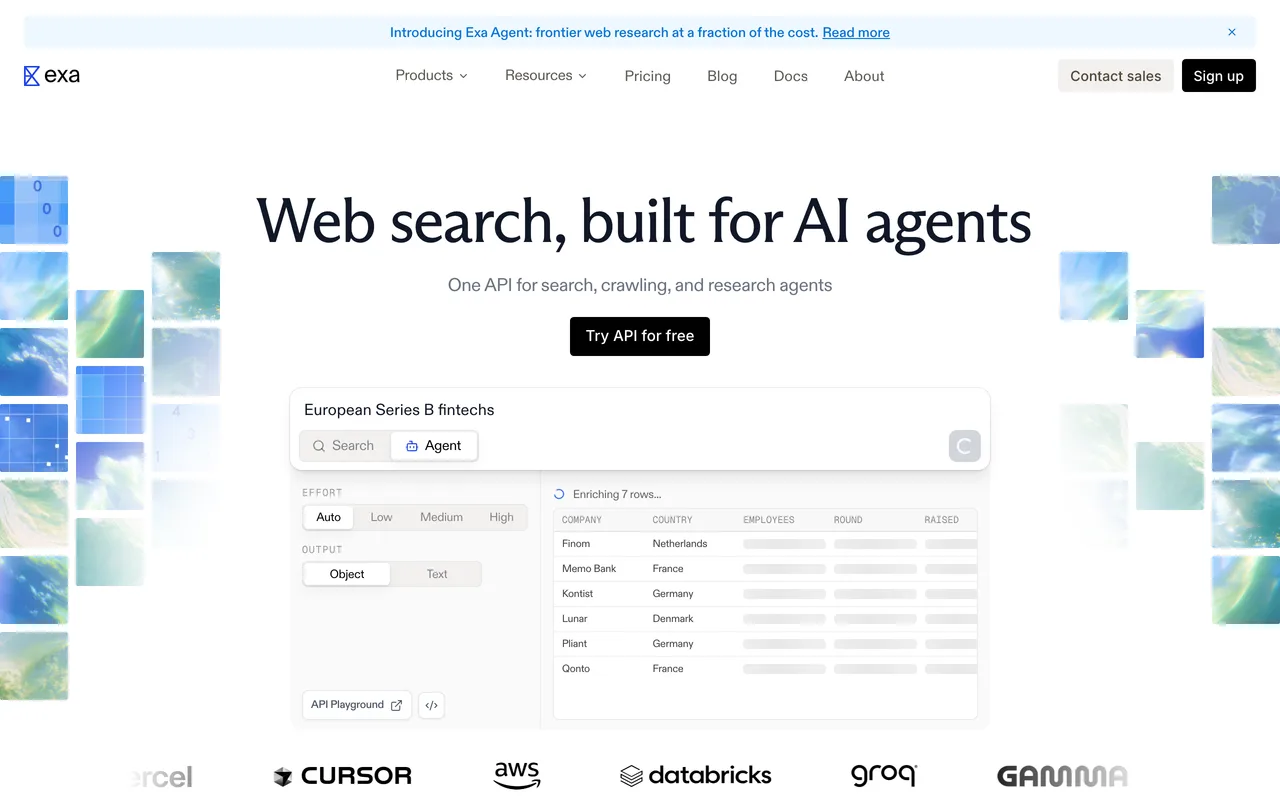
Exa is a search API designed for AI rather than people: semantic queries, filtered result types, and content returned in a form models can digest directly.
Paired with a scraper like Firecrawl, it gives an agent genuine research ability, find the right sources, then read them, which is the backbone of most impressive agent demos you've seen.
Where to start
Start with the job, not the tool. A personal chore you'd delegate: Lindy. A weekly team pipeline: Gumloop or n8n, with Zapier gluing in the long tail of apps. Building your own agent product: Composio for actions, Firecrawl and Exa for knowledge.
And automate one thing first. A single agent that reliably owns one annoying job beats a dozen half-configured ones, and it teaches you where the next win is.
Frequently asked questions
What's the difference between an AI agent and normal automation?+
Traditional automation follows fixed rules: if X happens, do Y. An agent gets a goal and decides the steps itself, reading context, calling tools and adjusting when something unexpected comes back. Rules break when reality shifts; agents flex.
Do I need to code to use an AI agent?+
Not for the top layer: Lindy, Gumloop and Zapier are built for non-developers. n8n sits in the middle, and Composio, Firecrawl and Exa are developer tools for building custom agents.
What should I automate first?+
The task you dread weekly that follows a describable pattern: inbox triage, meeting scheduling, lead research, report assembly. High annoyance plus clear rules is the sweet spot for a first agent.