The 11 Best AI Branding Tools in 2026
Branding used to be a one-time project: hire a designer, get a logo and a PDF, hope everyone follows it. In 2026 it's a living system, and AI tools now cover every stage of it, from generating the identity to enforcing it across every image, mockup and ad you ship. Here are the eleven worth knowing, organized by the job they actually do.
What an AI branding tool actually is
The label covers four very different jobs. Some tools create a brand from nothing: a logo, a palette, a type pairing. Some manage the assets once they exist, so the right logo file is always one search away. Some keep output on-brand, generating images and visuals that already match your identity instead of needing correction after the fact. And some push the brand outward, automating the marketing that carries it.
No single tool does all four well, which is why 'the best AI branding tool' is the wrong question. The right question is which stage of the brand lifecycle you're stuck on. The list below walks through that lifecycle in order: create, manage, produce, promote.
1 Looka: the fastest route to a real identity
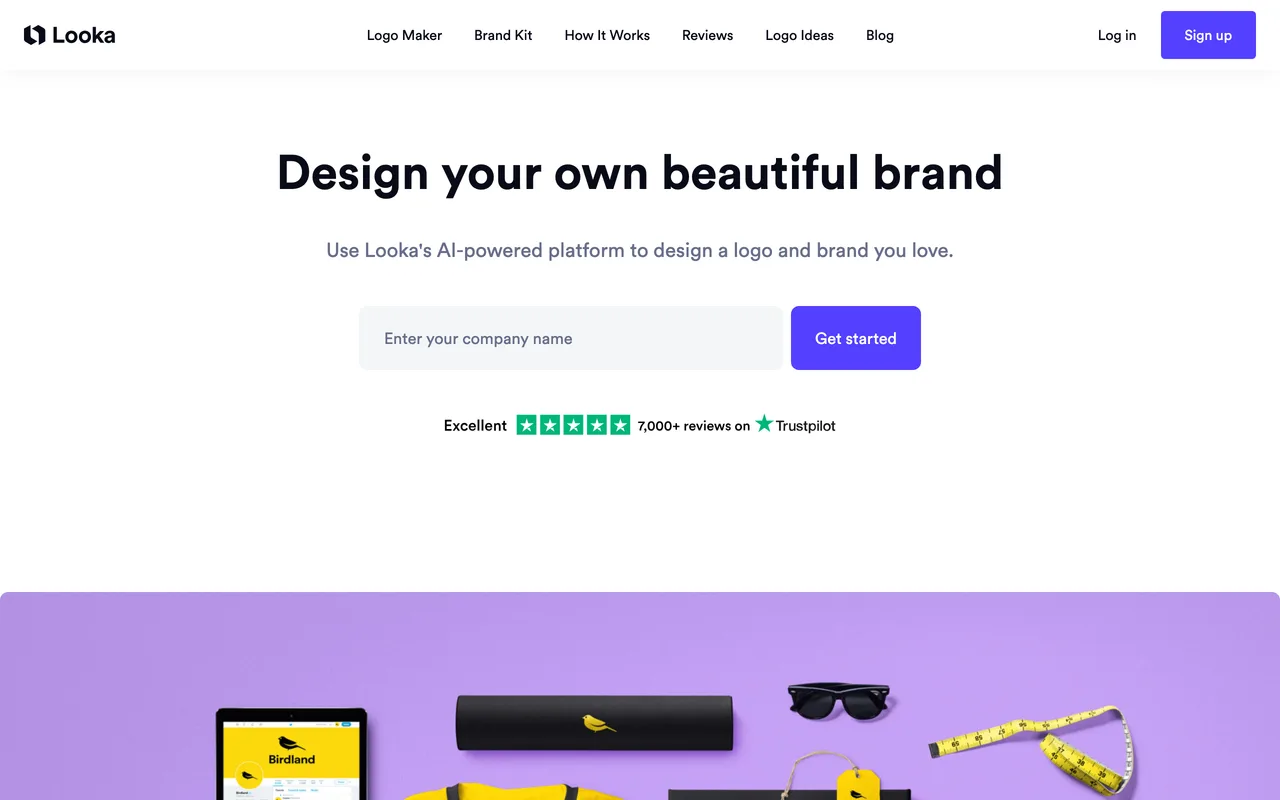
Looka is the tool most people mean when they say AI logo generator, but the logo is only the entry point. You feed it your company name, industry and a few style preferences, and it generates identity directions you refine into a full brand kit: logo files in every format, color codes, font pairings, and templates for cards, social profiles and email signatures.
It's built for founders and small teams who need a credible identity this week, not a six-week agency engagement. The results are conventional by design, and that's the point: a clean, professional baseline you can always evolve later.
2 Zawa: one engine for every brand asset
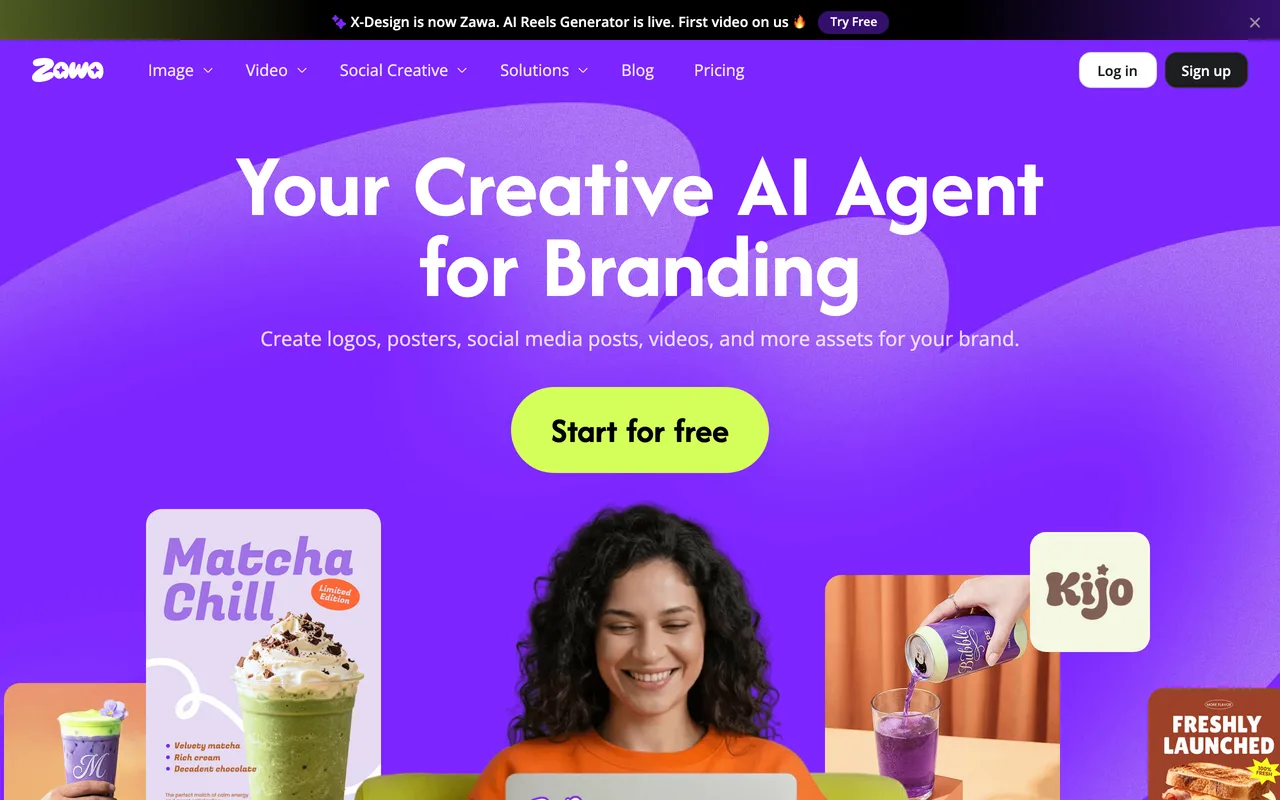
Zawa takes the generator idea further: instead of stopping at the logo, it produces the whole downstream layer, social posts, short videos, product photography and promotional material, all derived from one brand definition so everything comes out matching.
That makes it a strong pick for solo operators and small e-commerce brands where the same person who made the logo also has to fill the Instagram grid. You trade some fine control for the speed of never starting an asset from zero.
3 Kittl: pro-grade brand design without the pro software

Kittl is a full design platform built around branding: logos, labels, packaging, merch and product visuals, with AI generation woven into an editor that feels closer to a real design tool than a template picker. Its typography engine is the standout, the kind of warped, ornate lettering that used to require Illustrator skills happens in a few clicks.
It has become a favorite for print-on-demand sellers, small brands and designers producing distinctive, crafted-looking identities fast. If Looka gives you a clean corporate baseline, Kittl gives you character.
4 Brandfetch: the search engine for brand assets
Brandfetch solves a different problem: not making brand assets, but finding them. It indexes logos, colors and fonts for millions of companies, so pulling the correct, current logo of any brand takes seconds instead of an email thread with their marketing team.
Designers use it for client work and pitch decks, developers use its API to auto-populate logos in products, and teams use it to host their own brand page so partners stop asking for 'the latest logo'. It's the plumbing of brand consistency, and once you use it you don't go back to Googling 'x logo transparent png'.
5 Bravemark: brand guidelines that people actually open
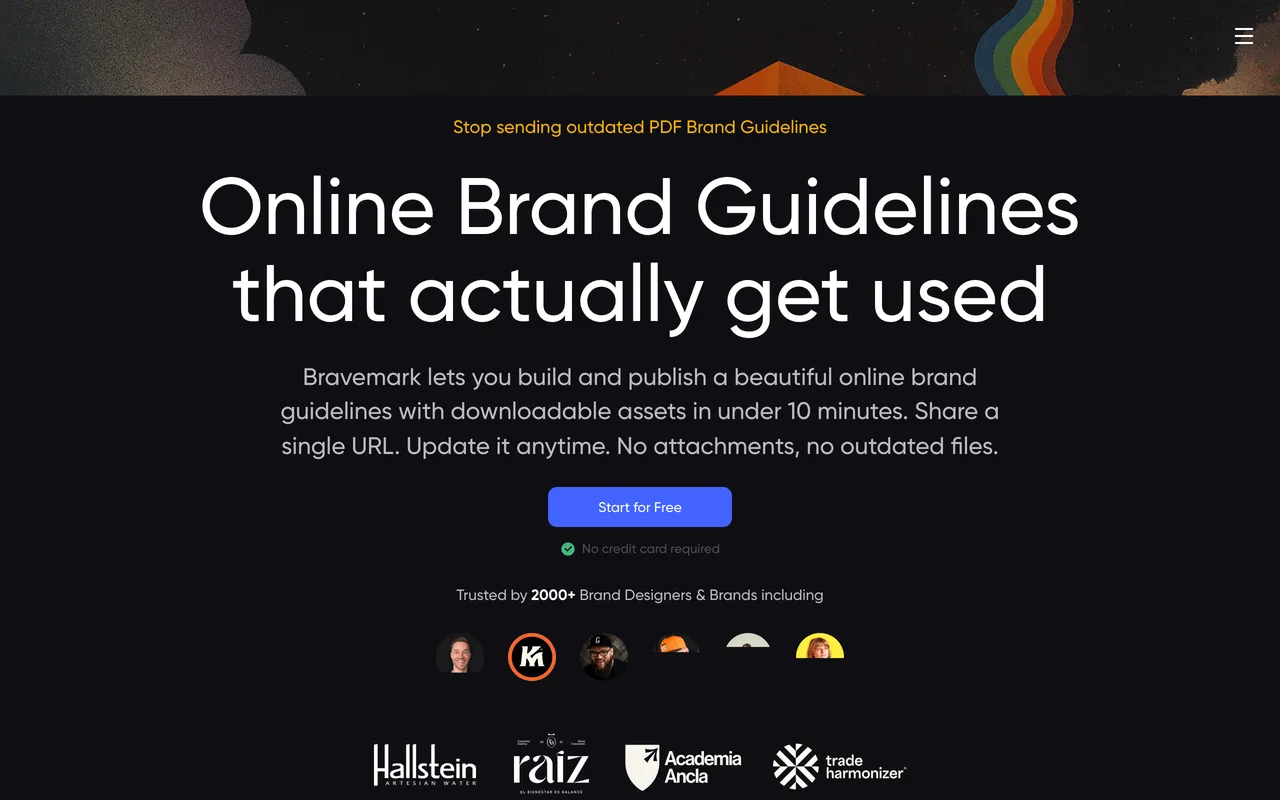
Every brand guideline PDF has the same fate: outdated within a quarter, ignored within two. Bravemark replaces the PDF with a live, interactive web page, colors you can copy, logo files you can download, rules you can update in place, with client and team access built in.
It's aimed squarely at freelancers, studios and in-house teams who hand brands off to other people. The deliverable stops being a document and becomes a link that's always current, which is quietly one of the biggest consistency upgrades a small brand can make.
6 Bloom: on-brand images without the correction loop
Generic AI image generators have a branding problem: everything they make looks like it belongs to someone else. Bloom fixes that by learning your brand first, it can ingest an existing website and turn it into a reusable brand system, then generate images that already carry your palette, style and tone.
That flips the usual workflow. Instead of generating, then editing toward your brand, you start on-brand and just direct. For teams shipping lots of visual content, blog headers, campaign images, product shots, the time saved compounds fast.
7 Ideogram: the image model that can actually spell
Most AI image models fall apart the moment you ask for words: mangled letters, invented alphabets. Ideogram built its reputation on the opposite, it renders clean, deliberate typography inside generated images, which is exactly what branding work needs.
That makes it the go-to model for logo concepts, posters, packaging explorations and social graphics where the text is the design. Treat it as a concepting engine: explore twenty directions in minutes, then take the winner into a proper tool for refinement.
8 Recraft: generated art that stays on style
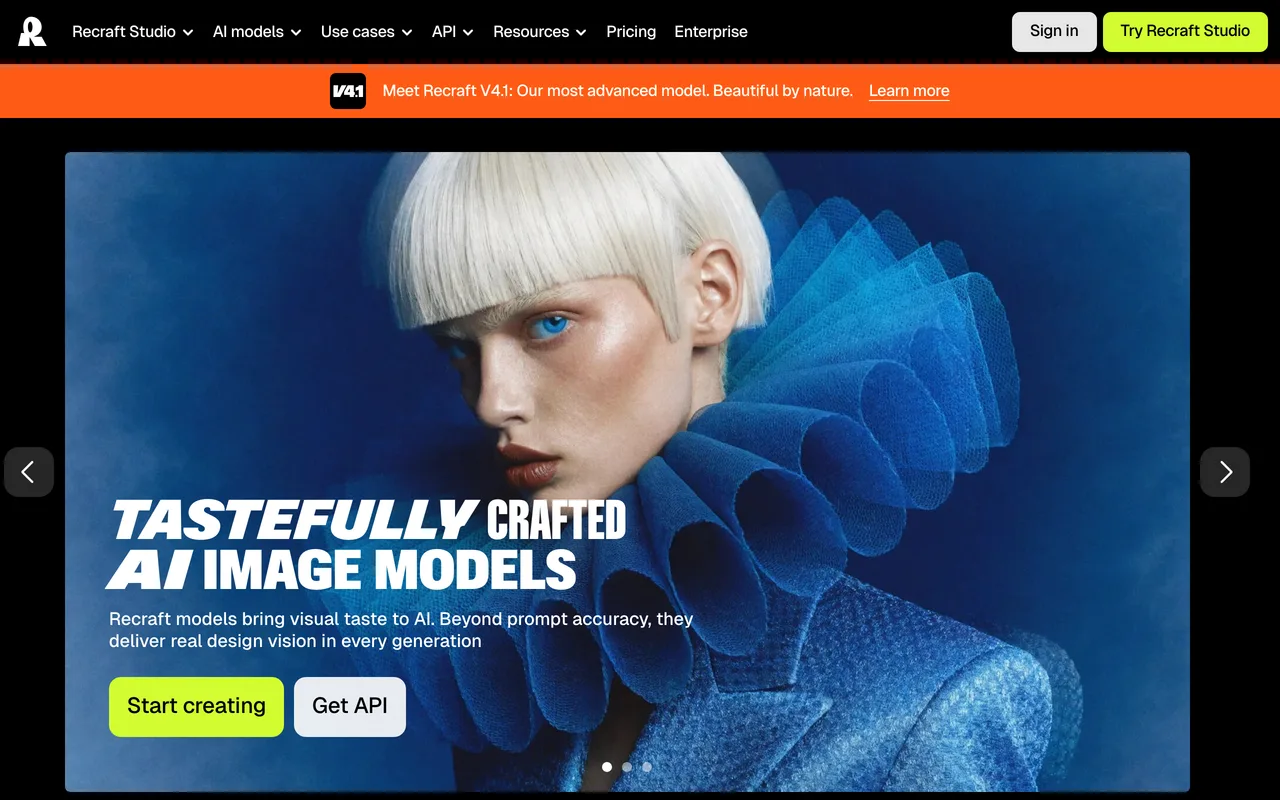
Recraft is an AI design tool aimed at working designers rather than casual prompters: it generates vector art, icons, illustrations and images with tight control over style, and it can keep that style consistent across an entire set of assets, which is the whole game in branding.
Vector output is the quiet superpower, logos and icon sets come out as editable shapes, not flattened pixels. Use it to build a coherent illustration language for a brand instead of a folder of one-off images that almost match.
9 Brandbird: screenshots that look like marketing
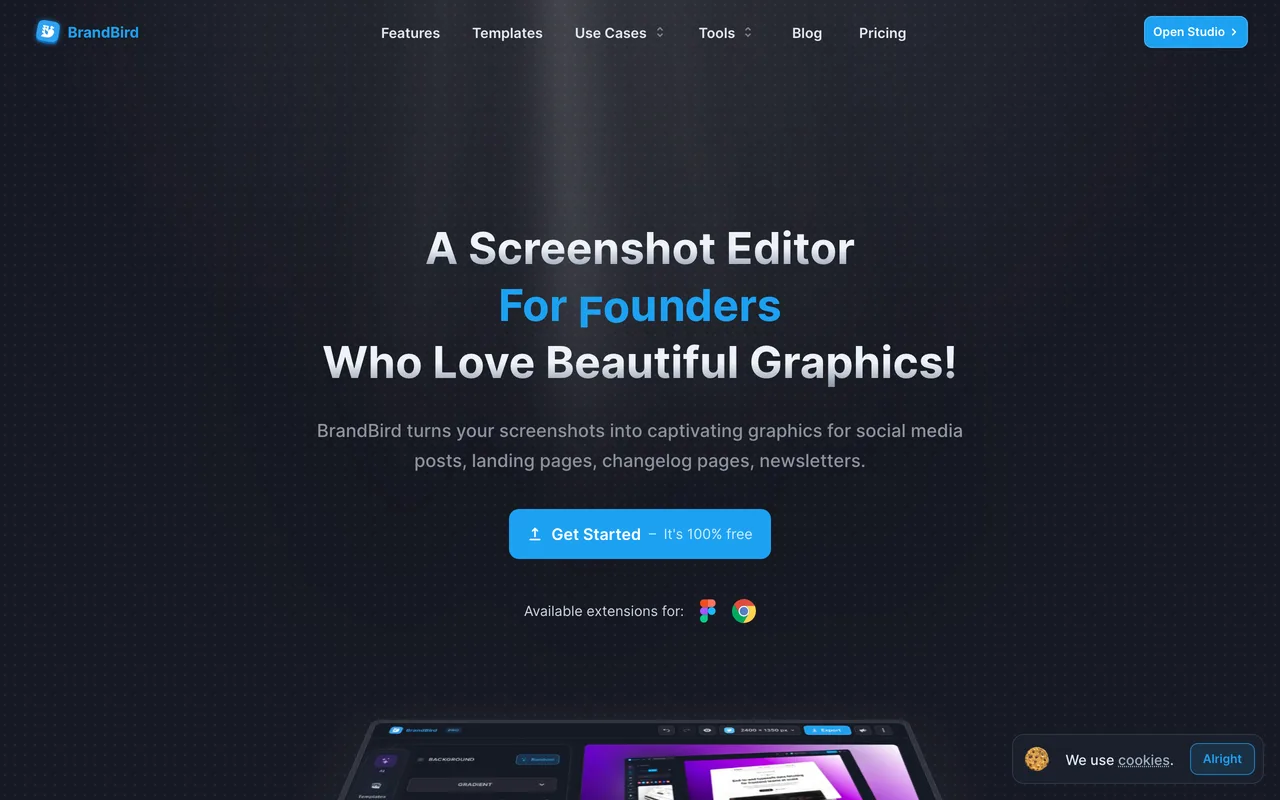
Brandbird does one narrow thing extremely well: it turns raw screenshots into polished, branded visuals. Drop in a screenshot, apply your saved brand preset, and get back an image with your background, gradient, device frame and styling, ready for social, a changelog or a landing page.
It's a favorite among indie hackers and product marketers because the before/after is instant and the presets mean every image you publish looks like it came from the same company. Small tool, outsized effect on how professional a product feels.
10 Artboard Studio: mockups and product visuals in the browser
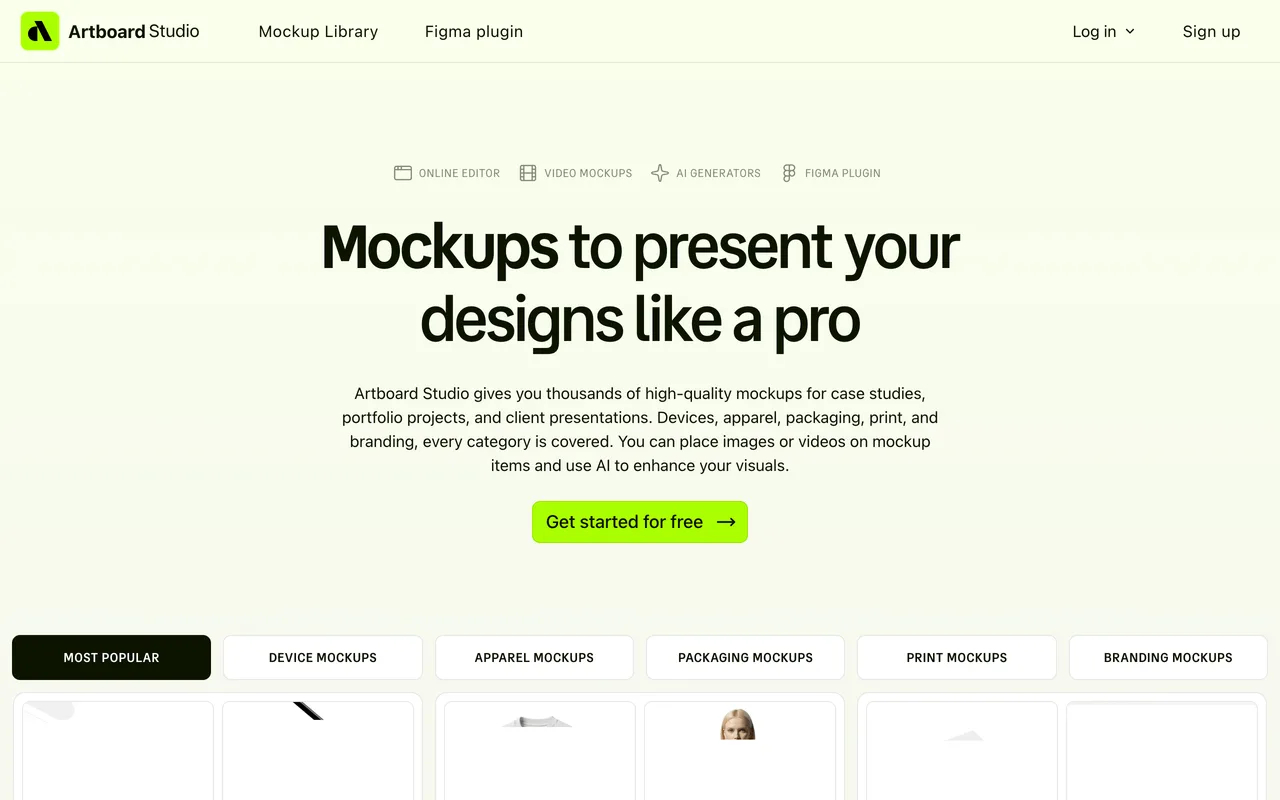
Artboard Studio is a full mockup and product-visual studio that runs in the browser: thousands of templates, packaging, apparel, devices, print, with AI assists and even animated video mockups. You drop your design in and get photorealistic scenes without touching Photoshop.
For branding work it's the presentation layer: the tool that makes a new identity look real, on a storefront, a tote bag, a phone screen, before anything physical exists. Agencies lean on it for client reveals; founders use it to make a day-old brand look established.
11 HyperfxAI: the brand's marketing department, automated
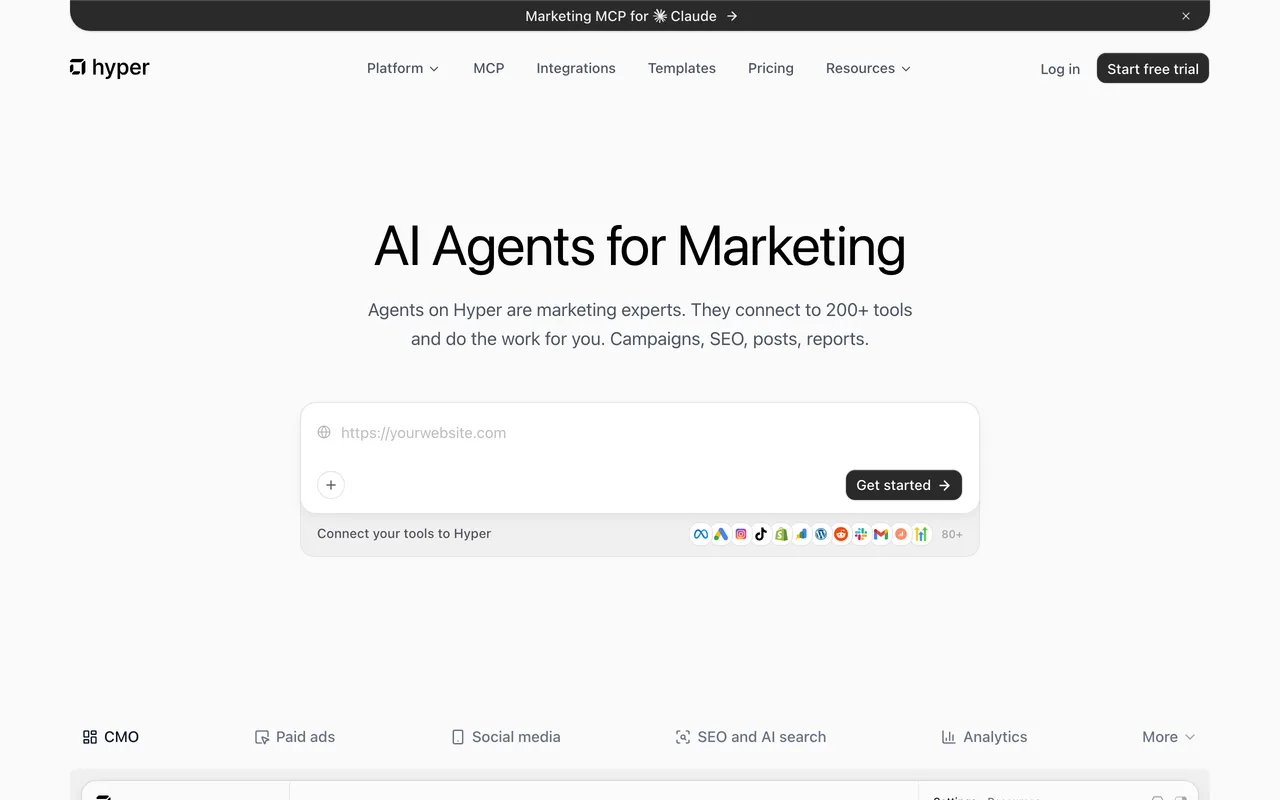
HyperfxAI sits at the last stage of the lifecycle: getting the brand seen. It runs AI agents for marketing tasks, ad campaigns, SEO, social content, reporting, while generating on-brand images and videos to feed them, so the promotion machine and the brand system stay connected.
It's the most ambitious tool on this list and the closest to hiring help rather than buying software. Best fit: lean teams that have an identity and a product but no bandwidth for the always-on marketing work a brand needs to grow.
Which one should you pick?
Match the tool to your stage. No identity yet: start with Looka for a clean baseline, Kittl for a crafted one, or Zawa if you also need the social and video assets that come after. Brand exists but lives in scattered folders: Brandfetch for asset access, Bravemark for guidelines people actually follow. Producing content constantly: Bloom for on-brand images, Ideogram for anything with type in it, Recraft for a consistent illustration language, Brandbird for product visuals, Artboard Studio for mockups. Brand ready but nobody's marketing it: HyperfxAI.
Also worth a look: Brandmark as a Looka alternative for identity generation, and Canva, whose brand-kit features cover a lot of this ground if you already live in it. Most real stacks end up combining two or three of these, one to define the brand, one to produce with it, one to keep everyone honest.
Frequently asked questions
Can AI branding tools replace a brand designer?+
For early-stage identity work, often yes: tools like Looka and Zawa produce a credible logo and brand kit in minutes. For positioning, naming and a truly distinctive identity, a designer still wins. The practical answer for most small teams is AI first, designer later, once the business has proven it deserves the investment.
What's the difference between creating a brand and managing one?+
Creation tools (Looka, Zawa) generate the identity itself. Management tools (Brandfetch, Bravemark) keep that identity organized, accessible and consistently applied once it exists. Most branding failures happen in the second half: assets scatter, guidelines get ignored, and output drifts off-brand.
How do I keep AI-generated images on-brand?+
Use a tool that learns your brand before generating, rather than a generic image model you correct afterwards. Bloom builds a brand system from your existing site and generates within it, and Brandbird applies saved brand presets to every visual, so consistency is the default instead of a manual step.
Which AI branding tool is best for a solo founder?+
Start with Looka for the identity, add Brandbird for polished product visuals, and consider Zawa if you need a steady stream of social and video assets. That trio covers identity, visuals and content without hiring anyone.