The 8 Best AI Meeting Note Takers in 2026
You can listen or you can write, not both. AI meeting note takers record the call, transcribe it and hand you a summary with action items, so you can stay in the conversation. Here are the eight worth your time in 2026, and how to choose between them.
Why meeting notes moved to AI
Note-taking during a meeting is a split-attention problem. The moment you start typing what was just said, you stop processing what's being said now. Multiply that across a day of back-to-back calls and the result is familiar: half-finished bullet points, decisions nobody wrote down, and a follow-up email that takes longer than the meeting did.
AI note takers attack the problem directly. They capture the audio, turn it into a transcript, separate who said what, and distill the whole thing into a summary with decisions and action items. The good ones also make everything searchable, so "what did we agree about the pricing page?" is a query, not an archaeology project.
The category has matured fast. The real differences now are not whether the transcription works, but how the tool joins your meeting, what it does with the notes afterwards, and how well it fits the rest of your stack.
Bot or no bot: the one choice that matters
Every tool in this list sits on one side of a line: either it joins the call as a visible bot participant, or it captures audio directly from your device with nothing appearing in the meeting.
Bot-based tools (Otter.ai, Fireflies.ai, Fathom, tl;dv) are easy to roll out across a team and usually record video as well, but everyone on the call sees the bot join. No-bot tools (Granola, Amie, Cluely) are invisible to other participants and feel more natural in small or sensitive conversations, but they typically capture audio only and depend on your device being in the meeting.
Neither side is better in the abstract. Sales teams that want shareable call recordings tend to prefer bots. Founders and managers who live in 1:1s tend to prefer the quiet approach. Decide which camp you are in first, and the list below gets much shorter.
1 Otter.ai: the live transcription veteran
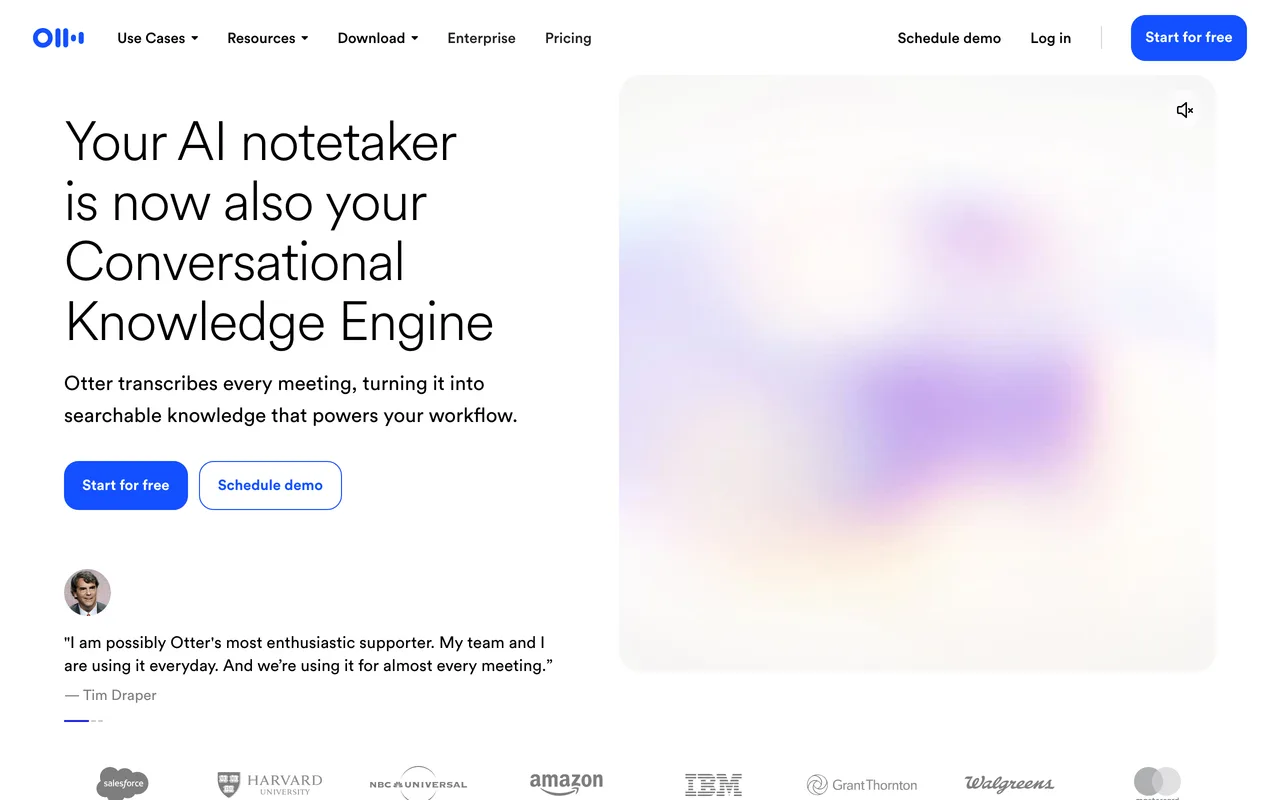
Otter.ai has been doing this longer than almost anyone, and it shows in the fundamentals. Its bot joins Zoom, Google Meet or Microsoft Teams and produces a live transcript you can watch during the call, then summaries, action items and a chat interface for asking questions about what was said.
Its strongest suit is search across your meeting history, on web and mobile alike. If your work depends on going back to exact moments ("who committed to that date?"), Otter remains one of the most reliable picks in the category.
2 Fireflies.ai: the team knowledge base
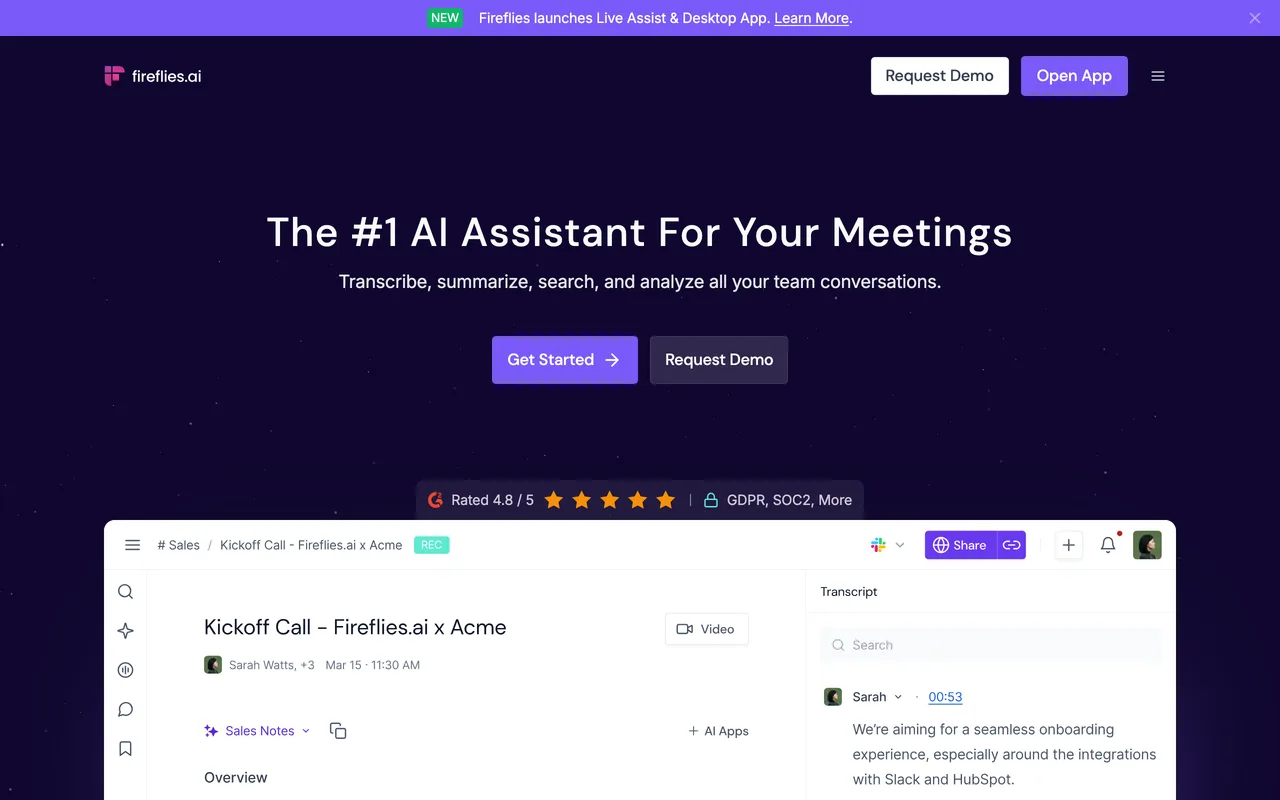
Fireflies.ai sends a bot to your calls, records and transcribes them, and then treats the result as a team asset: transcripts become a searchable archive your whole workspace can query, with integrations pushing notes and action items into your CRM and project tools.
It fits teams that want every customer call, standup and review in one place. If your meetings are a shared resource rather than personal notes, Fireflies is built around exactly that idea.
3 Granola: notes the way you already take them
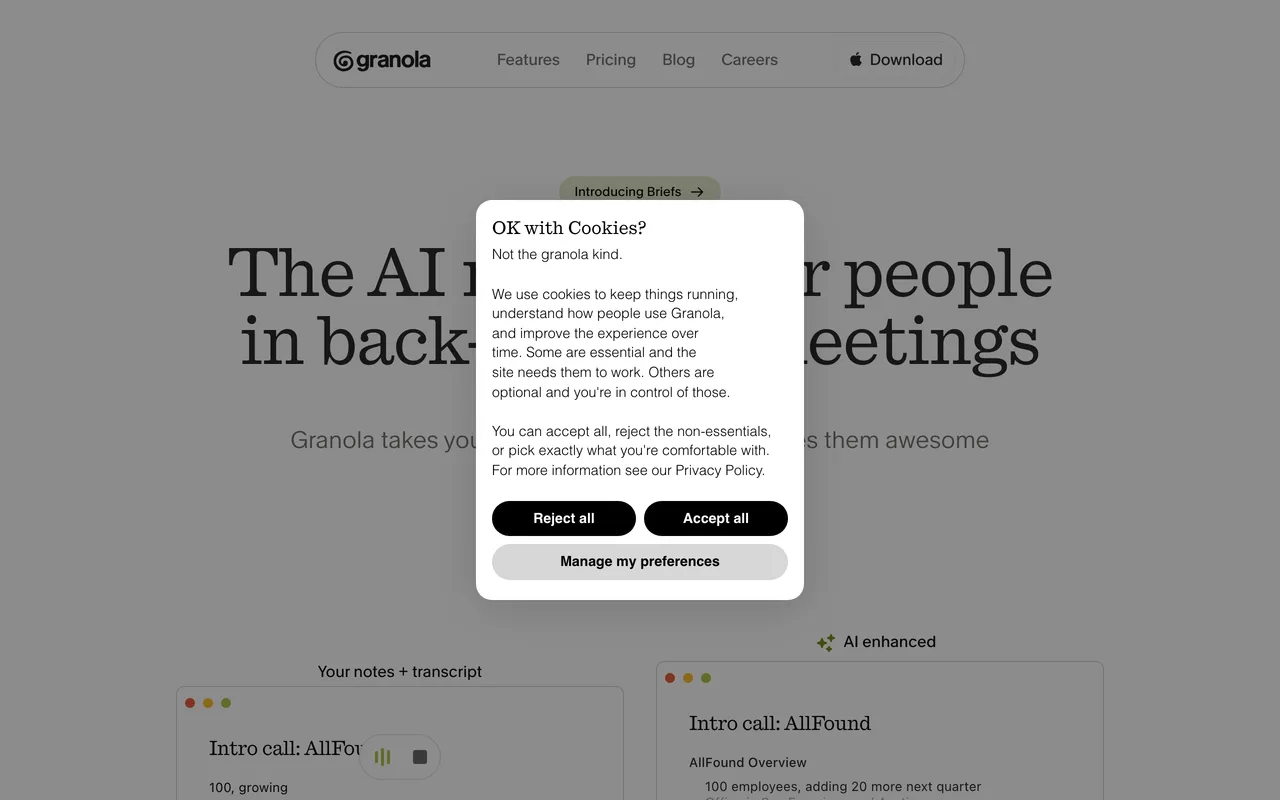
Granola takes the opposite approach to the bots. It is an AI notepad that listens from your device, no participant joining the call, and works with the rough notes you jot down yourself. When the meeting ends, it merges your fragments with the transcript into a clean, structured summary.
That makes it feel less like a recorder and more like a smarter version of the notes app you already keep open. For people in constant meetings who want polish without ceremony, it has become the quiet favorite.
4 Fathom: recordings and instant summaries
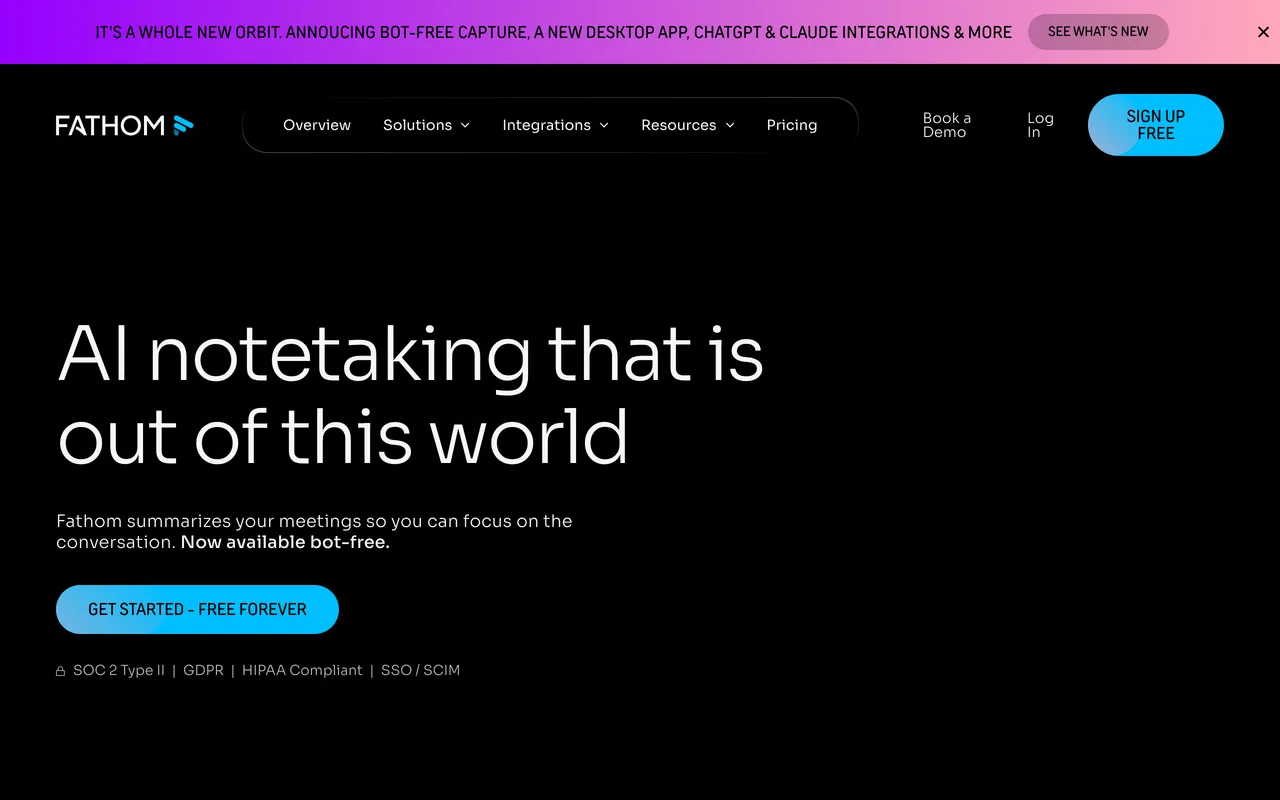
Fathom joins Zoom, Google Meet and Microsoft Teams as a bot and focuses on speed: the recording, transcript, summary and highlights are ready essentially the moment you hang up, and you can ask questions across your past meetings to pull out specifics.
It is a strong default for sales calls and customer conversations where you want video you can clip and share, and its generous entry point has made it many teams' first AI notetaker.
5 tl;dv: timestamps, clips and CRM handoffs
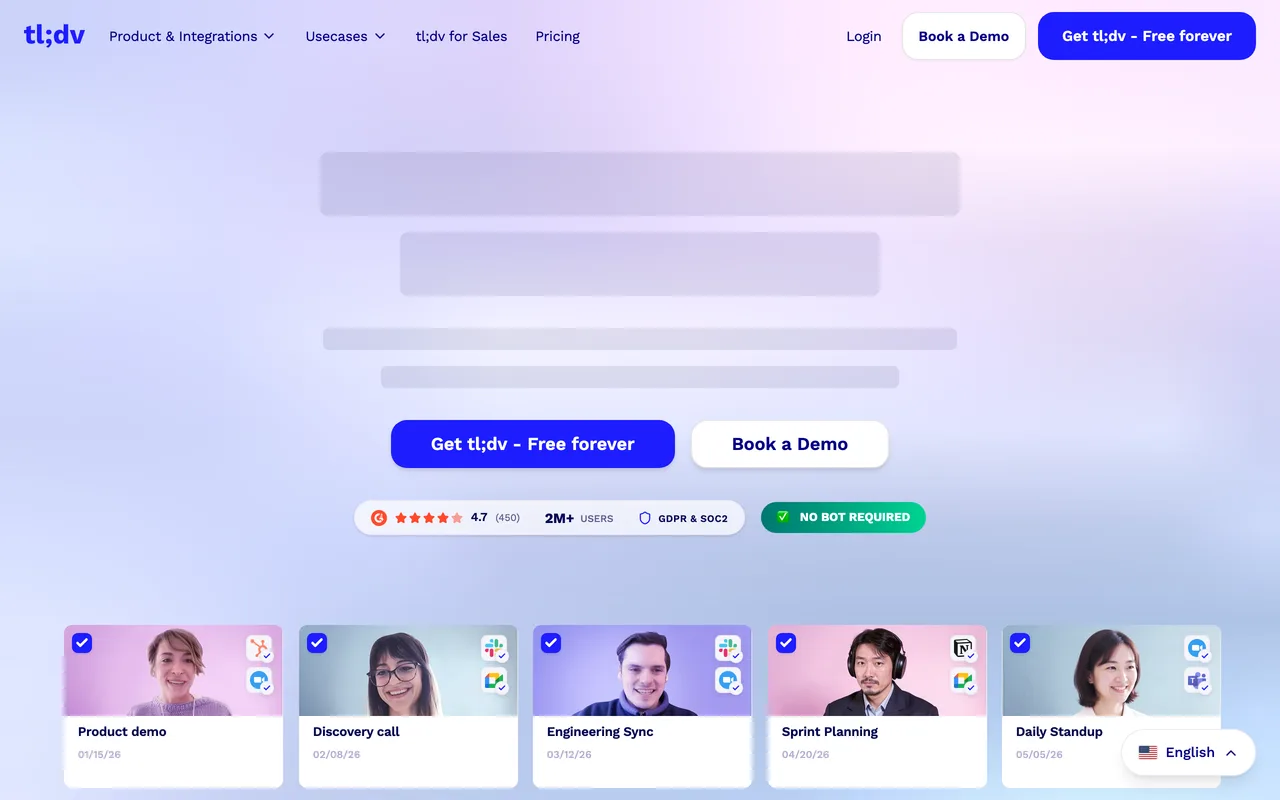
tl;dv records meetings on Zoom, Meet and Teams and leans into what happens after the call: timestamped moments, clips you can cut and share, and integrations that file summaries and insights into your CRM and docs automatically.
If your team reviews calls (coaching, user research, sales enablement), the clip-first workflow is the differentiator. A five-minute highlight reel travels much further than a full recording.
6 Fellow: structure and security for teams
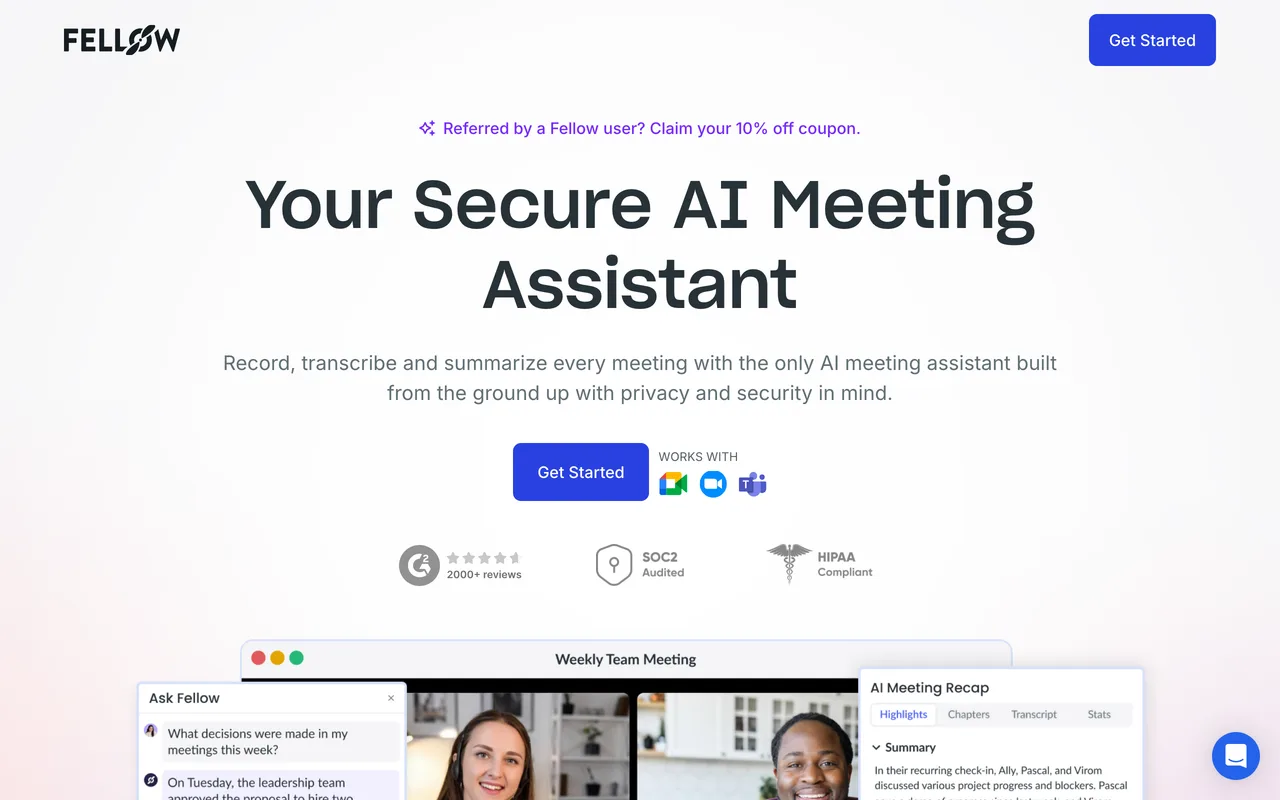
Fellow is a meeting workspace first and a notetaker second: agendas, templates, decisions and action items live alongside the AI-generated transcripts and summaries, so recurring meetings accumulate structure instead of scattered notes.
It offers both bot and no-bot capture depending on your setup, and its enterprise-grade security posture makes it the sensible pick for companies with real compliance requirements. Overkill for a solo user, exactly right for an organized team.
7 Amie: notes, tasks and calendar in one
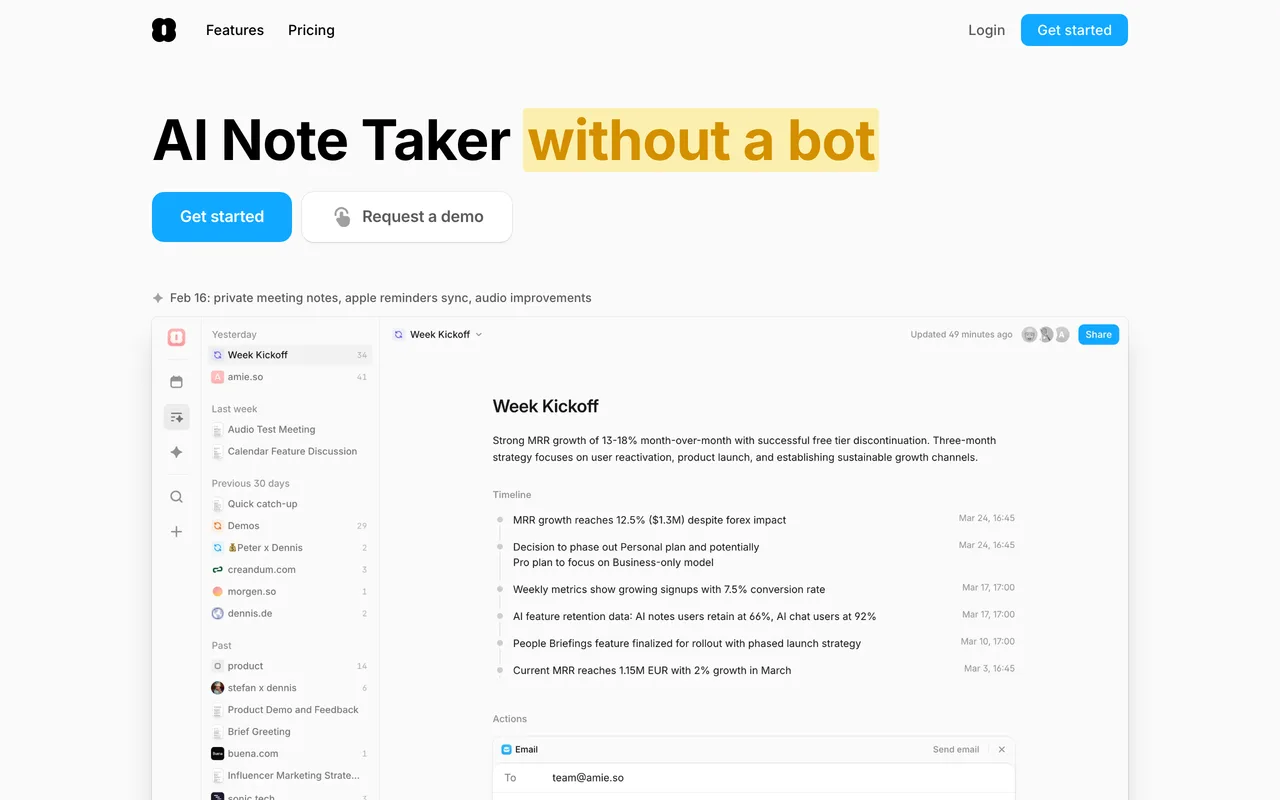
Amie folds meeting notes into a calendar-first workspace: it records calls without a bot, produces summaries with action items, and then lets those action items become tasks scheduled directly on your calendar, with AI drafting the follow-ups.
The pitch is fewer tools, not more features. If your day already runs out of your calendar, having the notes, the tasks and the schedule share one surface is genuinely pleasant.
8 Cluely: help during the call, not after it
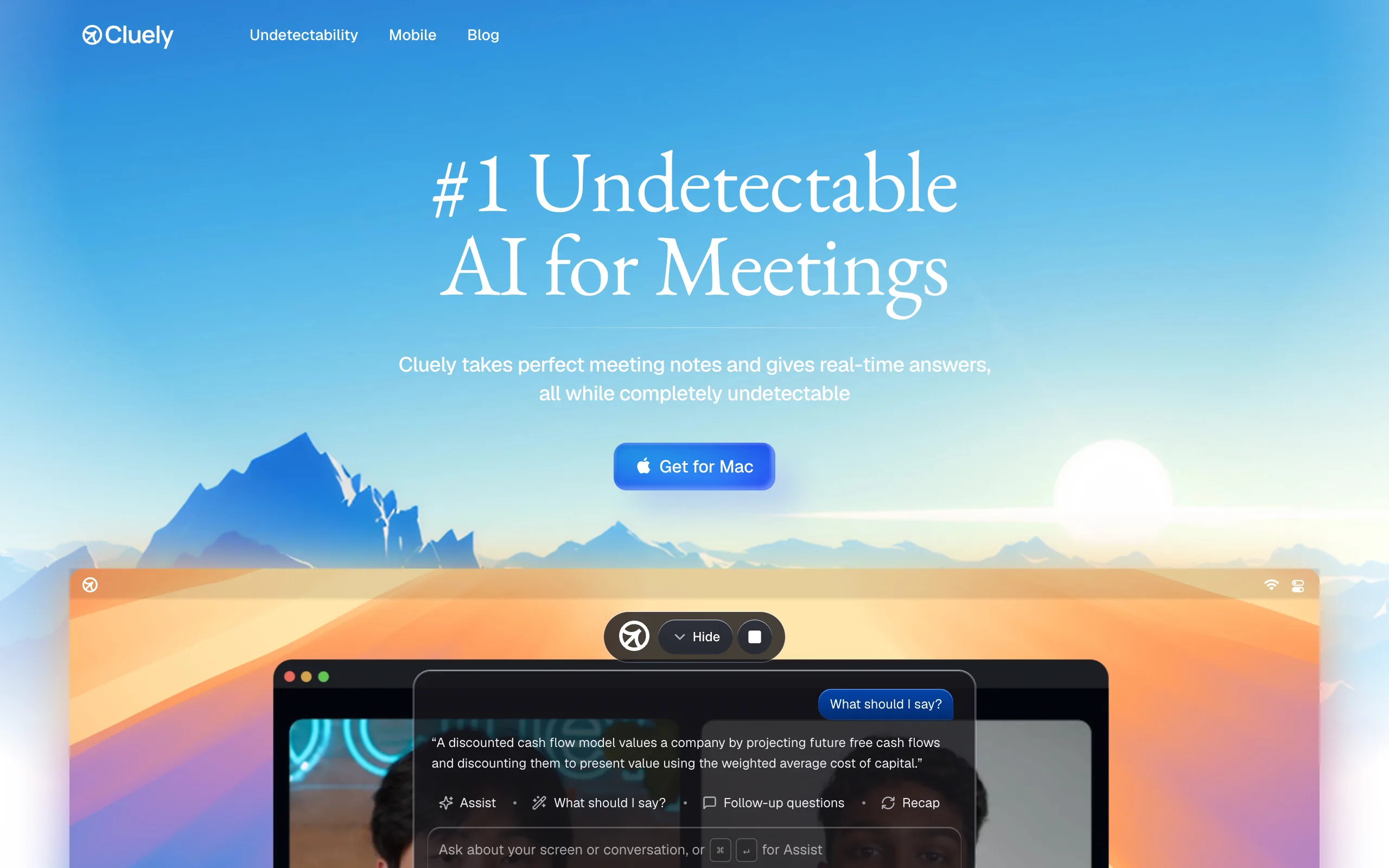
Cluely is the odd one out, in a useful way. It runs invisibly on your device and assists in real time: live answers, talking points and context on screen while the conversation is happening, with notes, transcripts and action items delivered after the call as well.
That makes it less of a passive recorder and more of a co-pilot for high-pressure conversations like sales calls and interviews. If your problem is performing in the meeting rather than remembering it, this is the different tool on the list.
How to choose
Start with the bot question: visible recorder or silent capture. Then match the tool to where the notes go. Personal polish points to Granola, a calendar-driven workflow points to Amie, a searchable team archive points to Fireflies.ai or Otter.ai, call review and coaching point to tl;dv or Fathom, structured team meetings point to Fellow, and live in-call assistance points to Cluely.
Whichever you pick, run it on a week of real meetings before rolling it out. Transcription quality varies with accents, audio setups and how much people talk over each other, and the only benchmark that matters is your own calls.
Frequently asked questions
What is an AI meeting note taker?+
A tool that records a meeting, transcribes the audio, identifies speakers, and generates a summary with decisions and action items. Most also make past meetings searchable and integrate with tools like Slack, Notion or a CRM, so notes flow into your existing workflow instead of a separate archive.
Do AI note takers have to join the call as a bot?+
No. Bot-based tools like Otter.ai, Fireflies.ai, Fathom and tl;dv join as a visible participant and usually capture video too. No-bot tools like Granola, Amie and Cluely capture audio directly from your device, so nothing appears in the meeting. Bots suit teams that want shareable recordings; silent capture suits 1:1s and sensitive conversations.
Do these tools work with Zoom, Google Meet and Microsoft Teams?+
All the tools in this guide support the major platforms, and the no-bot ones generally work with anything that plays audio through your device, including Slack huddles and in-person conversations. Check the specific integrations page of the tool you pick for edge cases like Webex or dial-in calls.
Should I tell people the meeting is being recorded?+
Yes. Recording-consent rules vary by region, and several places require everyone on the call to consent. Bot-based tools make this easy because the bot is visible; with silent-capture tools the polite and often legally required move is to say you are taking AI notes at the start of the call.