Best Social Media Tools in 2026: Our Top Picks
Quick answer
For most people, Buffer is the best social media tool, Plan and publish content across all your social channels. Stanley and Hypefury are also excellent picks, depending on what you need. Below we rank all 15 social media tools, explain how to choose, and answer the most common questions.
Key takeaways
- Buffer is the best social media tool overall for most people, it's our number-one pick below.
- Stanley is the strongest runner-up if Buffer isn't quite right for you.
- The right choice depends on your workflow, not the longest feature list. Match the tool to how you actually work.
- You only need one or two great social media tools, not a dozen, a focused setup beats a bloated one.
The best social media tools fade into the background and just let you work. The trouble is finding them among the hundreds of look-alikes and over-hyped launches.
This list cuts through that. These are the 15 social media tools we'd actually recommend to a friend in 2026, drawn from the full catalog we maintain on DesignBookmark and ordered so the strongest all-rounders come first.
Whether you're starting from scratch or upgrading a setup that's gotten clunky, you'll find something here. Skim the picks, read the notes, and click through to whatever fits how you work.
What is a social media tool?
A social media tool is software, or a website, that designers, developers and creators use to do a specific job faster, more consistently, and with far less manual effort.
Instead of doing the work by hand every time, you reach for a tool built precisely for that task, and it handles the repetitive parts for you. The difference shows up most when a job is something you do over and over, that's where the right social media tool quietly pays for itself.
The best social media tools do more than save a few clicks. They take something that used to be slow or fiddly and make it quick, repeatable, and genuinely pleasant, which adds up to real hours saved every week. You don't need a dozen of them either: one or two great social media tools usually replace a pile of half-used ones and become a permanent part of how you work. The picks below are the ones worth building your workflow around.
At a glance
The 15 best picks
1
 Buffer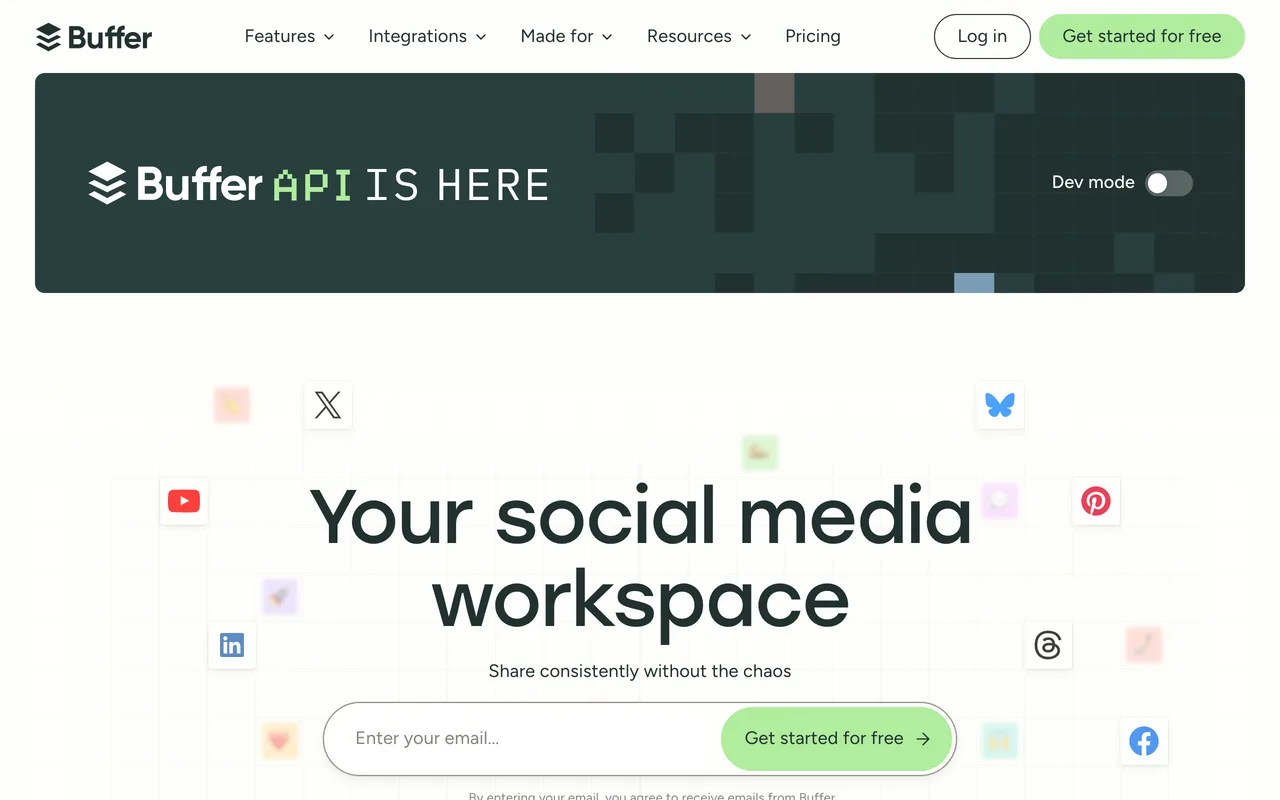
If you want a safe place to start, start with Buffer. Plan and publish content across all your social channels. It covers the fundamentals properly before reaching for anything flashy, and that focus pays off daily.
The team behind it ships steadily, so it keeps getting better rather than standing still. Give it a real project rather than a five-minute test, that's when its strengths actually show.
Best for: creators who care more about results than feature checklists.
Visit Buffer2
 Stanley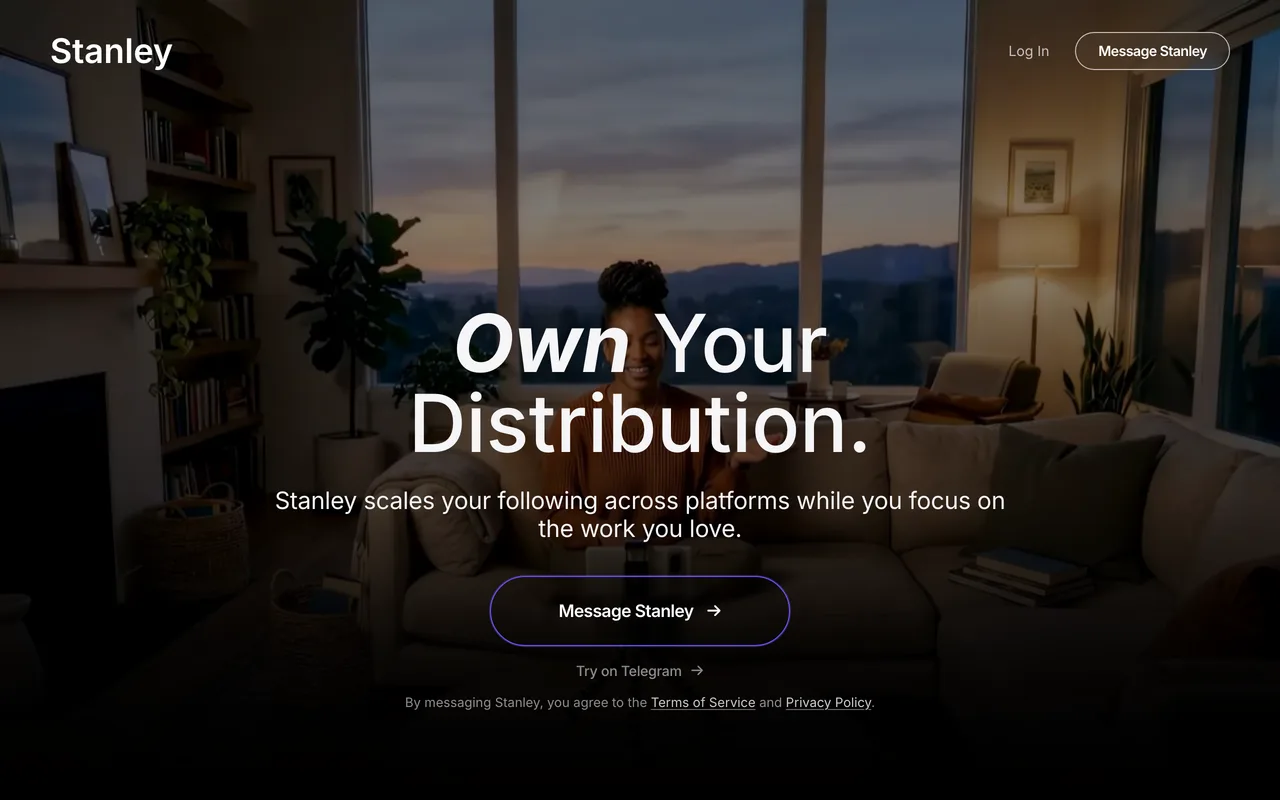
Stanley is another one worth your time. Plans and schedules social content, then tracks what engagement follows. Everything sits roughly where you'd expect, which makes the first session feel familiar instead of frustrating.
It plays nicely with the rest of a modern social media tools stack, so you won't have to tear out what already works. No tool is flawless, but the trade-offs here feel reasonable for what you get.
Best for: anyone who wants a dependable default they won't have to second-guess.
Visit Stanley3
 Hypefury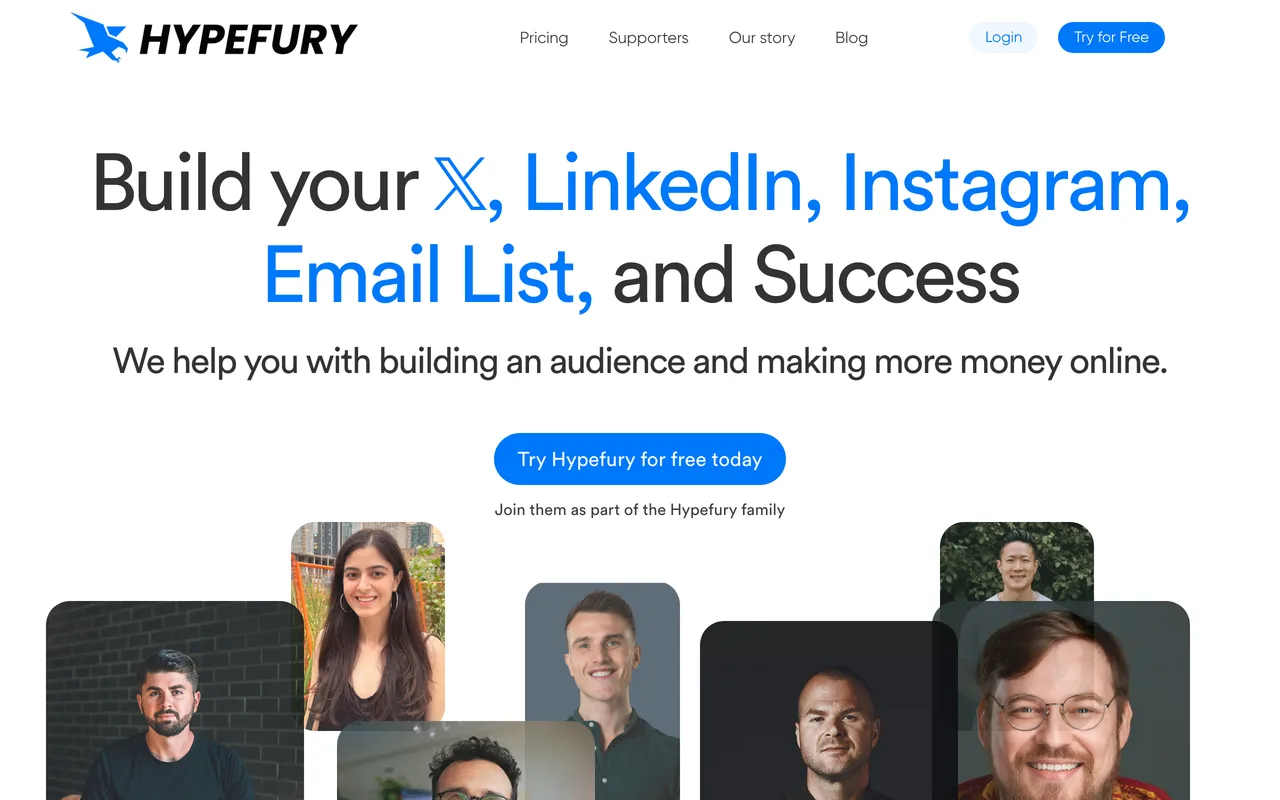
Hypefury is another one worth your time. Grow and monetize your audience on X and other socials. Everything sits roughly where you'd expect, which makes the first session feel familiar instead of frustrating.
What pushes it up our list is how thoughtfully it's built, the small details add up fast. Give it a real project rather than a five-minute test, that's when its strengths actually show.
Best for: creators who care more about results than feature checklists.
Visit Hypefury4
 Typefully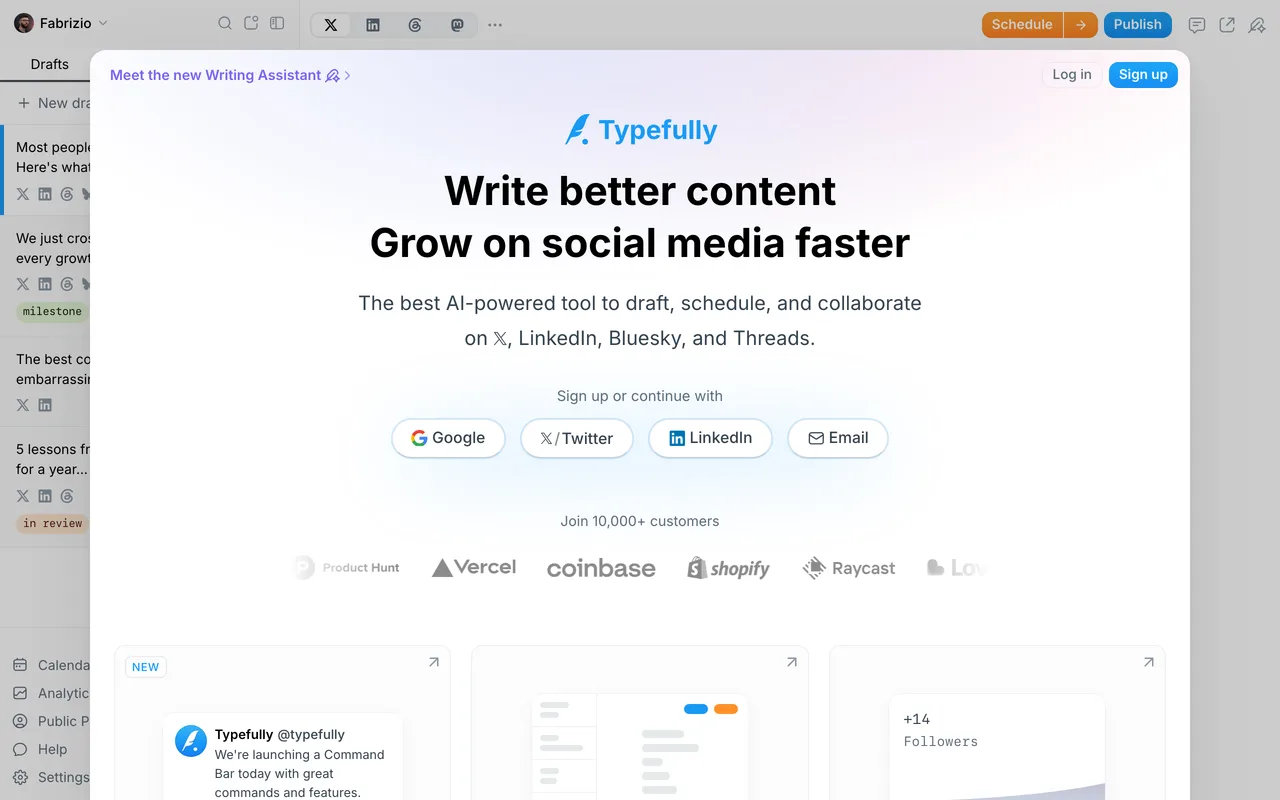
Typefully is another one worth your time. Write, schedule and grow your X and threads audience. Everything sits roughly where you'd expect, which makes the first session feel familiar instead of frustrating.
Its biggest strength is focus, it solves its core problem better than most of the alternatives. It won't be the perfect fit for everyone, but if its approach clicks with you, it's hard to give up.
Best for: creators who care more about results than feature checklists.
Visit Typefully5
 Later
LaterThat brings us to Later. The social media management and scheduling platform. In practice, that means less time wrestling with setup and more time doing the work that matters.
What pushes it up our list is how thoughtfully it's built, the small details add up fast. It won't be the perfect fit for everyone, but if its approach clicks with you, it's hard to give up.
Best for: both beginners finding their feet and pros tightening an existing workflow.
Visit Later6
 Metricool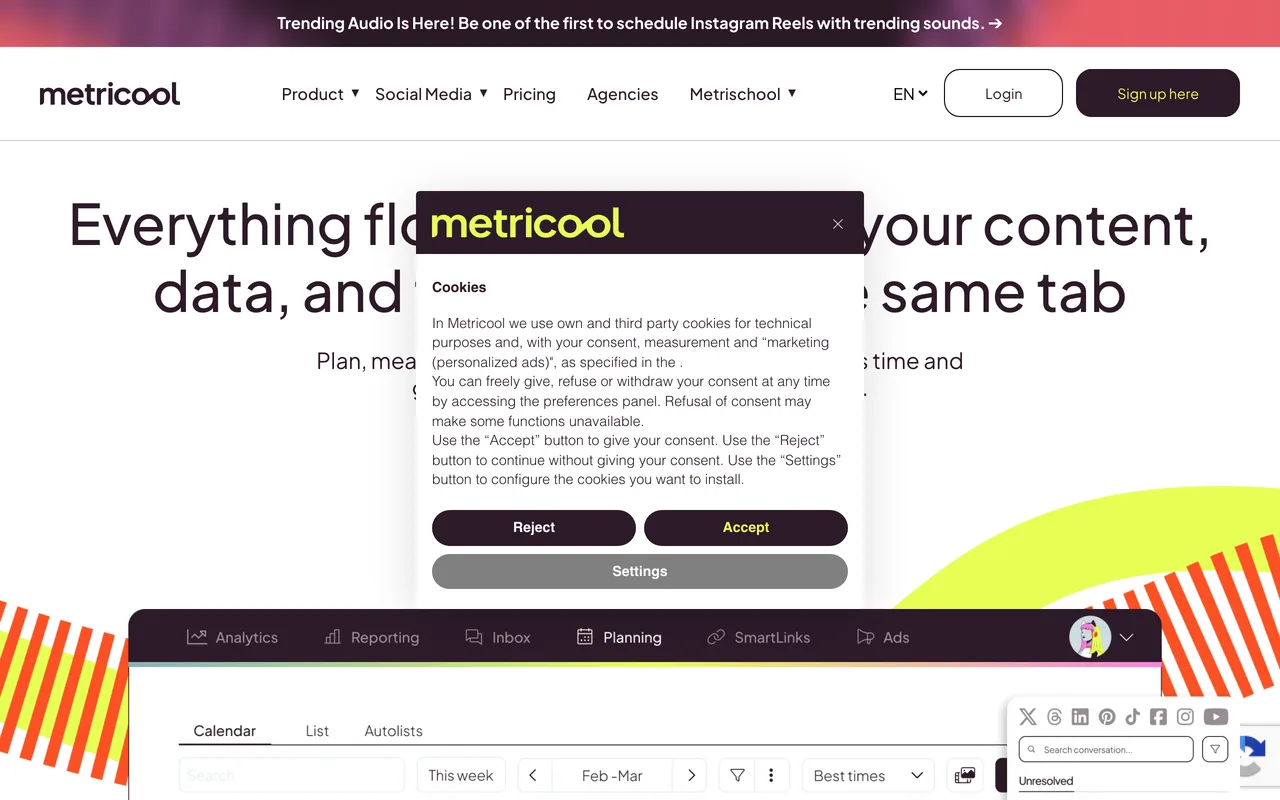
That brings us to Metricool. Manage, schedule and analyze all your social and ads. It keeps the interface clean and the core workflow front and center, so you're productive almost right away.
Its biggest strength is focus, it solves its core problem better than most of the alternatives. It won't be the perfect fit for everyone, but if its approach clicks with you, it's hard to give up.
Best for: creators who care more about results than feature checklists.
Visit Metricool7
 Pounce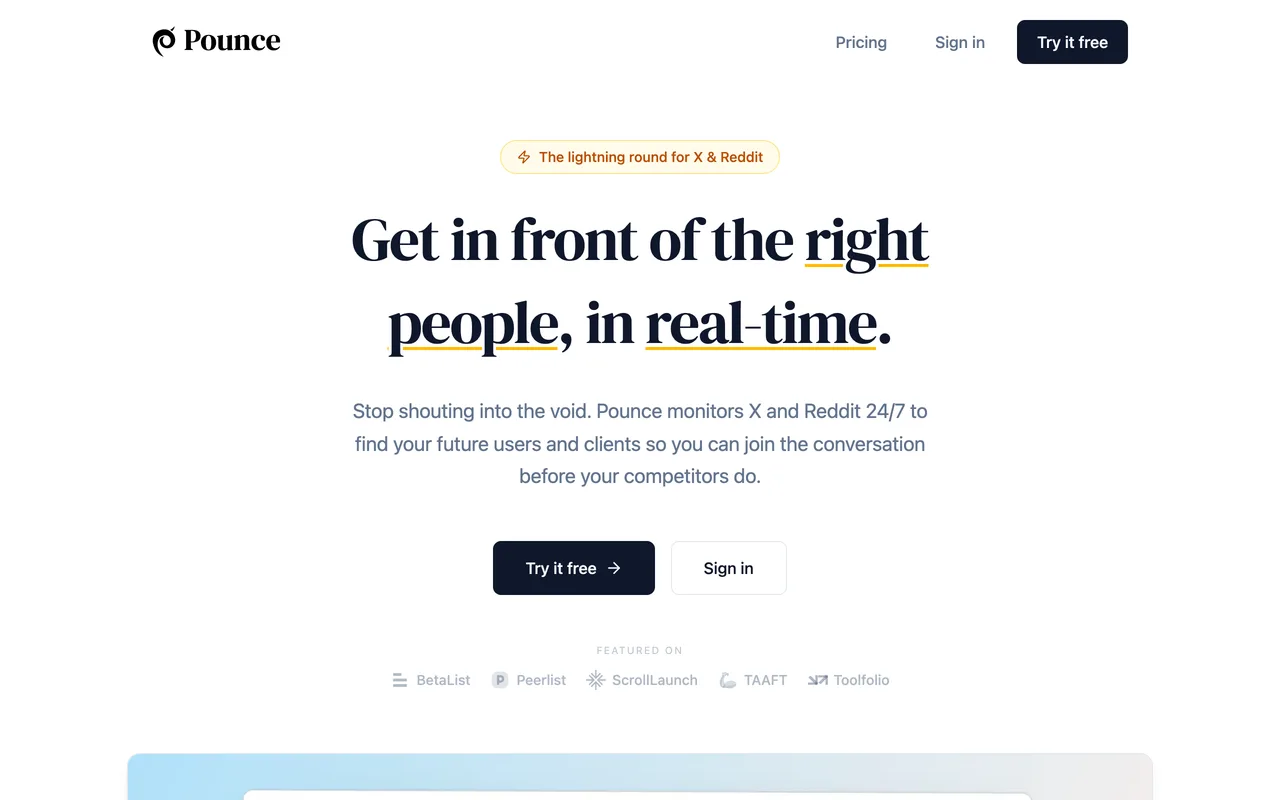
Pounce has quietly become a favorite among social media tools users. Stream the best conversations from X and Reddit to engage. Everything sits roughly where you'd expect, which makes the first session feel familiar instead of frustrating.
It plays nicely with the rest of a modern social media tools stack, so you won't have to tear out what already works. Like any tool, it rewards a little time spent learning it, after which it mostly gets out of your way.
Best for: anyone who wants a dependable default they won't have to second-guess.
Visit Pounce8
 Shield
That brings us to Shield. LinkedIn analytics to grow your personal brand. It keeps the interface clean and the core workflow front and center, so you're productive almost right away.
Where it really shines is reliability: it does what it promises, release after release. No tool is flawless, but the trade-offs here feel reasonable for what you get.
Best for: people building a lean, modern social media tools setup from scratch.
Visit Shield9
 Postiz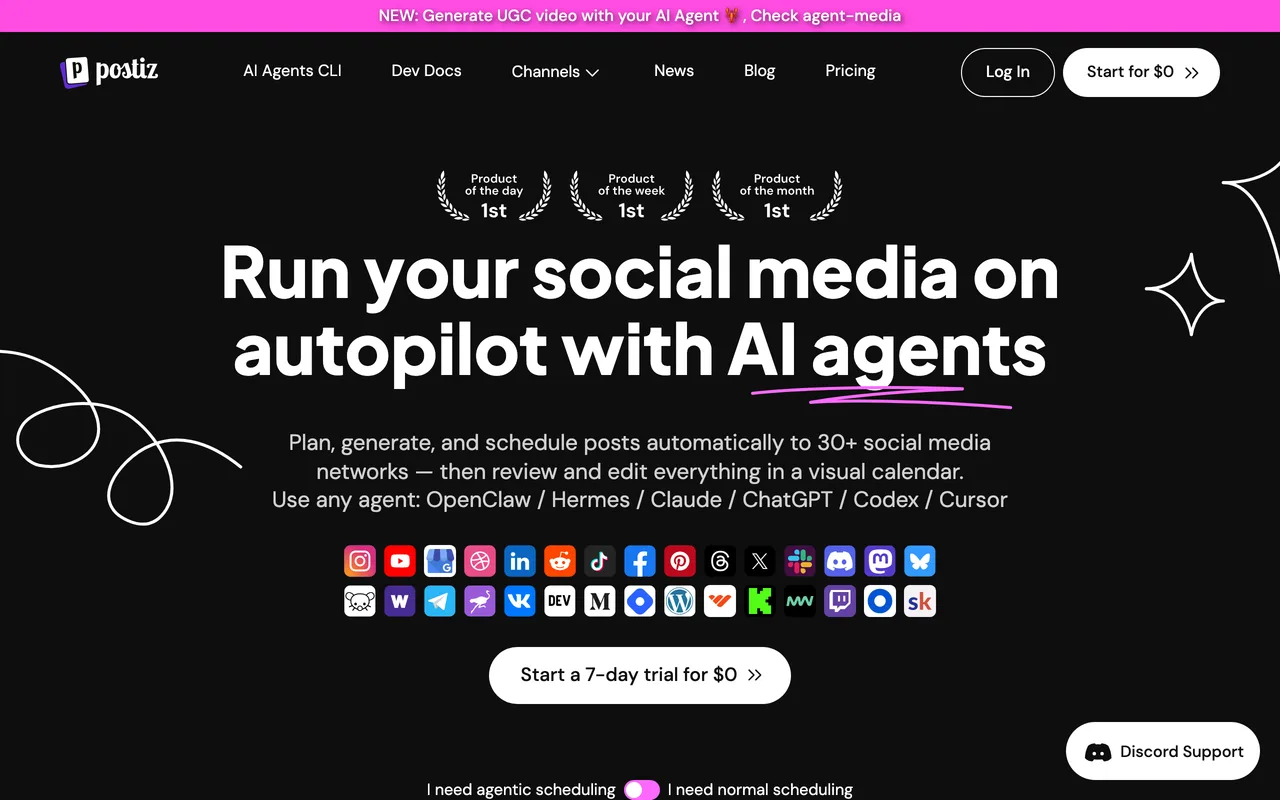
Postiz is another one worth your time. The open-source social media scheduling tool. It keeps the interface clean and the core workflow front and center, so you're productive almost right away.
The team behind it ships steadily, so it keeps getting better rather than standing still. Give it a real project rather than a five-minute test, that's when its strengths actually show.
Best for: anyone who'd rather get started than wade through documentation.
Visit Postiz10
 Hootsuite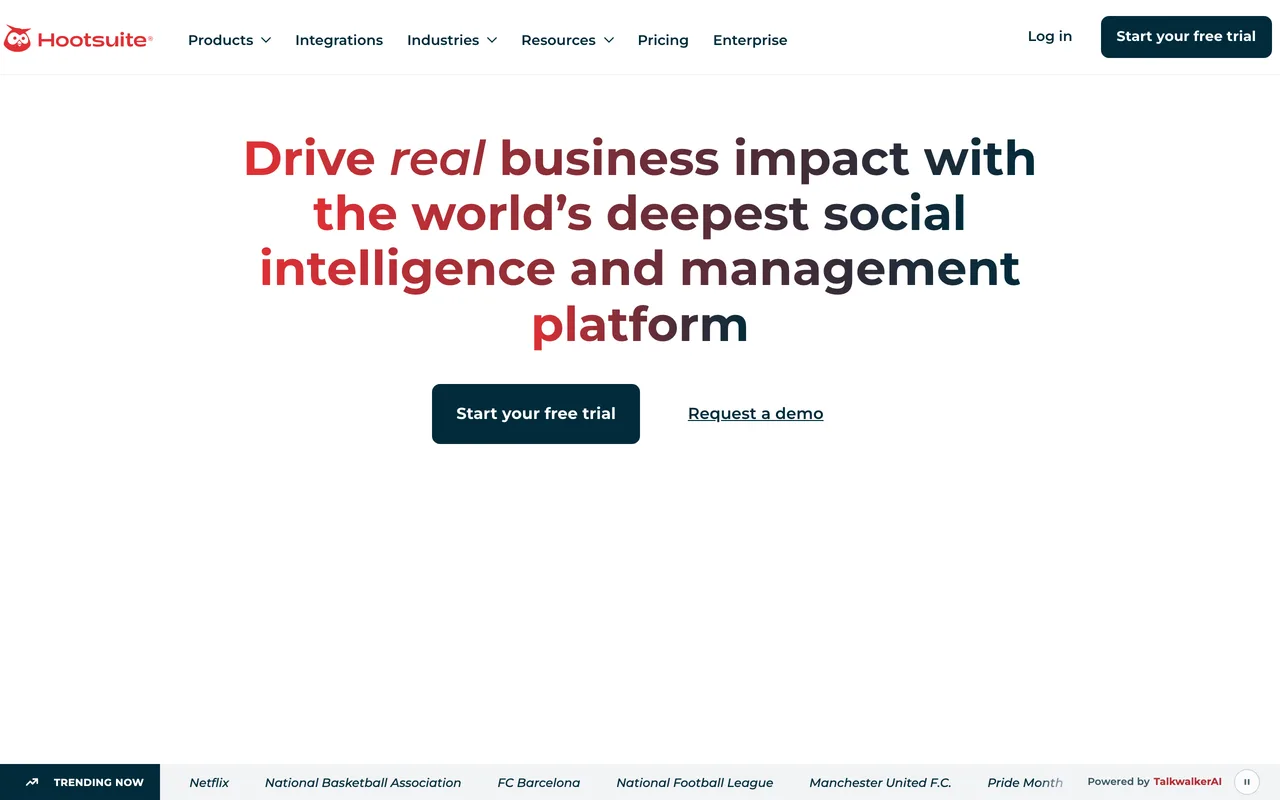
Hootsuite has quietly become a favorite among social media tools users. Manage all your social media in one dashboard. The result is a tool you can open without thinking. That's about the highest compliment you can pay software like this.
Where it really shines is reliability: it does what it promises, release after release. Like any tool, it rewards a little time spent learning it, after which it mostly gets out of your way.
Best for: people building a lean, modern social media tools setup from scratch.
Visit Hootsuite11
 Sprout Social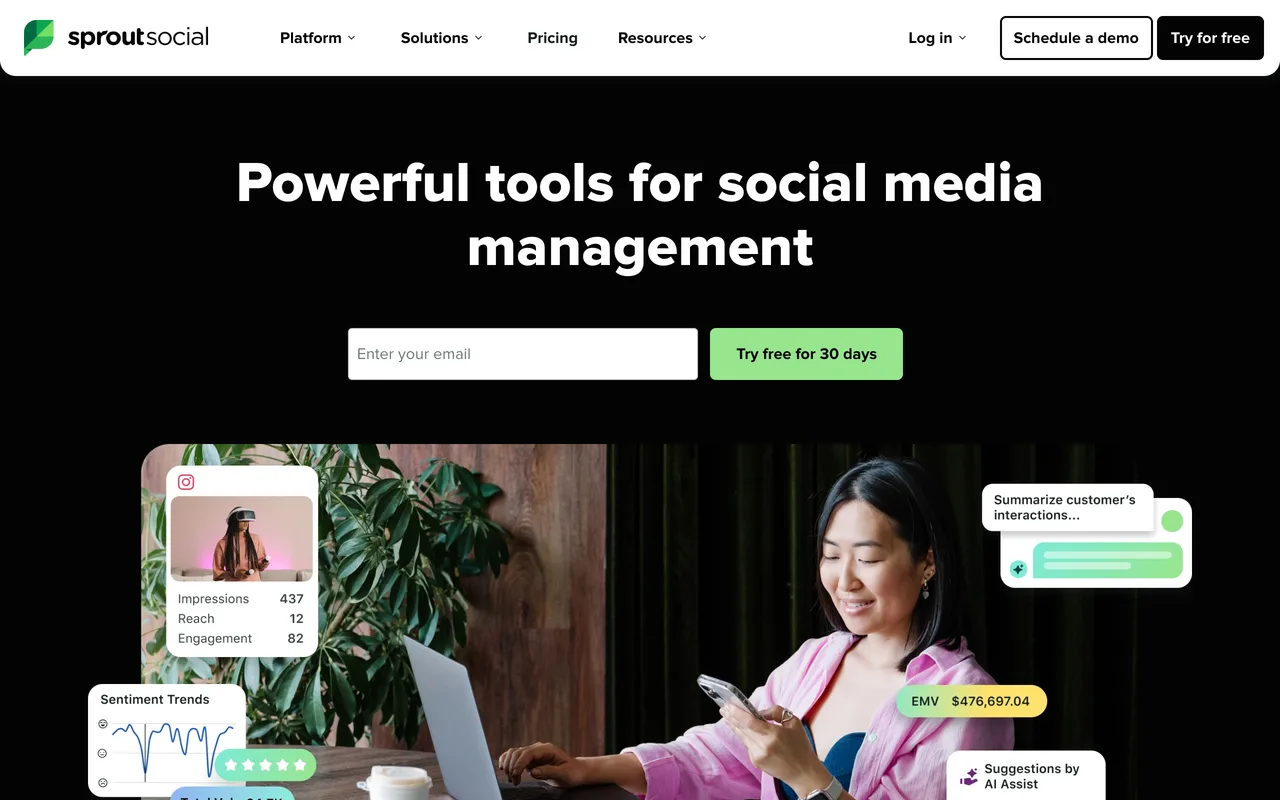
That brings us to Sprout Social. Social media management, analytics and engagement. It keeps the interface clean and the core workflow front and center, so you're productive almost right away.
What pushes it up our list is how thoughtfully it's built, the small details add up fast. Give it a real project rather than a five-minute test, that's when its strengths actually show.
Best for: creators who care more about results than feature checklists.
Visit Sprout Social12
 Taplio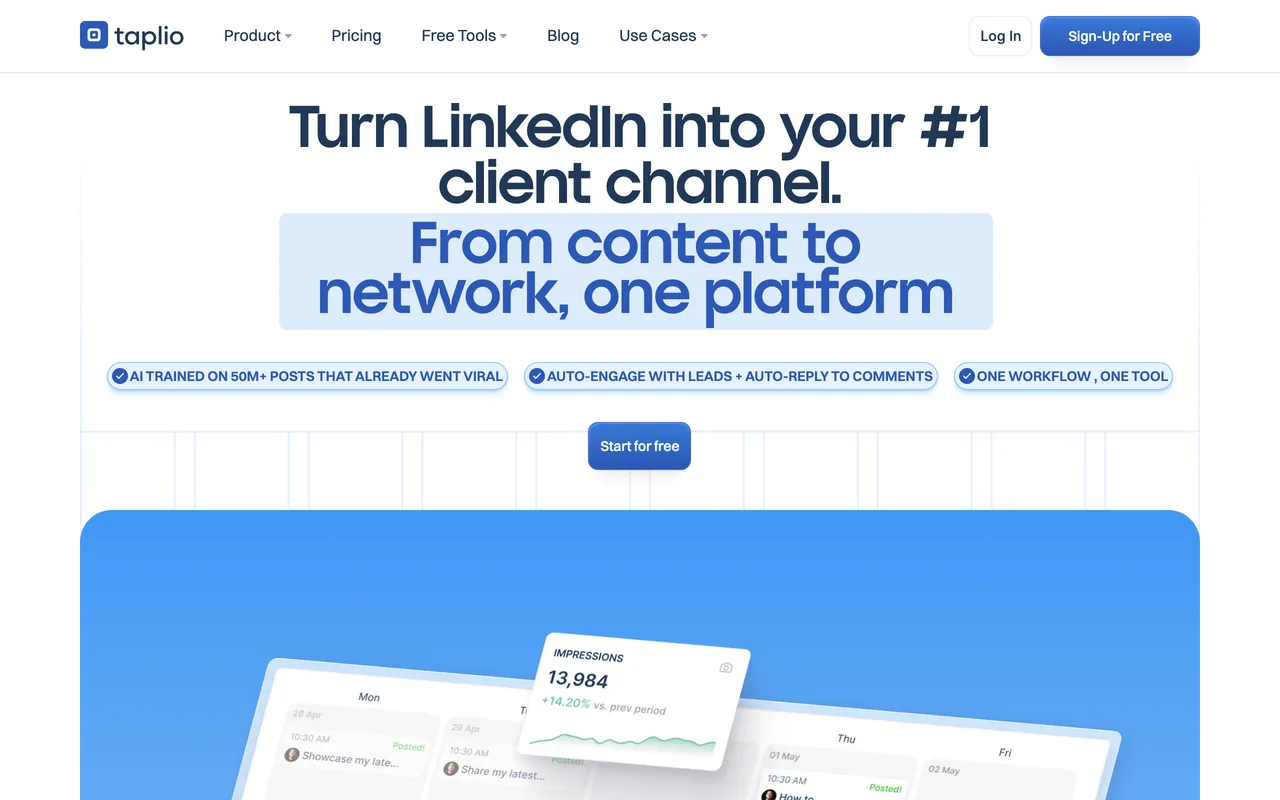
Next up is Taplio. Grow your LinkedIn personal brand with AI and scheduling. It keeps the interface clean and the core workflow front and center, so you're productive almost right away.
What pushes it up our list is how thoughtfully it's built, the small details add up fast. Give it a real project rather than a five-minute test, that's when its strengths actually show.
Best for: both beginners finding their feet and pros tightening an existing workflow.
Visit Taplio13
 Tweet Hunter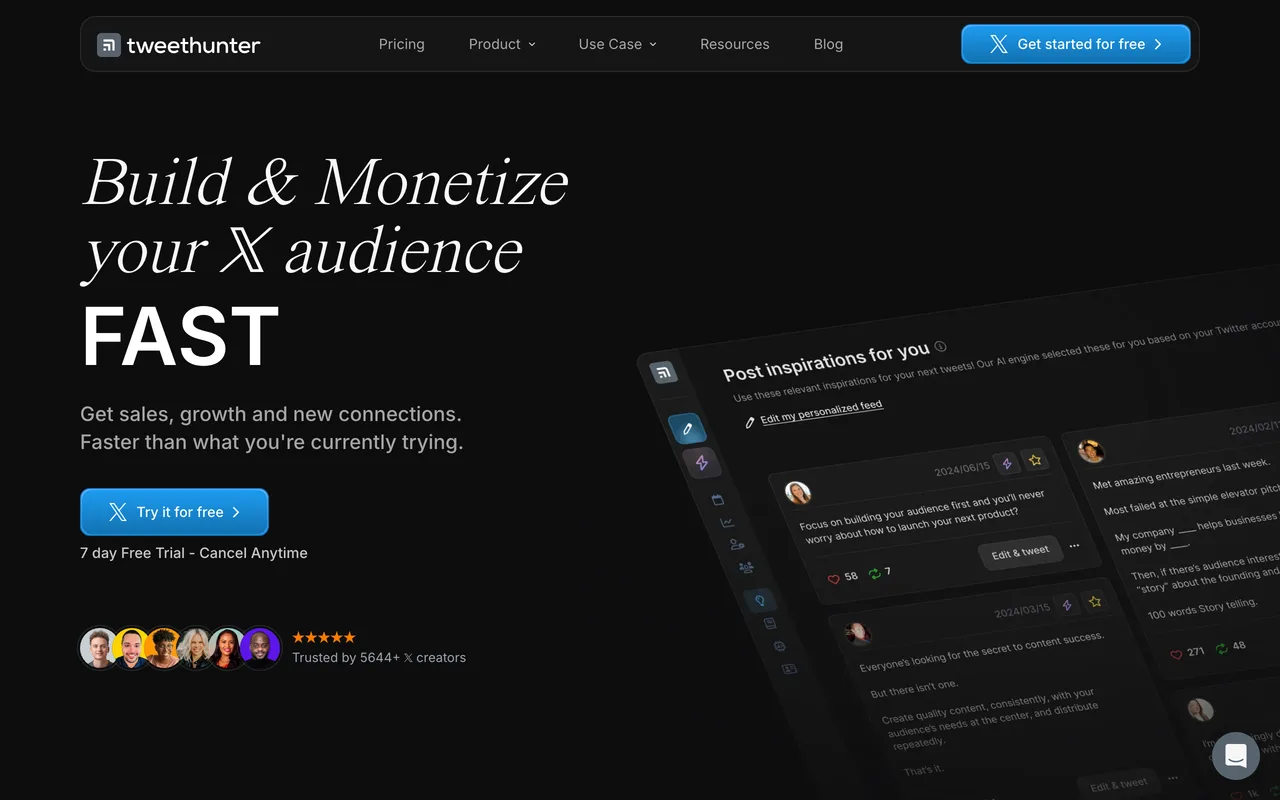
Don't overlook Tweet Hunter. Grow and monetize your X audience with AI-assisted writing. It covers the fundamentals properly before reaching for anything flashy, and that focus pays off daily.
It plays nicely with the rest of a modern social media tools stack, so you won't have to tear out what already works. Like any tool, it rewards a little time spent learning it, after which it mostly gets out of your way.
Best for: anyone who wants a dependable default they won't have to second-guess.
Visit Tweet Hunter14
 Publer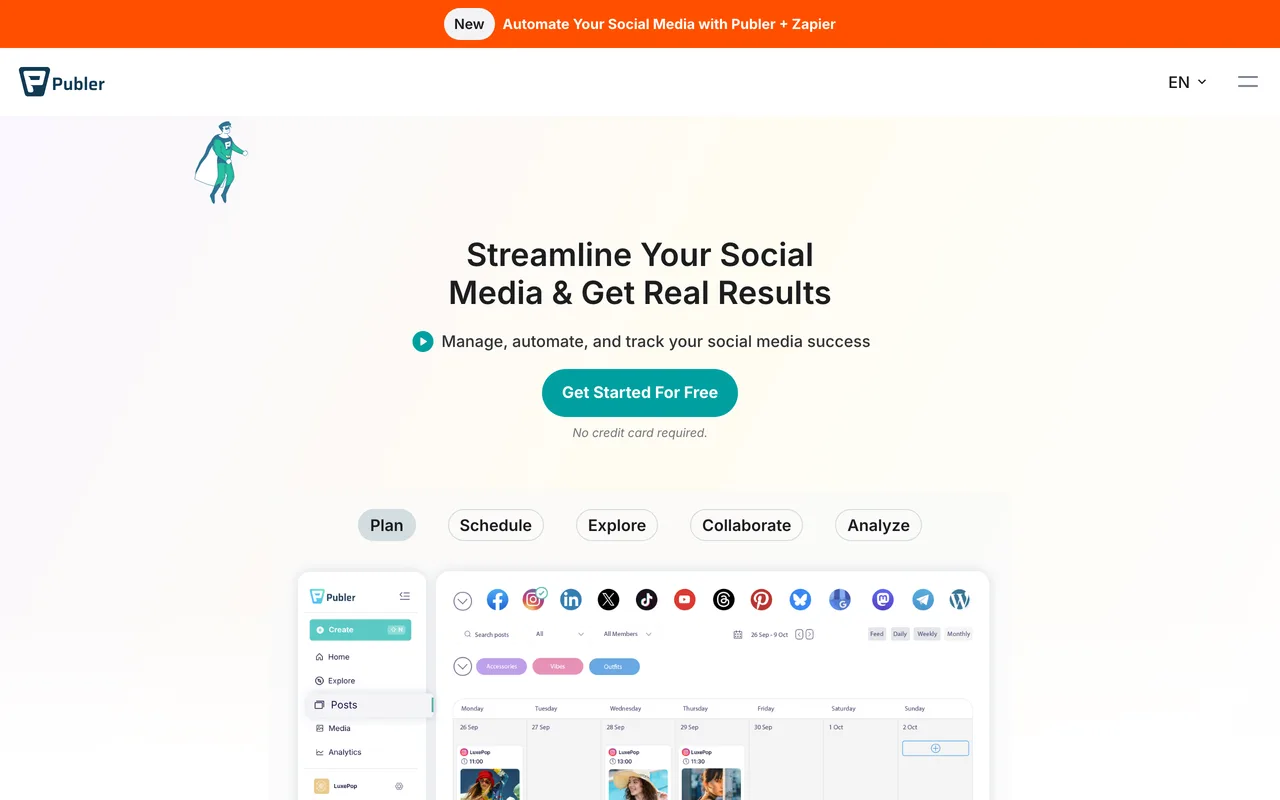
That brings us to Publer. Schedule, collaborate and analyze posts across socials. Everything sits roughly where you'd expect, which makes the first session feel familiar instead of frustrating.
What pushes it up our list is how thoughtfully it's built, the small details add up fast. Give it a real project rather than a five-minute test, that's when its strengths actually show.
Best for: anyone who'd rather get started than wade through documentation.
Visit Publer15
 SocialBee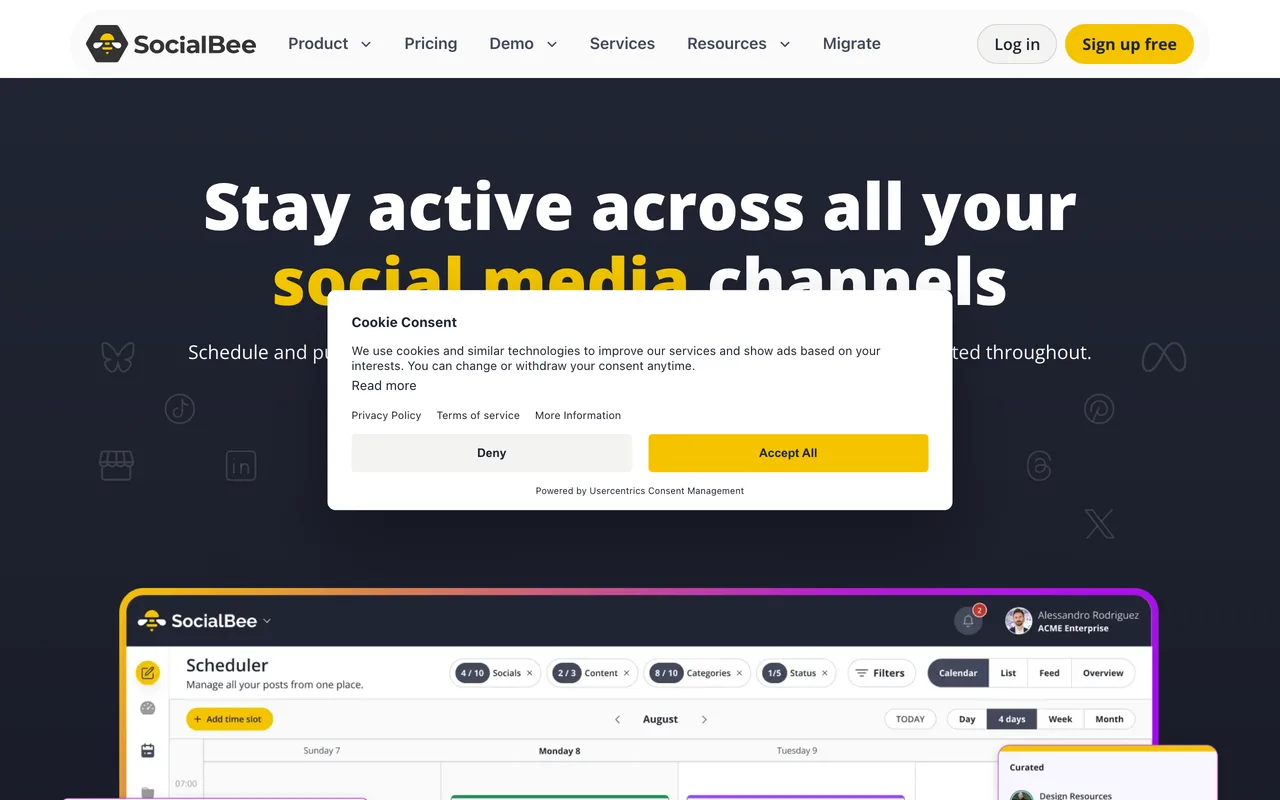
That brings us to SocialBee. Social media management with category-based scheduling. It keeps the interface clean and the core workflow front and center, so you're productive almost right away.
What pushes it up our list is how thoughtfully it's built, the small details add up fast. Give it a real project rather than a five-minute test, that's when its strengths actually show.
Best for: anyone who'd rather get started than wade through documentation.
Visit SocialBee
How they compare
| # | Tool | Best for |
|---|---|---|
| 1 | Buffer | creators who care more about results than feature checklists |
| 2 | Stanley | anyone who wants a dependable default they won't have to second-guess |
| 3 | Hypefury | creators who care more about results than feature checklists |
| 4 | Typefully | creators who care more about results than feature checklists |
| 5 | Later | both beginners finding their feet and pros tightening an existing workflow |
| 6 | Metricool | creators who care more about results than feature checklists |
| 7 | Pounce | anyone who wants a dependable default they won't have to second-guess |
| 8 | Shield | people building a lean, modern social media tools setup from scratch |
| 9 | Postiz | anyone who'd rather get started than wade through documentation |
| 10 | Hootsuite | people building a lean, modern social media tools setup from scratch |
| 11 | Sprout Social | creators who care more about results than feature checklists |
| 12 | Taplio | both beginners finding their feet and pros tightening an existing workflow |
| 13 | Tweet Hunter | anyone who wants a dependable default they won't have to second-guess |
| 14 | Publer | anyone who'd rather get started than wade through documentation |
| 15 | SocialBee | anyone who'd rather get started than wade through documentation |
How to choose
It fits how you already work
The best social media tools slot into your existing routine instead of forcing a new one. Look for sensible defaults, integrations with the apps you already use, and a workflow that feels obvious within the first few minutes.
Honest, predictable pricing
Free trials are nice, but check what happens after. A clear free tier or a fair flat price beats a cheap plan that locks the features you actually need behind a much higher one. Always click through to confirm current pricing, plans change often.
It's actively maintained
A tool is only as good as the team behind it. Recent updates, a responsive changelog, and an active community are strong signals that a tool will still be around, and still improving, a year from now.
It does one thing really well
Be wary of tools that try to do everything. The picks that last tend to be focused: they solve a specific problem better than anything else, and they play nicely with the rest of your stack.
How we picked
Every tool in this guide is part of the curated DesignBookmark directory, where we track hundreds of social media tools and keep only the ones genuinely worth recommending. We prioritize tools that are useful day to day, actively maintained, and trusted by the design and developer community, not just whatever launched most recently. Rankings favor the strongest all-rounders first, and we refresh this guide as new tools appear and others change.
Frequently asked questions
What are the best social media tools?+
For most people, Buffer is the strongest all-round choice, it's the first pick on our list above. Stanley is also excellent and may suit you better depending on your needs. The honest answer is that the "best" one is whatever fits your workflow, so compare the full ranked list and try a couple.
Are there any free social media tools?+
Yes, several options on this list offer a free plan or free tier, including tools like Buffer, Stanley, Hypefury. Free plans usually cover solo use or smaller projects, with paid tiers unlocking more. Click through to each tool to check its current pricing, since plans change regularly.
What should I look for when choosing social media tools?+
Focus on fit, pricing, and momentum: does it match how you already work, is the pricing fair and predictable, and is the tool actively maintained? Our buyer's guide above breaks down each of these. It's usually better to pick one focused tool you'll actually use than a do-everything app you won't.
Is Buffer better than Stanley?+
Both are excellent, which is why they're at the top of this list. Buffer edges ahead for most people thanks to its all-round strength, but Stanley can be the better fit depending on your specific workflow. They're easy enough to try side by side, so we'd test both before committing.
How many social media tools do I actually need?+
Usually just one or two. It's tempting to collect tools, but a focused setup you know well beats a sprawling stack of half-used apps. Pick a reliable default from this list, add a second only if it covers a real gap, and skip the rest.
How often is this guide updated?+
We review this list regularly and refresh it as new social media tools launch and existing ones change. It was last reviewed in 2026. DesignBookmark tracks hundreds of tools, so this guide reflects what's genuinely worth using right now.
The bottom line
To wrap up: start with Buffer if you're not sure, then branch out as your needs grow. The 15 social media tools above are all genuinely good, the real win is building a lean setup of tools you'll reach for every day.