Vibe Coding Is Real Now: Tools That Turn Prompts Into Products
A year ago, describing an app in plain English and watching it get built felt like a demo trick. In 2026 it's a workflow with a name, vibe coding, and a maturing toolchain behind it. Here is the stack, and what each piece is actually for.
What vibe coding actually means
The term started as a half-joke: you describe the vibe of what you want, the AI writes the code, and you steer by reacting to results instead of reading every line. Underneath the meme is a real shift. Modern coding agents can plan multi-step changes, run what they wrote, look at the errors, and fix themselves in a loop.
That loop is the difference between autocomplete and an agent. Autocomplete saves keystrokes. An agent takes a goal ("add auth", "make this page responsive", "build me a waitlist site") and carries it across files, terminals and previews until it works.
The tools below split into two camps: AI-native editors for people who still live in the code, and prompt-to-app builders for people who mostly don't want to see it. Knowing which camp you're in is 90% of choosing well.
1 Cursor: the AI-native editor
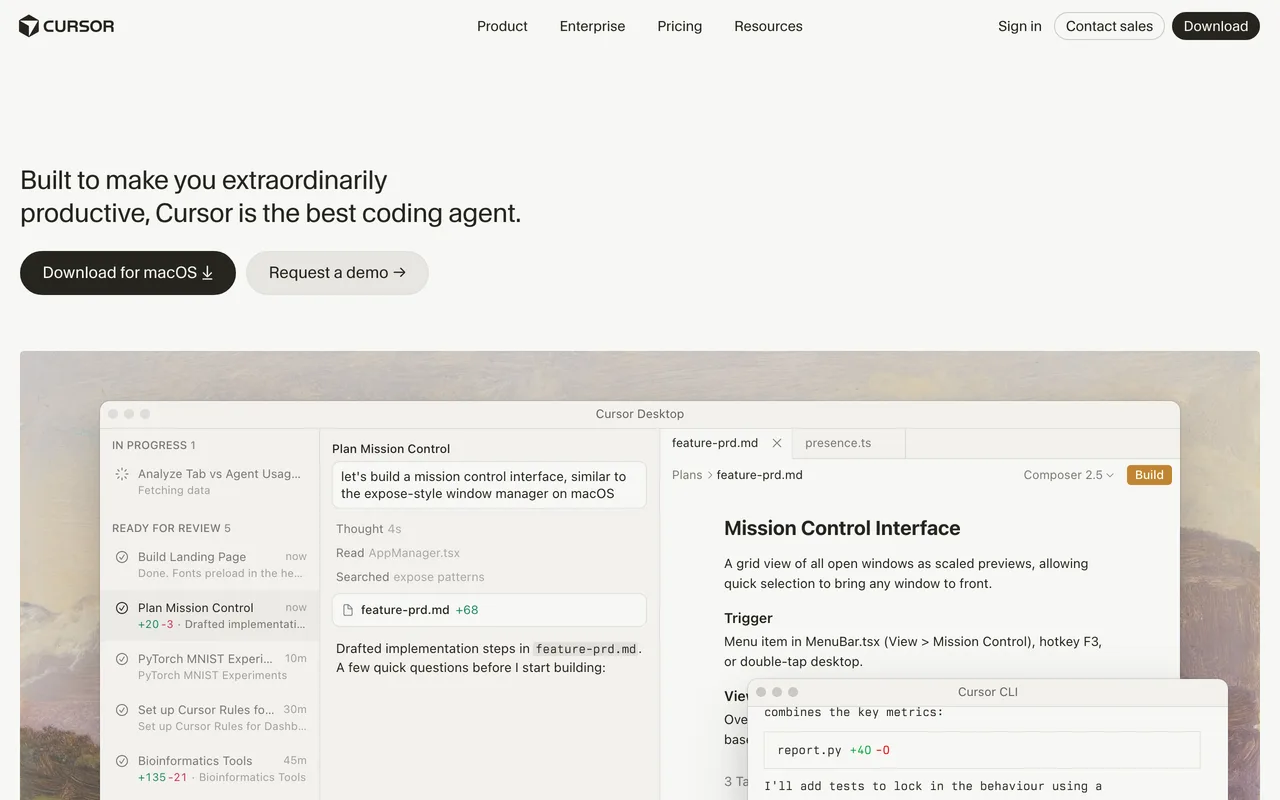
Cursor took a familiar editor shape and rebuilt it around AI. Its agent mode reads your codebase, plans a change across multiple files, applies it, and shows you a reviewable diff. You stay in control of every commit, but the typing-it-all-out part of programming quietly disappears.
It has become the default answer for professional developers dipping into agentic coding, because it doesn't ask you to abandon anything: your repo, your stack and your habits all stay put.
2 Claude Code: the agent in your terminal
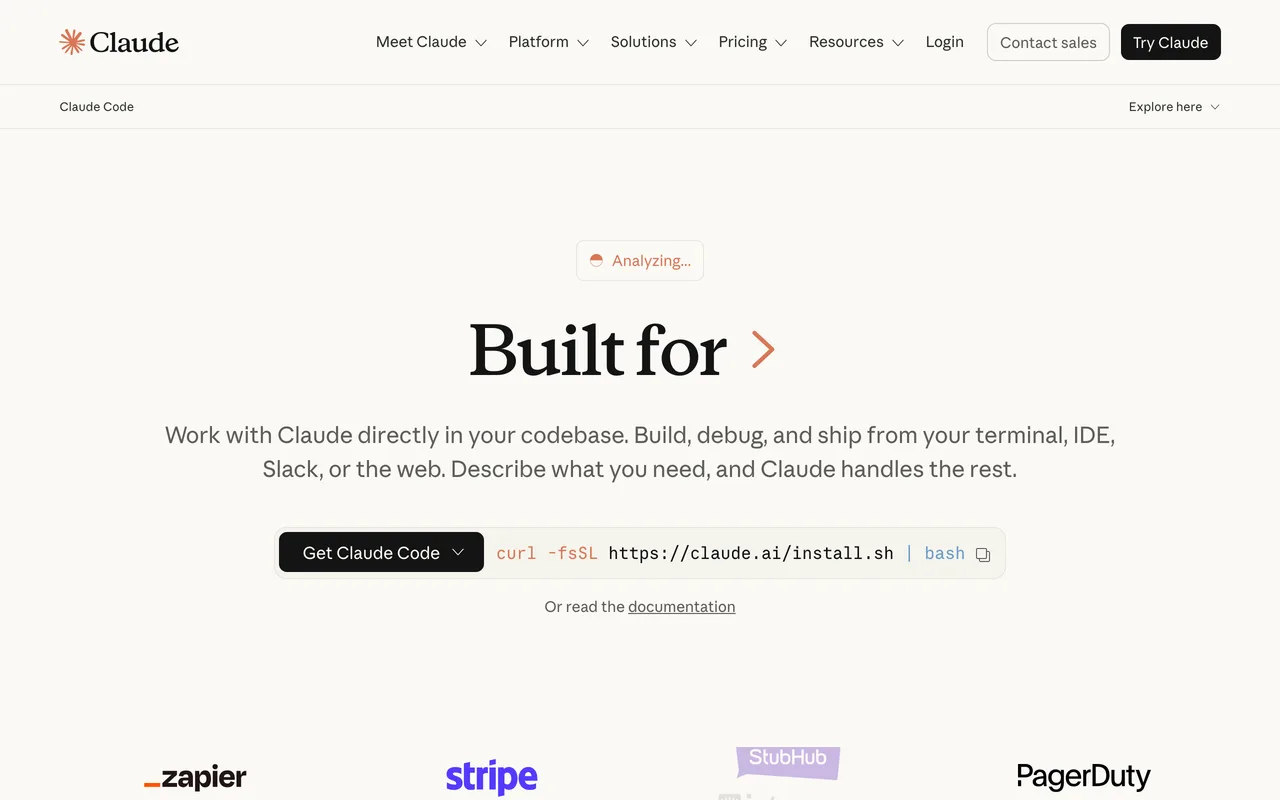
Claude Code skips the editor entirely and lives in the command line. You give it a task, and it explores the repo, edits files, runs tests and iterates until the job is done, narrating what it's doing as it goes.
It suits people who think in tasks rather than files: refactors, bug hunts, wiring up a feature end to end. Because it's terminal-first it also slots into scripts and CI, which makes it the most automatable tool on this list.
3 Windsurf: flows over files
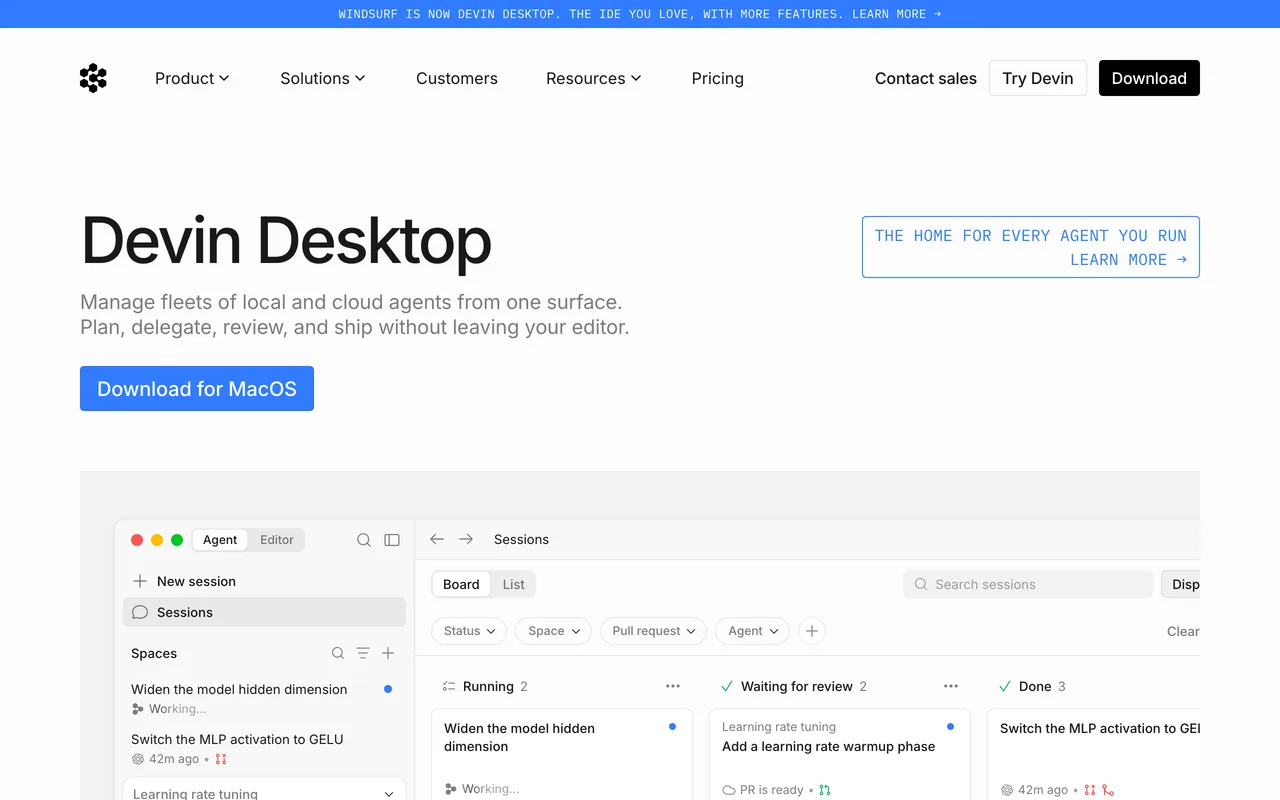
Windsurf is an agentic IDE built around the idea of a flow: the editor keeps track of what you're trying to do and its agent works alongside you, picking up context from your recent actions instead of waiting for a perfectly written prompt.
In practice it feels like pair programming where the pair is always caught up. If Cursor is an editor with an agent attached, Windsurf leans further toward the agent driving while you supervise.
4 v0: prompts to production UI
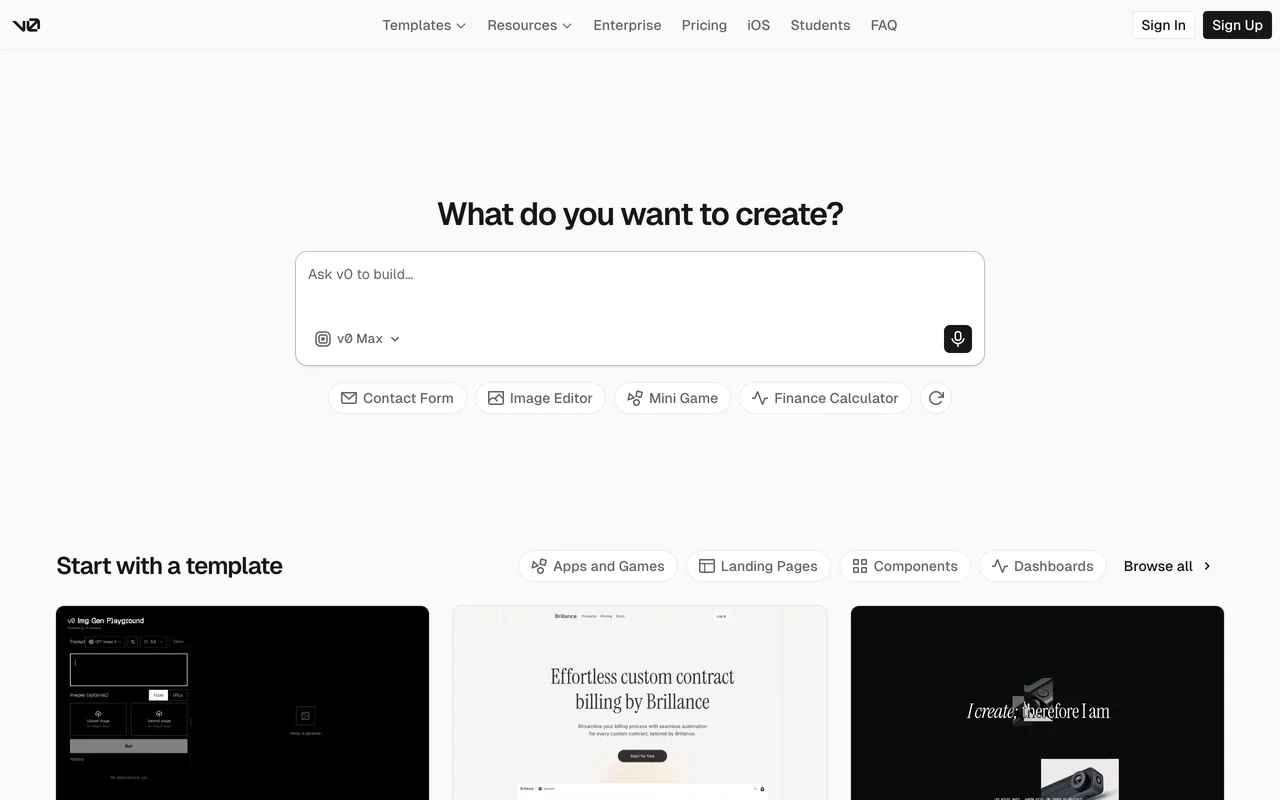
v0 by Vercel generates real React interfaces from a text prompt: shadcn/ui components, Tailwind styling, responsive out of the box. You iterate in chat, fork what's promising, and ship the result straight to Vercel.
It's the strongest pick when the thing you're building is mostly interface. Designers use it to make ideas tangible without waiting on a build; developers use it to skip the blank-component stage.
5 Lovable: chat to full-stack app
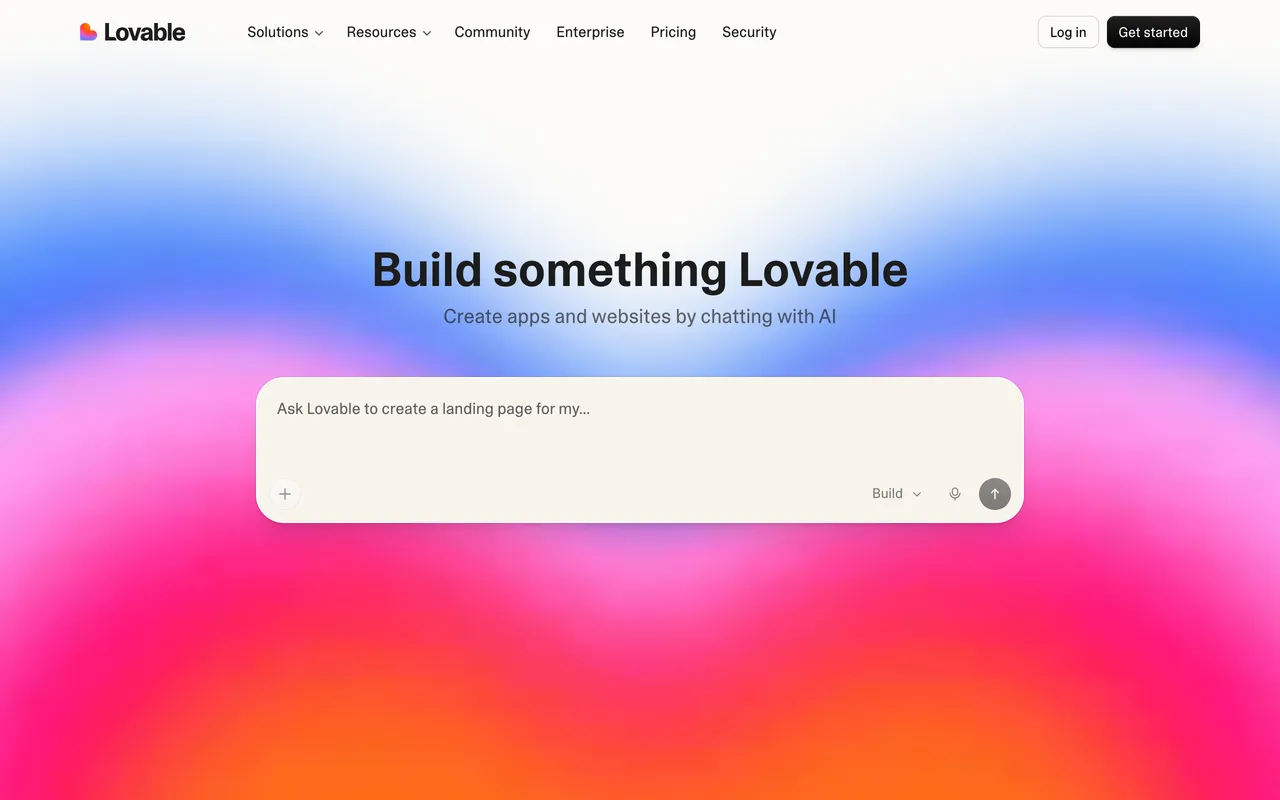
Lovable aims past the UI at the whole product: describe the app and it scaffolds frontend, backend and database together, with Supabase handling data and auth. The chat is the IDE; the preview is the feedback loop.
It has become the tool of choice for founders validating ideas, because the distance from "what if" to a working, shareable app is measured in an afternoon.
6 Bolt.new: full-stack in the browser tab
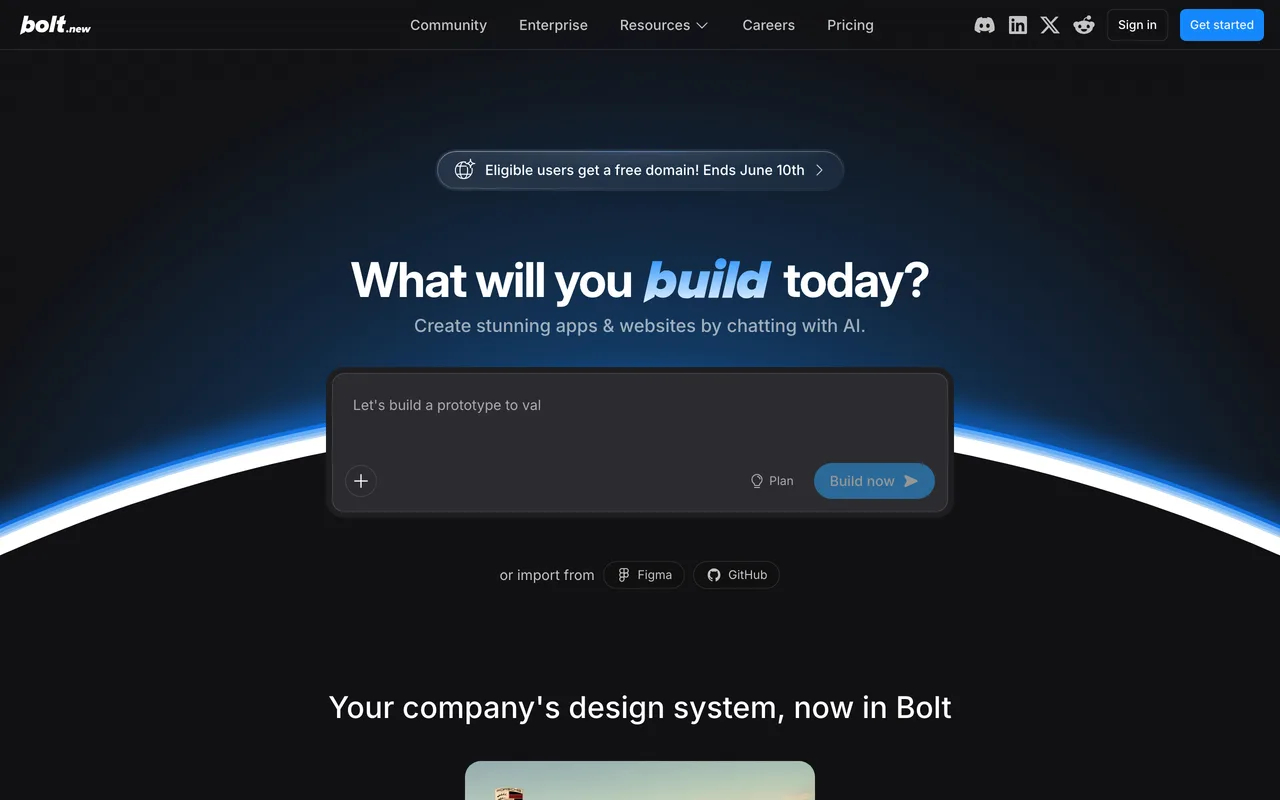
Bolt.new runs the entire dev environment inside your browser, terminal, node processes and all, so the agent can install packages, run servers and edit code in one sandbox. Prompt, watch it build, deploy.
Zero setup is the selling point. Nothing to install and nothing to configure makes it the easiest way to go from idea to running full-stack code, especially for quick experiments.
7 Replit Agent: from phone to deployed app
Replit Agent builds on Replit's cloud IDE, so the agent doesn't stop at writing code: it provisions the database, sets up hosting and leaves you with a live URL. The whole lifecycle happens in one place, and it works from a browser or a phone.
It's the most end-to-end option here, and the one to hand to someone who has never opened an editor but has an app idea they can describe clearly.
Picking your lane
If you're a developer who wants leverage without giving up the wheel, start with Cursor or Windsurf, and add Claude Code when you want tasks done while you do something else. If you want product from prompts, v0 for interfaces, Lovable or Bolt.new for full apps, Replit Agent when you want hosting and database handled too.
Whichever lane you pick, the skill that matters is the same: describing what you want precisely, checking what came back, and knowing when to stop prompting and start reading the code.
Frequently asked questions
What is vibe coding?+
Building software by describing outcomes to an AI agent that writes, runs and fixes the code itself, while you steer by reviewing results. The term covers everything from AI-native editors like Cursor to prompt-to-app builders like Lovable and Bolt.new.
Do I still need to know how to code?+
For quick prototypes and simple apps, less than ever. For anything you plan to maintain, code literacy still pays: agents make mistakes confidently, and someone has to spot them, review the diffs and make architectural calls. Think of it as moving from writing code to editing it.
Which tool should I try first?+
Developers: Cursor, it upgrades the editor you already use. Non-developers with a UI idea: v0. Non-developers with a full app idea: Lovable or Replit Agent, both take care of the stack behind the screen.