



 Visit website

Kling AI: Features & Overview
AI Video
About
AI studio that makes video and images from text and references
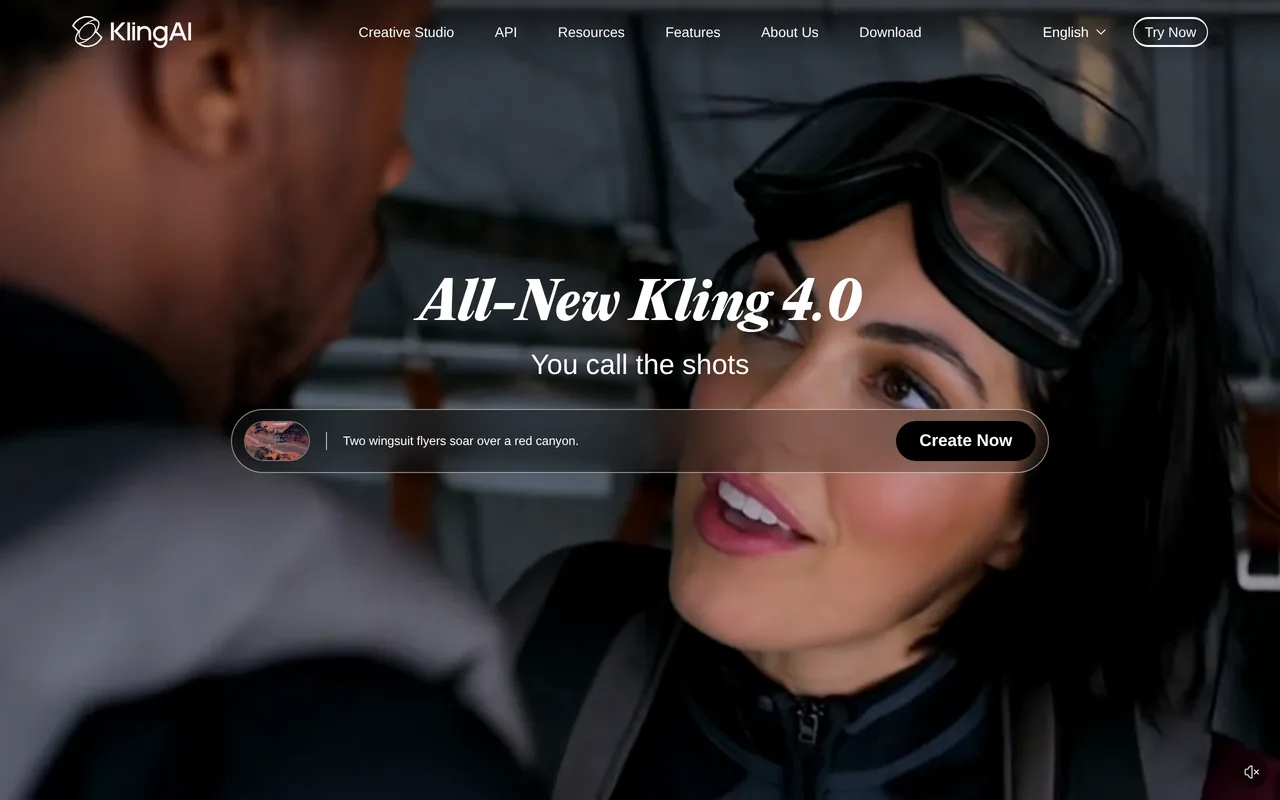
Kling AI is a studio for making AI videos and images. Turn text, images and references into multimodal creative content in one place. Kling 4.0 handles audio-visual performance for realistic results, Kling Image 3.0 makes still images, and an MCP and CLI let you work from other tools.
Features & use cases
- Kling 4.0 video with audio-visual performance
- Kling Image 3.0 for still images
- Text, image and reference inputs
- MCP and CLI access
- Mac app for macOS
Who reaches for it
- Filmmakers and brands making AI video
- Creators who want video and images in one studio
Getting it
Used in award-winning short films and brand films shown on the site.
Ready to try Kling AI: Features & Overview?
Opens kling.ai in a new tab.
Made Kling AI: Features & Overview? Add the badge to your site
Paste this where you show press or listings. It links back to this page.

<a href="https://designbookmark.com/tool/kling-ai-features-and-overview?ref=badge" target="_blank"><img src="https://designbookmark.com/badge/listed-dark.svg" alt="Listed on DesignBookmark" width="200" height="56"></a>

<a href="https://designbookmark.com/tool/kling-ai-features-and-overview?ref=badge" target="_blank"><img src="https://designbookmark.com/badge/listed-light.svg" alt="Listed on DesignBookmark" width="200" height="56"></a>
Similar tools
The weekly drop
The best new tools, every week. No spam, unsubscribe anytime.
Alternatives & related

Anyvids
Anyvids is an all-in-one AI video and image creation platform designed for creators, marketers, and ecommerce teams to transform ideas into published content quickly.
Shotreel
Turn screenshots into looping showcase videos. 70 motion templates, runs in your browser, free 720p export.