



 Visit website

OpenCapture
Chrome Extensions
Freemium
About
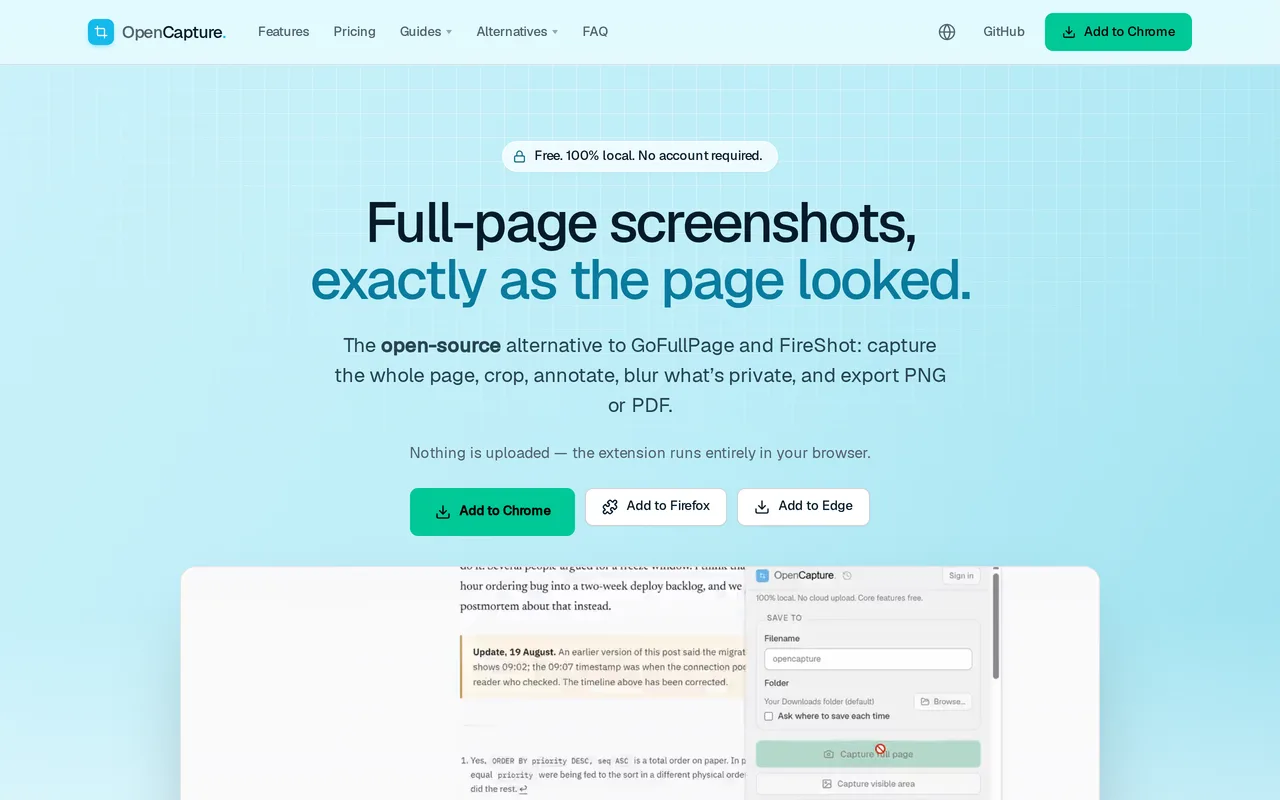
Full page screenshots, exactly as the page looked.
OpenCapture captures a whole web page as one PNG or PDF in Chrome, Edge and Firefox, and lets you crop, draw, add text and blur private areas. It is open source.
Features & use cases
- Full page screenshots
- Crop, draw and add text
- Blur private areas
- Export to PNG or PDF
Ready to try OpenCapture?
Opens opencapture.app in a new tab.
Made OpenCapture? Add the badge to your site
Paste this where you show press or listings. It links back to this page.

<a href="https://designbookmark.com/tool/opencapture?ref=badge" target="_blank"><img src="https://designbookmark.com/badge/listed-dark.svg" alt="Listed on DesignBookmark" width="200" height="56"></a>
<a href="https://designbookmark.com/tool/opencapture?ref=badge" target="_blank"><img src="https://designbookmark.com/badge/listed-light.svg" alt="Listed on DesignBookmark" width="200" height="56"></a>
Similar extensions
The weekly drop
The best new tools, every week. No spam, unsubscribe anytime.
Alternatives & related extensions



More in Chrome Extensions
See all 47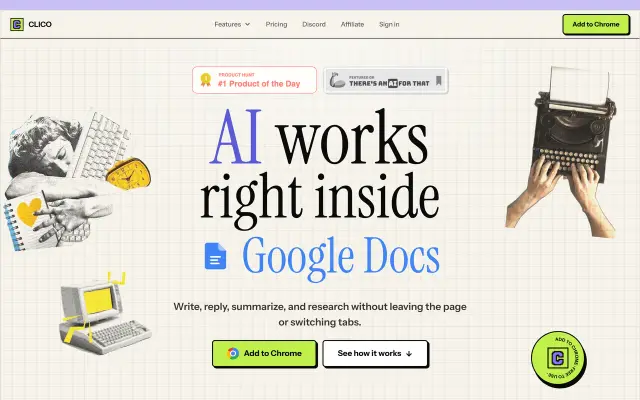
Clico
AI browser extension enhances text boxes by assisting with writing, searching, and summarizing.
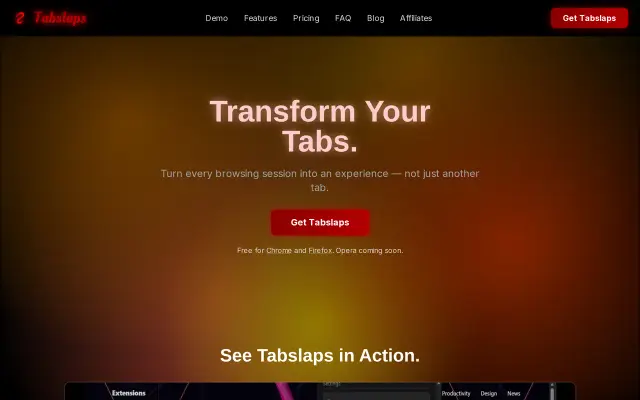
Tabslaps
Browser extension that fills your tabs with cinematic visuals, interactive cursor effects and ambient soundscapes.