Figma screenshot

Figma

Design Tools

FreemiumFeaturedIn Design Tools

About

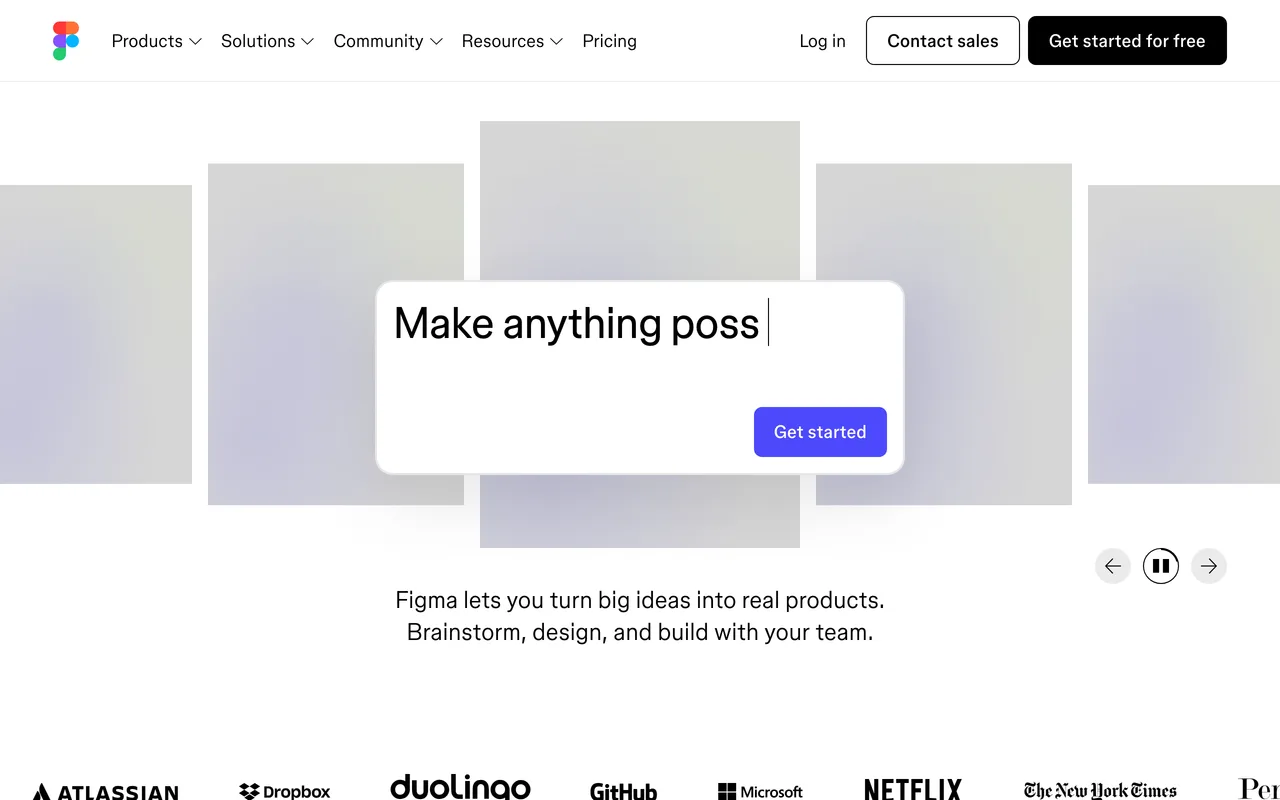
Design, prototype and hand off interfaces in one file.

Figma is a browser based interface design tool where the whole team works in the same file. It covers design, components, prototyping and developer handoff, with FigJam for whiteboarding alongside it.

Features & use cases

  • Design interfaces in the browser
  • Build reusable components and variants
  • Prototype flows without leaving the file
  • Comment and review with the team
  • Hand specs and assets to developers
  • Extend the editor with community plugins

Where Figma appears

Similar tools

Alternatives & related tools

Ditther preview
New

Ditther

Browser image editor for dithering, halftones and other stacked grain effects.

Playbook preview
New

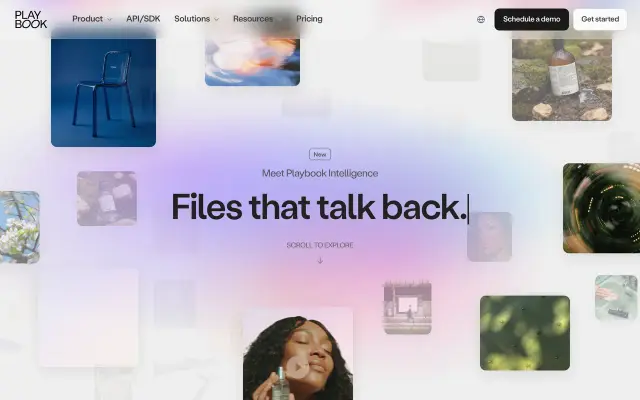
Playbook

Digital asset management for creative teams sharing large files.

UX Pilot preview
New

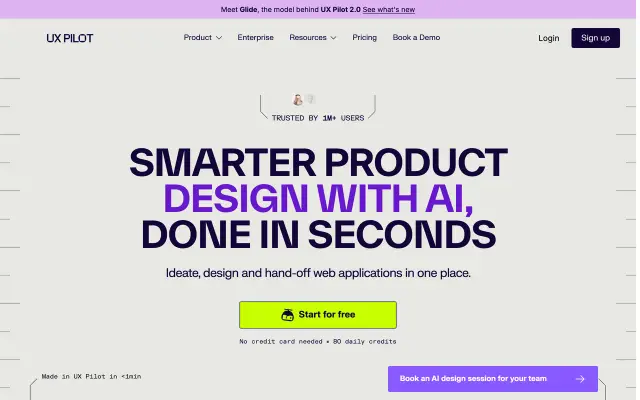
UX Pilot

Generates and iterates on interface designs from a written brief.

Morflax Studio preview
New

Morflax Studio

Browser-based 3D and motion studio aimed at product and brand work.

HeroKit preview
New

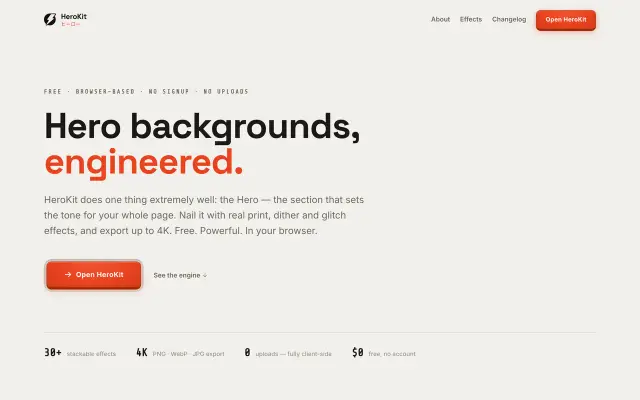
HeroKit

Build and export hero visuals and effects from the browser.

Pixlo preview
New

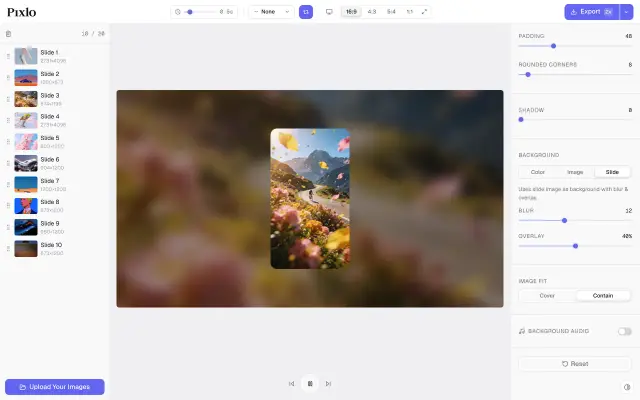
Pixlo

Upload, edit and present image libraries without a separate DAM.

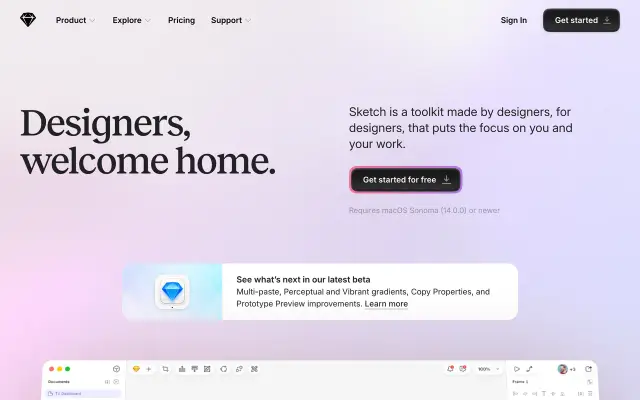
Sketch preview

Sketch

The original Mac design toolkit for digital product teams.

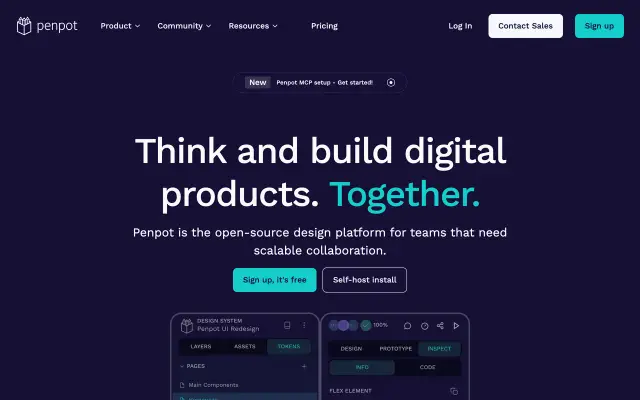
Penpot preview

Penpot

The open-source design tool for design-and-code collaboration.

More in Design Tools

See all 61
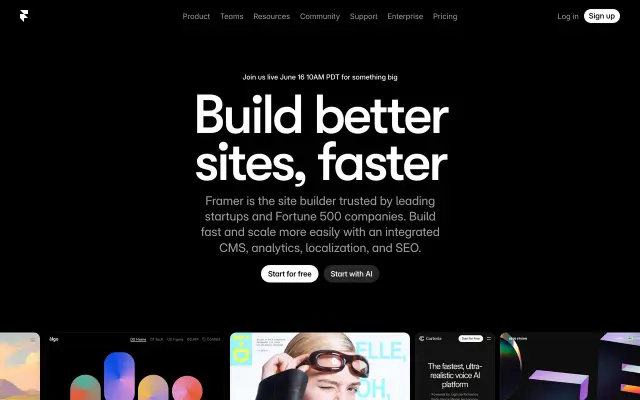
Framer preview

Framer

Design and publish your dream site. Zero code, maximum speed.

Stark preview

Stark

The accessibility toolkit for design and product teams.

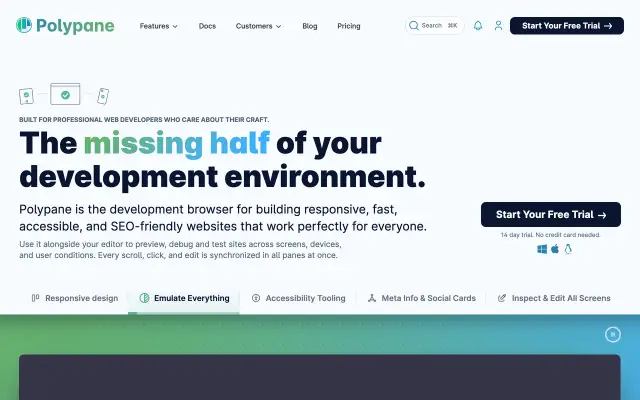
Polypane preview

Polypane

The browser for ambitious web developers and designers.

Isometric Studio preview

Isometric Studio

Create isometric illustrations fast in the browser, with pre-built shapes and SVG export.