Stylebot screenshotVisit website

Stylebot

Chrome Extensions

Freemium

About

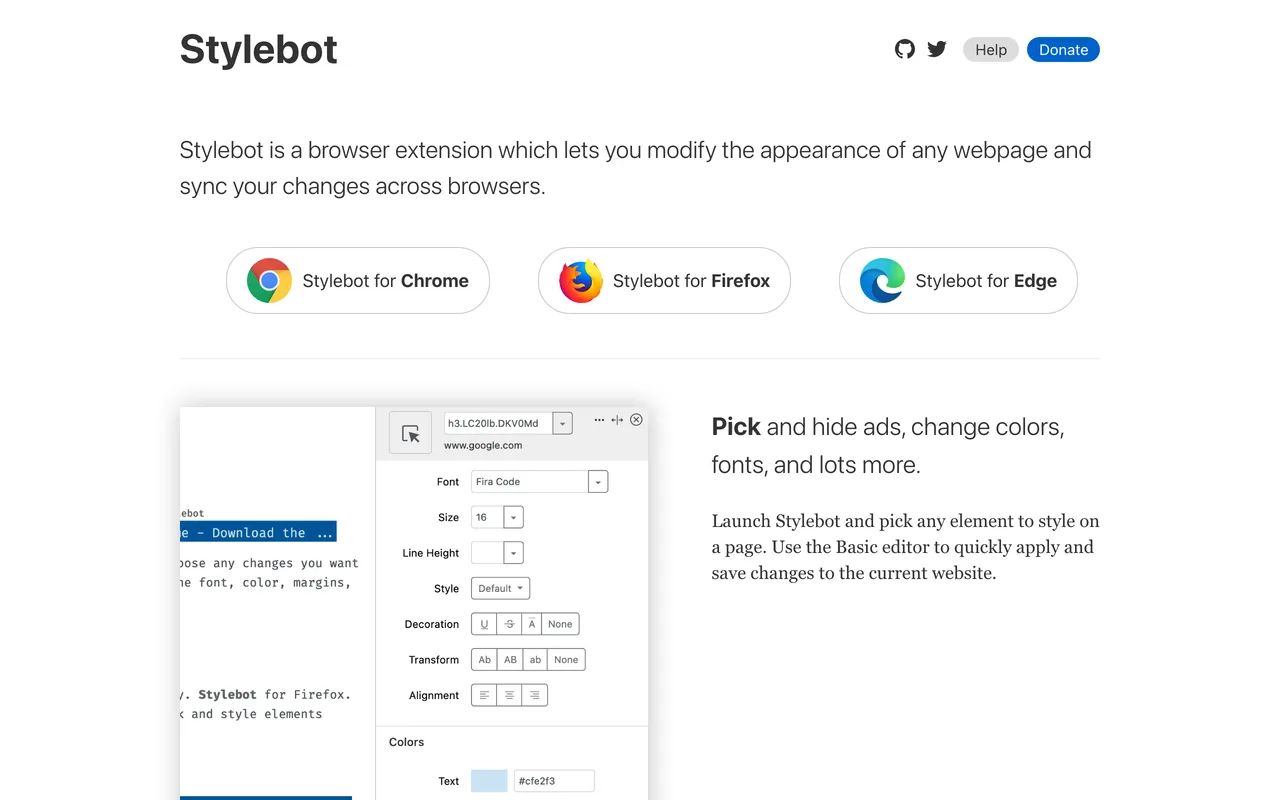
Pick and hide ads, change colors, fonts, and lots more.

Change the appearance of any website with your own CSS.

Features & use cases

  • Code your own CSS.
  • Enable readability for articles.
  • Sync your styles across browsers.
  • Stylebot .css-17kgx7p{font-weight:200;padding-left:12px;}

Section titles taken from stylebot.dev, checked 2026-08-01.

Ready to try Stylebot?

Opens stylebot.dev in a new tab.

Visit website

Similar tools

The weekly drop

The best new tools, every week. No spam, unsubscribe anytime.
Alternatives & related tools

CSS Peeper preview

CSS Peeper

A CSS viewer to inspect styles and assets on any site.

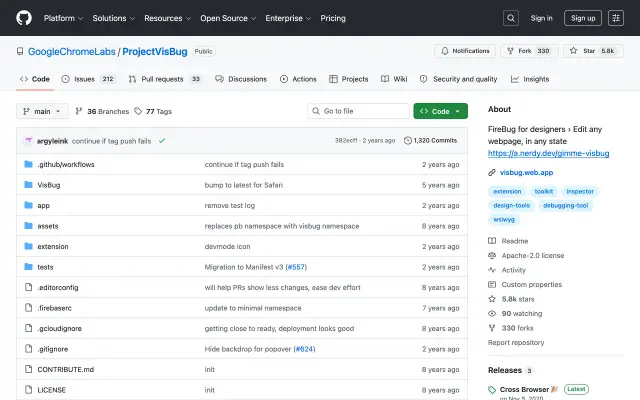
VisBug preview

VisBug

Open-source, in-browser design and debugging tools by Google.

Pesticide preview

Pesticide

Outline every element to debug CSS layouts visually.

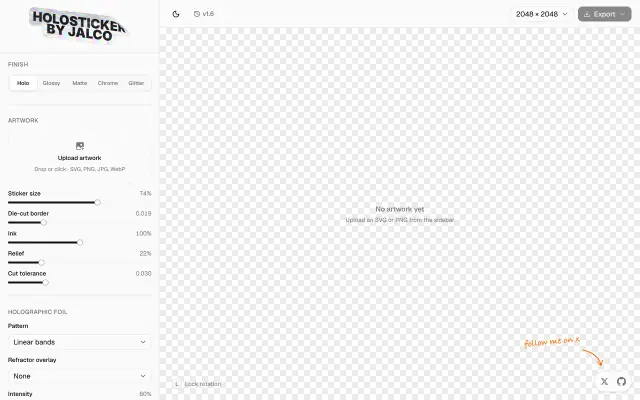
HoloSticker preview
New

HoloSticker

Turns uploaded artwork into holographic stickers with adjustable foil settings.

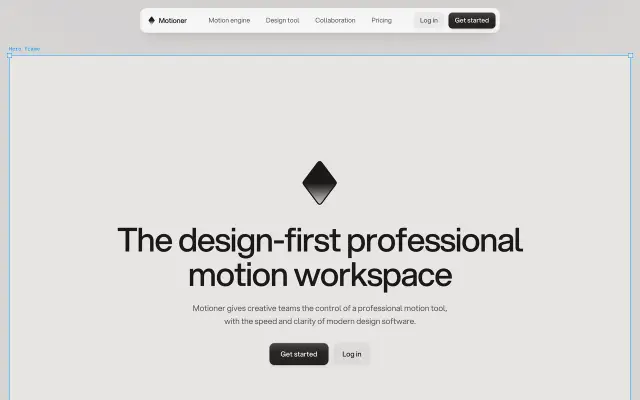
Motioner preview
New

Motioner

Motion workspace built like design software rather than a video timeline.

Shelf preview

Shelf

Browser extension that saves links straight into Telegram.

Thumbsy preview
New

Thumbsy

Chrome extension for saving and comparing YouTube thumbnails.

Screenshot Studio preview
New

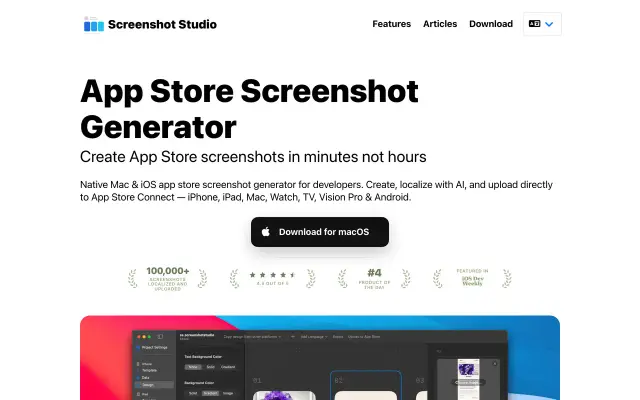
Screenshot Studio

Build App Store screenshot sets without opening a design tool.

More in Chrome Extensions

See all 30
Wappalyzer preview

Wappalyzer

Identify the tech stack of any website instantly.

WhatFont preview

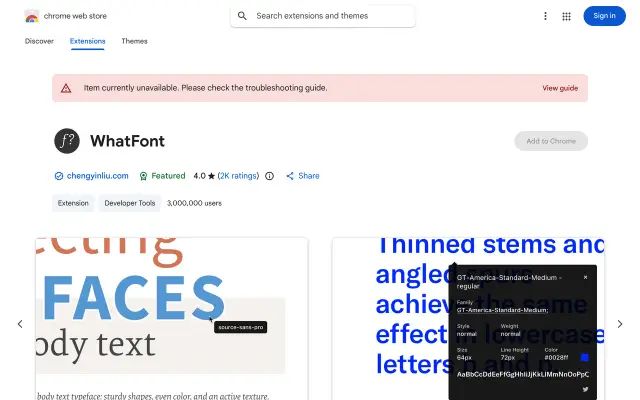
WhatFont

The easiest way to identify fonts on any web page.

ColorZilla preview

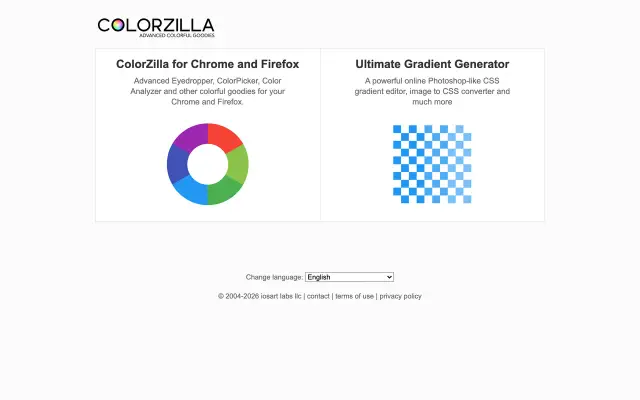
ColorZilla

An eyedropper, color picker and gradient generator.

Fonts Ninja preview

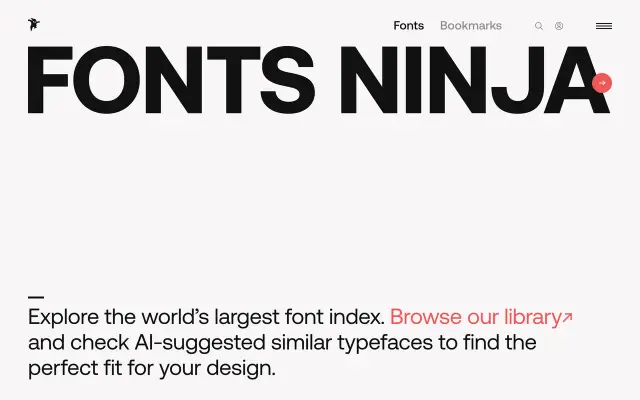
Fonts Ninja

Identify, try and buy fonts from any website.