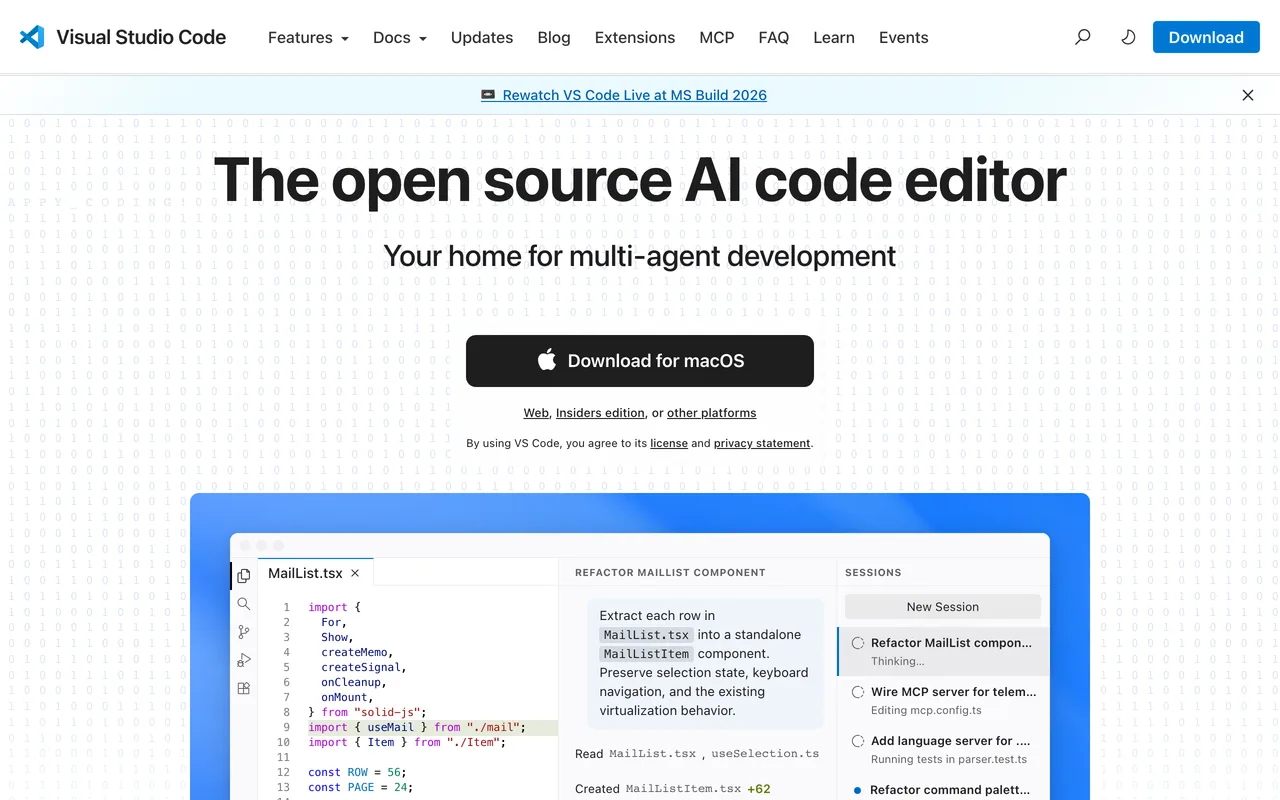
VS Code screenshot

VS Code

Code & Editors

FreeFeaturedIn Code & Editors

About

Edit code in a fast, endlessly extensible editor.

VS Code is Microsoft's free editor and the default for a large share of web development. The core stays light, and the extension marketplace covers languages, debuggers, themes and AI assistants.

Features & use cases

  • Edit and debug in one window
  • Install extensions for any language
  • Use the integrated terminal and Git
  • Sync settings across machines
  • Run it on macOS, Windows and Linux

Where VS Code appears

Similar tools

Alternatives & related tools

Blender preview

Blender

The free and open-source 3D creation suite for everything.

DaVinci Resolve preview

DaVinci Resolve

Pro editing, color, VFX and audio in one free app.

OBS Studio preview

OBS Studio

Free, open-source software for recording and live streaming.

Shotcut preview

Shotcut

A free, open-source, cross-platform video editor.

Kdenlive preview

Kdenlive

A powerful, free and open-source video editor.

Notepad++ preview

Notepad++

A free source-code editor and Notepad replacement for Windows.

Windows Terminal preview

Windows Terminal

A modern, fast, GPU-accelerated terminal for Windows.

Kitty preview

Kitty

A fast, feature-rich, GPU-based terminal emulator.

More in Code & Editors

See all 44
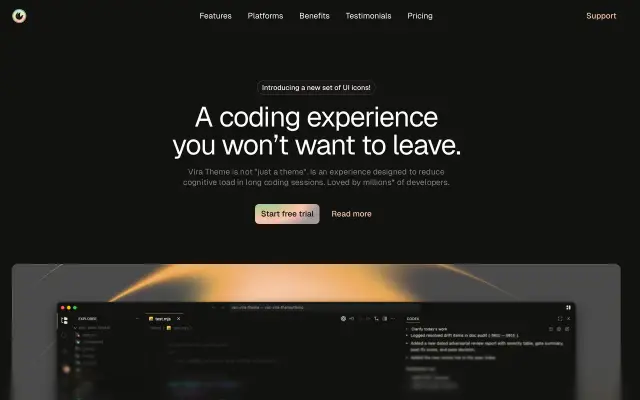
Vira Theme preview
New

Vira Theme

Editor themes built for long sessions, tuned for clarity over contrast.

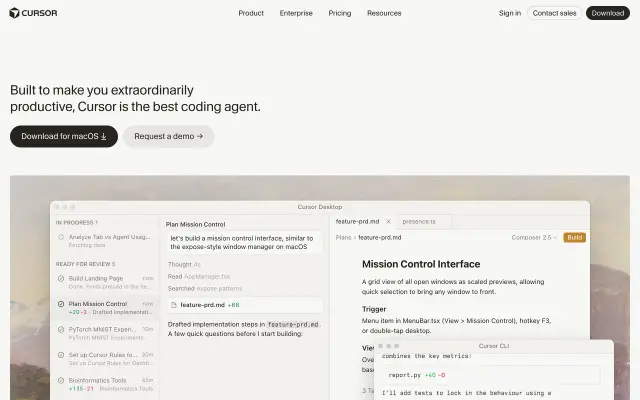
Cursor preview

Cursor

The AI code editor built to make you extraordinarily productive.

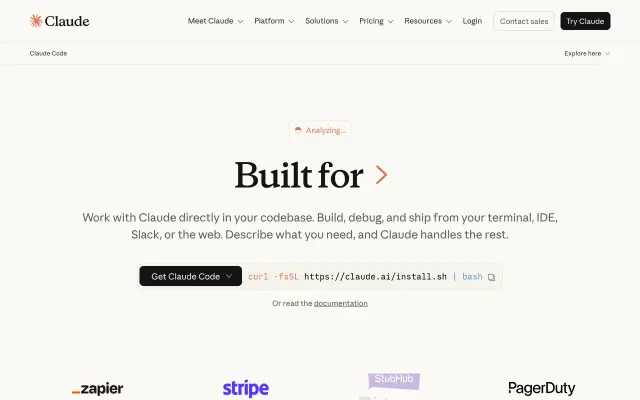
Claude Code preview

Claude Code

Anthropic's agentic coding tool that lives in your terminal.

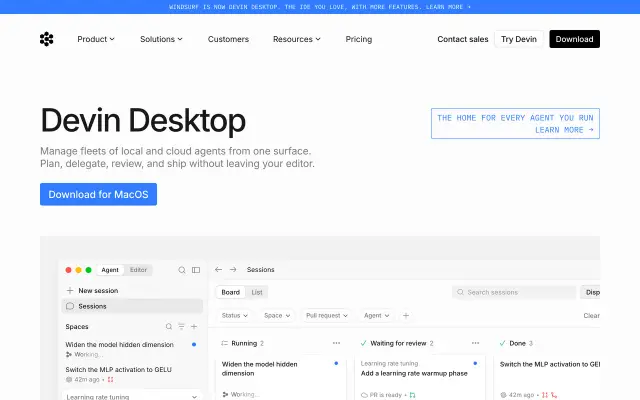
Windsurf preview

Windsurf

The agentic IDE that keeps you in flow while building.