



 Visit website

Framer
Design Tools
About
Publish a real site straight from the design canvas.
Framer is a design tool that publishes. Lay out pages visually, add interactions and a CMS, then ship to a live domain without writing code or exporting the work into another platform.
Features & use cases
- Design pages on a visual canvas
- Add scroll and hover interactions
- Manage content with a built in CMS
- Publish to a custom domain
- Start from a marketplace template
- Tune layouts for every breakpoint
Ready to try Framer?
Opens framer.com in a new tab.
Made Framer? Add the badge to your site
Paste this where you show press or listings. It links back to this page.

<a href="https://designbookmark.com/tool/framer?ref=badge" target="_blank"><img src="https://designbookmark.com/badge/listed-dark.svg" alt="Listed on DesignBookmark" width="200" height="56"></a>

<a href="https://designbookmark.com/tool/framer?ref=badge" target="_blank"><img src="https://designbookmark.com/badge/listed-light.svg" alt="Listed on DesignBookmark" width="200" height="56"></a>
Similar tools
Featured in
The weekly drop
The best new tools, every week. No spam, unsubscribe anytime.
Alternatives & related
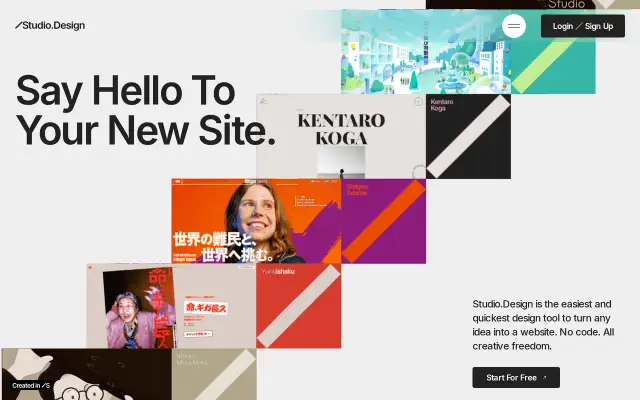
Studio.Design
No-code design tool for building portfolio websites and landing pages with full creative freedom and templates.
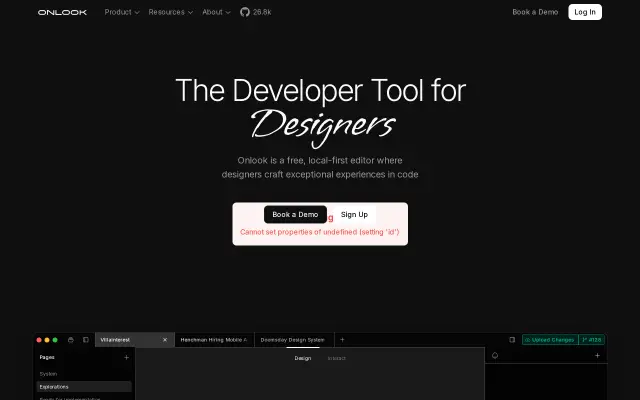
Onlook
Open source visual editor for React apps: design directly in your live product and keep the code.



More in Design Tools
See all 112








Slidshift
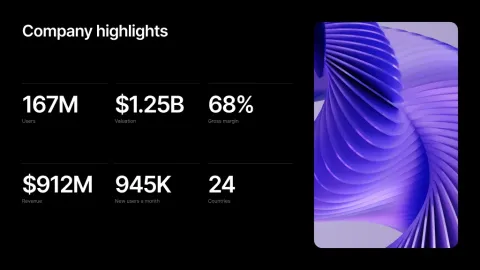
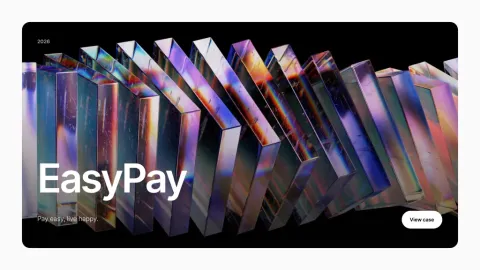
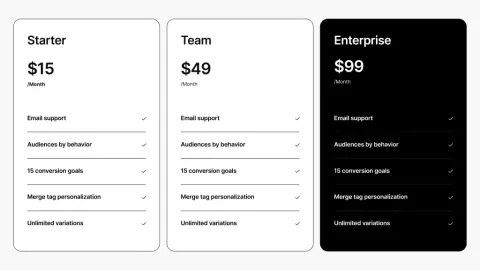
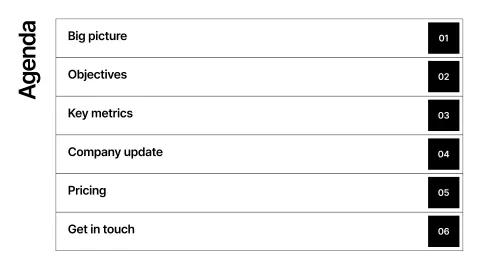
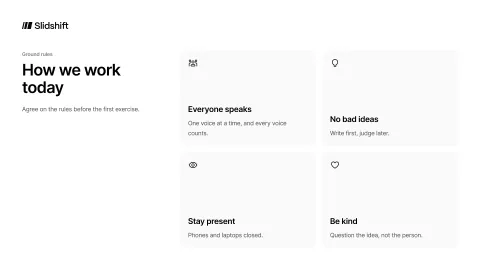
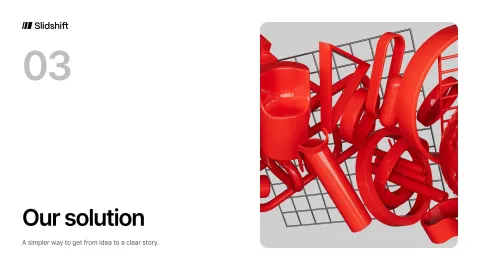
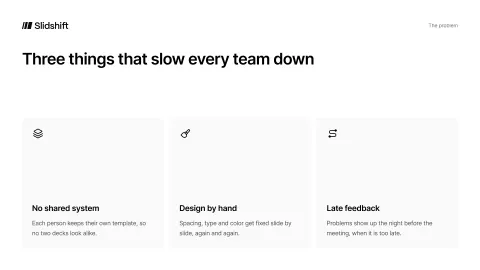
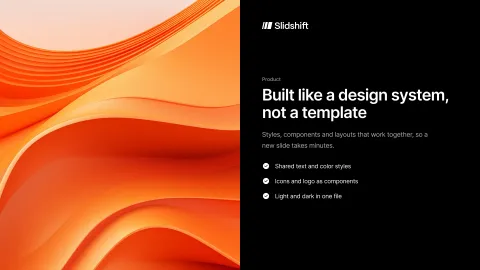
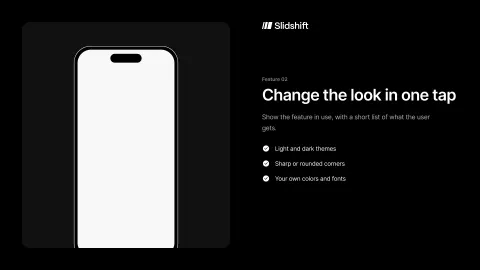
AI presentation maker inside Claude, ChatGPT and Cursor. Turns a prompt into an on-brand PowerPoint or Google Slides deck from 905 designed slides.
Dasca
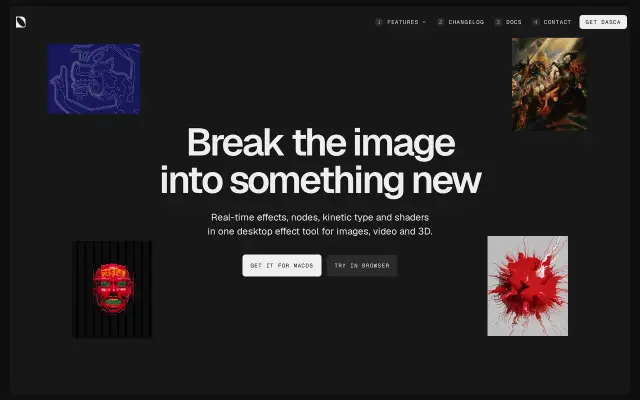
Desktop effects tool for images, video and 3D with real time previews, kinetic type, GLSL shaders and nodes.