



Figma alternatives for UI design
9 picks · Updated
Figma is the default for UI design and most teams should stay there. People look for alternatives for real reasons though: open-source and self-hosting, a native Mac app, offline work, or designing closer to code.
Each tool below is good for one of those reasons. None of them is a full drop-in replacement, so match the tool to your reason.

1. Penpot
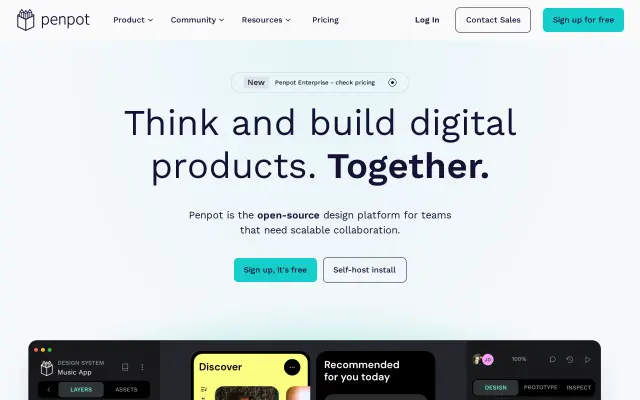
Penpot is the main open-source Figma alternative. It runs in the browser or on your own server, uses open standards like SVG, and has components, flex and grid layout, and a growing plugin system. The best fit if open-source or self-hosting matters to you.
Good for: Open-source and self-hosted design

2. Sketch
Sketch is the original Mac design tool and still a native Mac app, with real offline work and a web app for sharing and handoff. Good for Mac-only teams that like a native feel.
Good for: Native Mac design with offline work

3. Framer
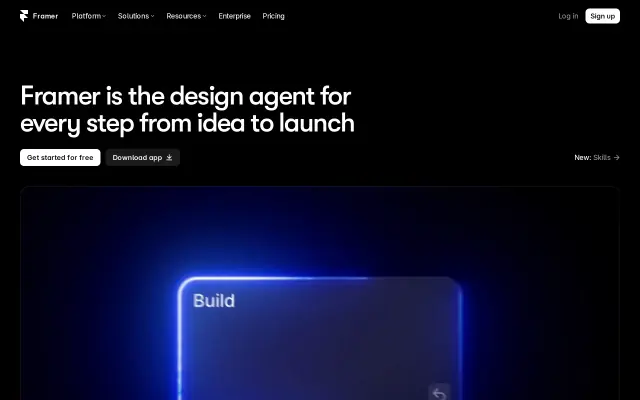
Framer is a design tool that publishes real websites. If your work is mostly marketing sites, designing in Framer and shipping from the same file can replace Figma plus a builder.
Good for: Designing and publishing websites

4. Lunacy
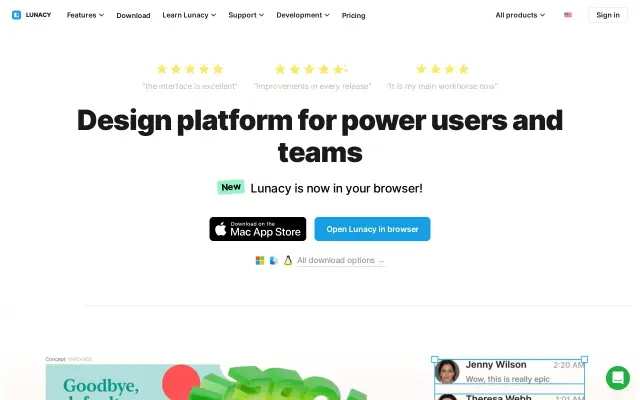
Lunacy from Icons8 is a free design app for Windows, Mac and Linux that opens Sketch files and works offline. Comes with built-in icons, photos and illustrations.
Good for: A free desktop app that works offline

5. Pixso
Pixso is a browser-based collaborative design tool that works much like Figma and can import Figma files. Popular in regions where Figma is harder to use.
Good for: A Figma-like browser tool
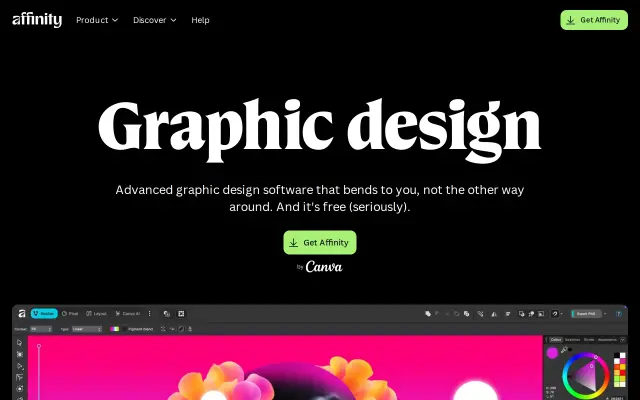
Affinity Designer is a pro vector and layout app for Mac, Windows and iPad. Stronger at illustration and print than at UI systems, but a good pick when your work goes beyond screens.
Good for: Vector, illustration and print work
Linearity Curve, formerly Vectornator, is a vector design app for Mac and iPad. Good for illustration and brand graphics, lighter for UI.
Good for: Vector graphics on Mac and iPad

8. UXPin
UXPin lets you design with real coded components from your design system, so prototypes behave like the product. A fit for teams with a mature component library.
Good for: Prototypes with real code components
Onlook
Open source visual editor for React apps: design directly in your live product and keep the code.

9. Onlook
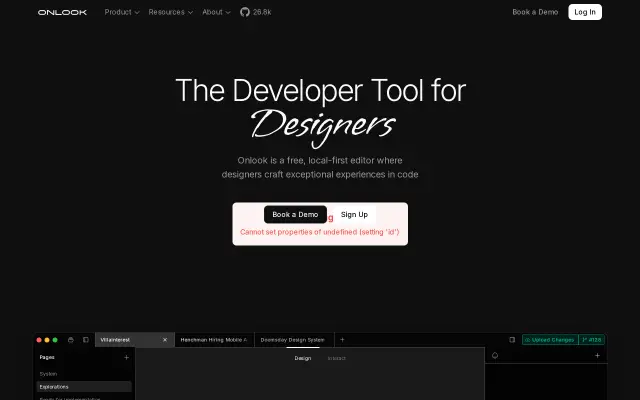
Onlook is an open-source visual editor for React apps: you edit the design directly on the running app and it writes the code. For people who want to design in the product itself.
Good for: Designing directly in a React app




Questions
- What is the best free alternative to Figma?
- Penpot is the strongest free option and it is open-source. Lunacy is a free desktop app if you want to work offline.
- Is there an open-source Figma alternative?
- Yes, Penpot. You can use it in the browser or host it on your own server.
- Can these tools open Figma files?
- Some can import them. Penpot and Pixso have Figma import, but complex files with advanced features may not come across perfectly.
Browse the full category
More guides
- Best UI Design Inspiration Websites
- Best Free Mockup Websites and Generators
- Best Free Icon Libraries for UI Design
- Best Color Palette Generators for Designers
- Best Free Font Websites for Commercial Use
- Best Free Stock Photo Sites
- Best Free Illustration Websites for Designers
- Best Screen Recorders for Mac
- Best Mac Apps for Designers