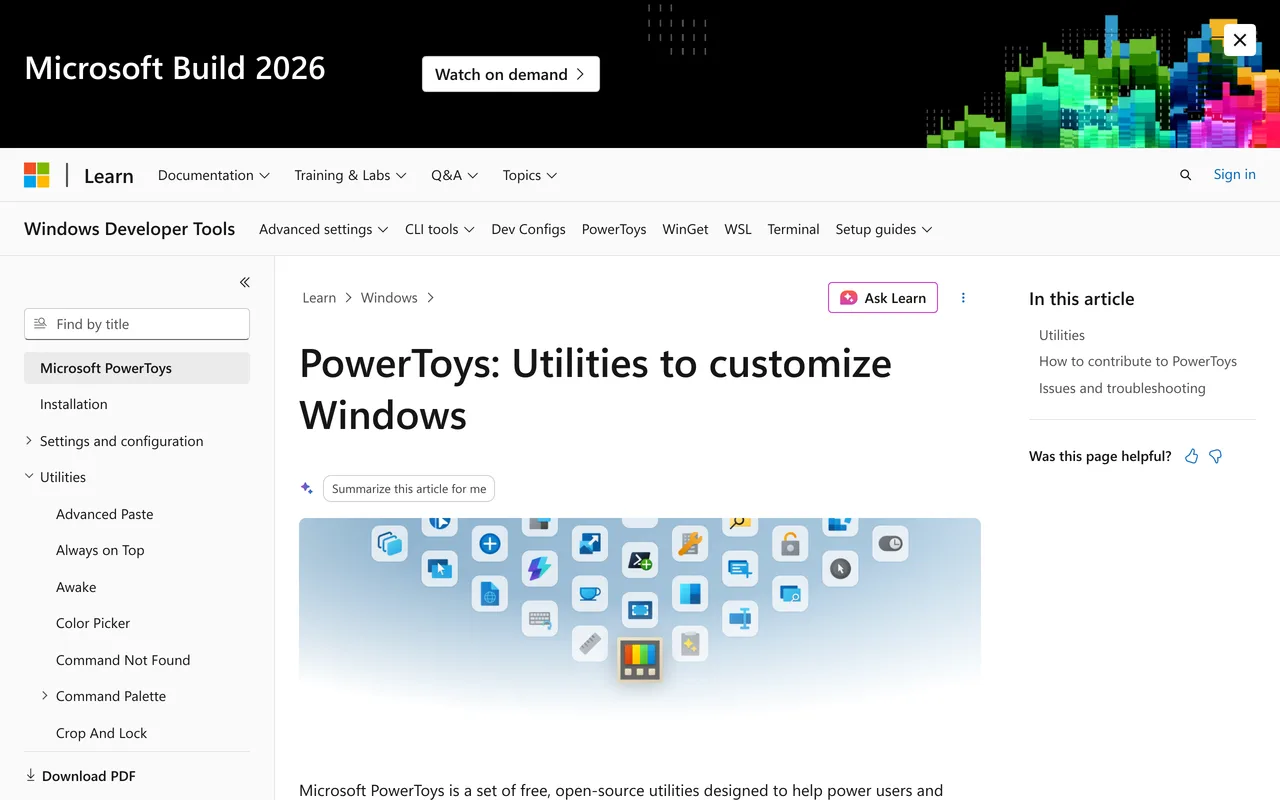
PowerToys screenshot

PowerToys

Windows Apps

FreemiumFeaturedIn Windows Apps

About

Add the Windows utilities Microsoft left out.

PowerToys is a free set of utilities from Microsoft for people who push Windows harder than the defaults allow: window layouts, a launcher, bulk renaming, a colour picker and more, in one installer.

Features & use cases

  • Snap windows into custom layouts
  • Launch anything from a keyboard bar
  • Rename files in bulk
  • Pick colours from anywhere on screen
  • Remap keys and shortcuts
Where PowerToys appears

Similar tools

Alternatives & related tools

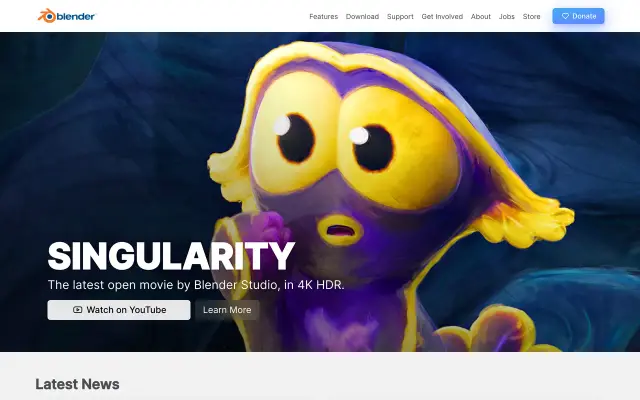
Blender preview

Blender

The free and open-source 3D creation suite for everything.

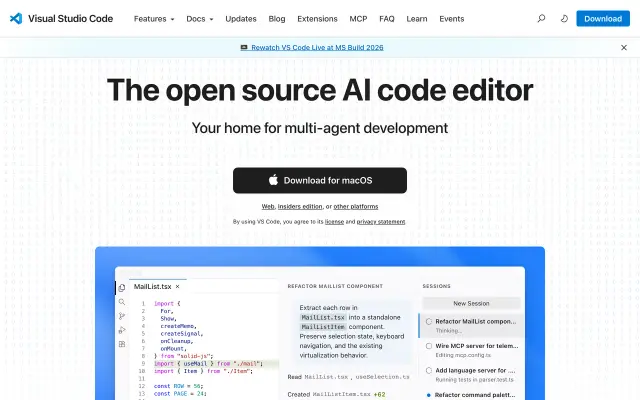
VS Code preview

VS Code

The free, extensible code editor that runs everywhere.

DaVinci Resolve preview

DaVinci Resolve

Pro editing, color, VFX and audio in one free app.

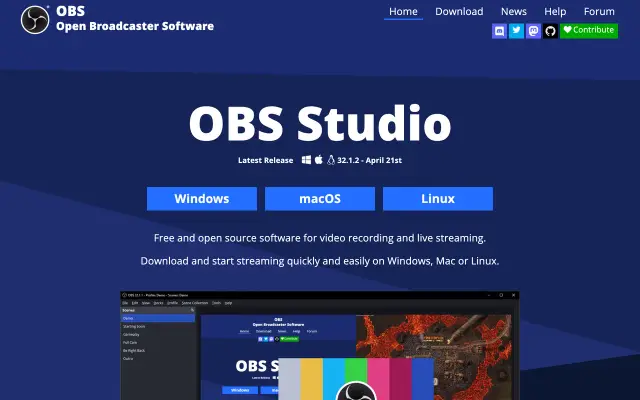
OBS Studio preview

OBS Studio

Free, open-source software for recording and live streaming.

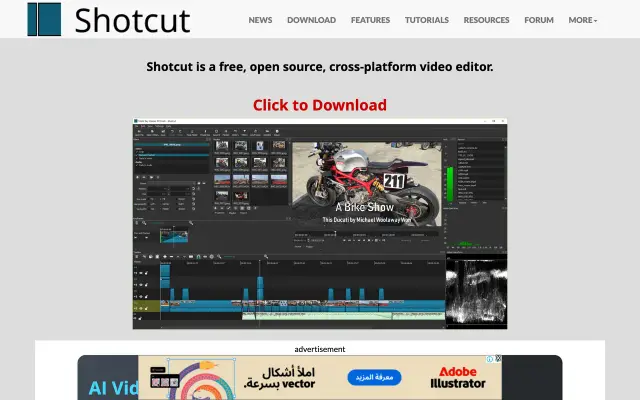
Shotcut preview

Shotcut

A free, open-source, cross-platform video editor.

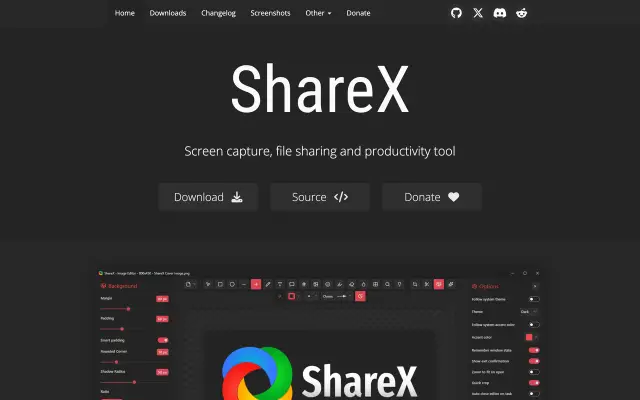
ShareX preview

ShareX

A free, open-source screen capture and recording tool.

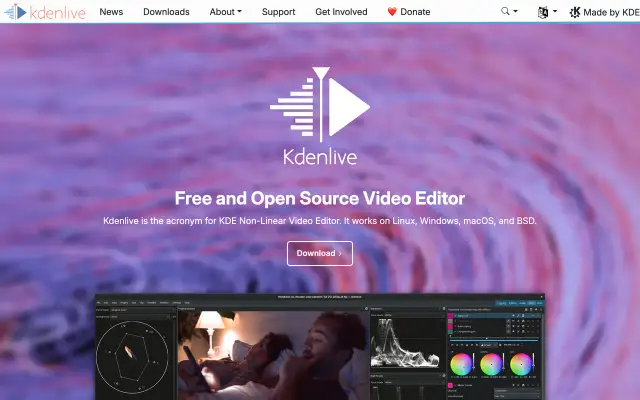
Kdenlive preview

Kdenlive

A powerful, free and open-source video editor.

Notepad++ preview

Notepad++

A free source-code editor and Notepad replacement for Windows.

More in Windows Apps

See all 36
Paint.NET preview

Paint.NET

Free image and photo editing software for Windows PCs.

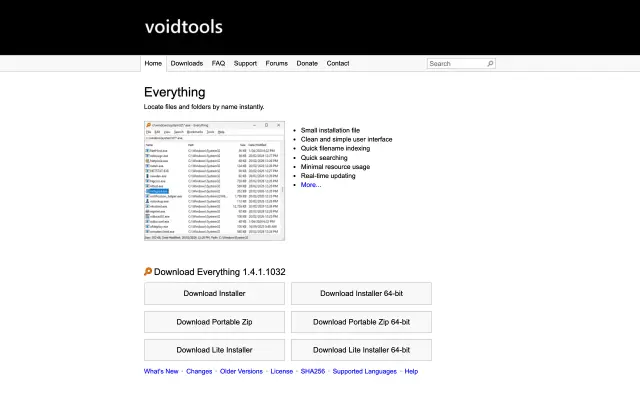
Everything preview

Everything

Instantly locate files and folders by name on Windows.

Greenshot preview

Greenshot

A lightweight, open-source screenshot tool for Windows.

AutoHotkey preview

AutoHotkey

A free scripting language to automate any task on Windows.