



Color palette generators for designers
11 picks · Updated
A palette generator gives you a starting point. A UI also needs the boring part: shades for every color, enough contrast for text, and states for hover and disabled.
So this list has both kinds. Quick generators for finding colors you like, and tools that turn those colors into a usable system.

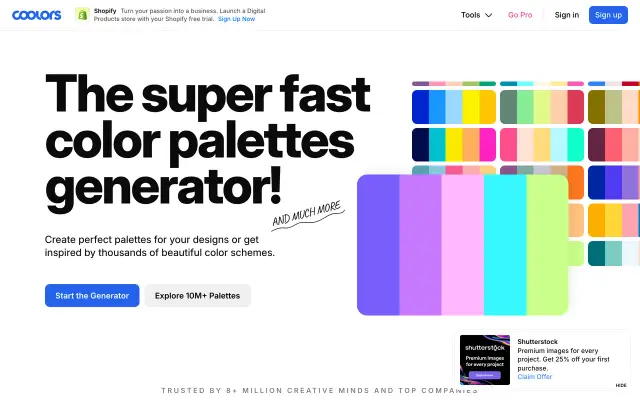
1. Coolors
Coolors generates a palette with one key press and lets you lock the colors you like while it shuffles the rest. Fast, fun and good for early exploration.
Good for: Fast palette exploration
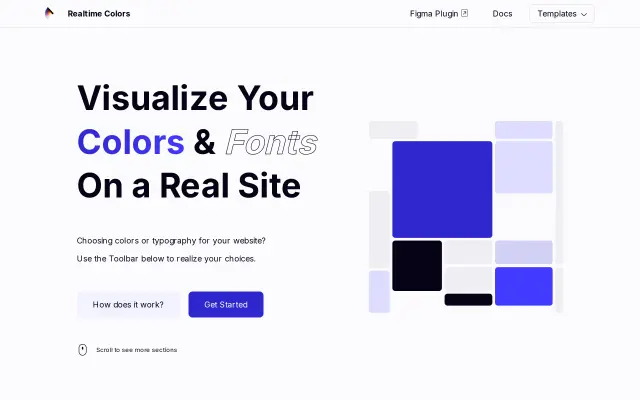
Realtime Colors shows your palette on a real website layout while you edit it. Seeing text, buttons and backgrounds together catches problems a row of swatches hides.
Good for: Testing a palette on a real layout

3. Huemint
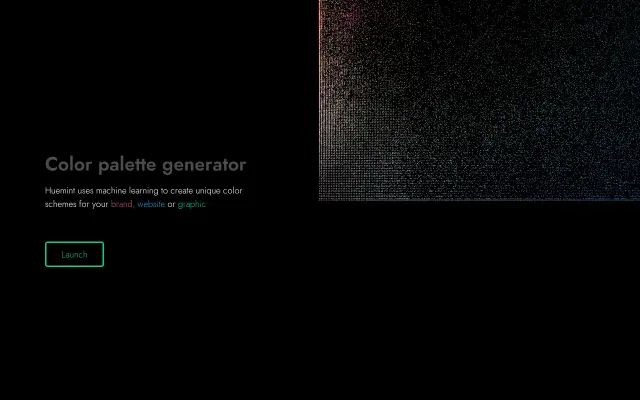
Huemint uses machine learning to suggest palettes for a brand, a website or an illustration, and previews them in context. Good when you are stuck and want different directions.
Good for: New palette directions for brands

4. Adobe Color
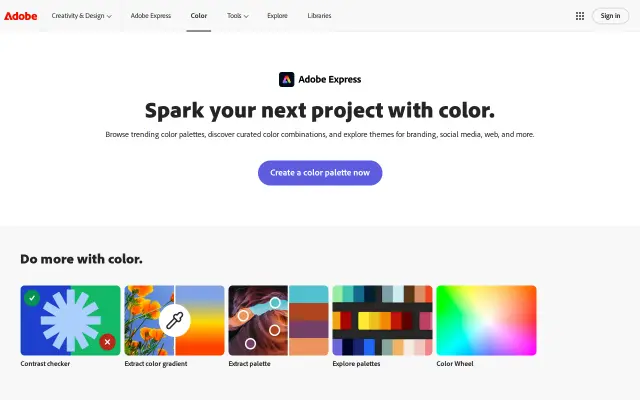
Adobe Color builds palettes from color harmony rules and from photos, and has a contrast checker. It syncs with Adobe apps if you use them.
Good for: Harmony rules and palettes from photos

5. Khroma
Khroma learns which colors you like from a quick pick at the start, then suggests combinations based on that. More personal than random generators.
Good for: Palettes tuned to your taste

6. Leonardo
Leonardo, from Adobe, builds color scales from target contrast ratios. You say how much contrast you need and it gives you colors that meet it, in light and dark themes.
Good for: Accessible color systems

7. Radix Colors
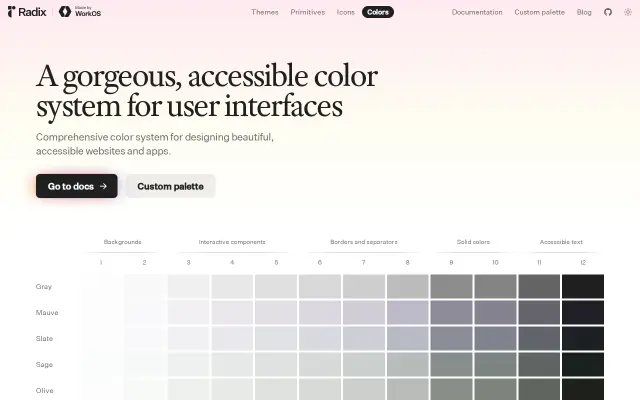
Radix Colors is a ready made color system with twelve steps per color, each step meant for a job: backgrounds, borders, solid fills, text. Light and dark versions match.
Good for: A complete UI color system

8. UI Colors
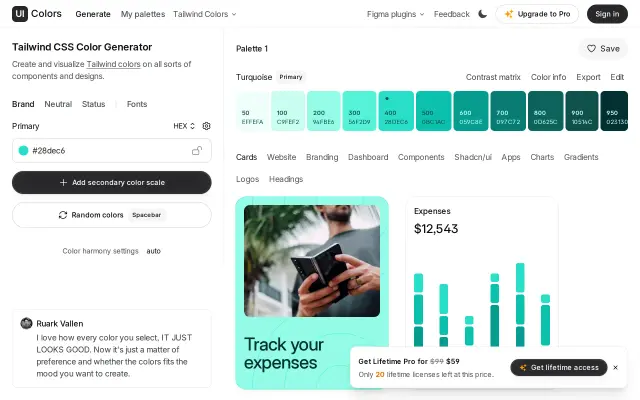
UI Colors turns one color into a full Tailwind CSS scale from 50 to 950 and exports it. Quick when you need a brand color in a Tailwind project.
Good for: Tailwind color scales

9. Happy Hues
Happy Hues shows each palette applied to a full example site, with notes on which color goes where. Useful for learning how to assign colors, not only pick them.
Good for: Learning where each color goes

10. Color Hunt
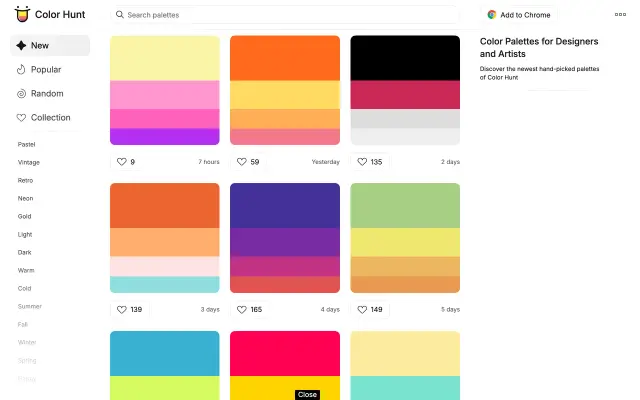
Color Hunt is a big community collection of four color palettes. Good for browsing when you have no starting color at all.
Good for: Browsing palettes for ideas
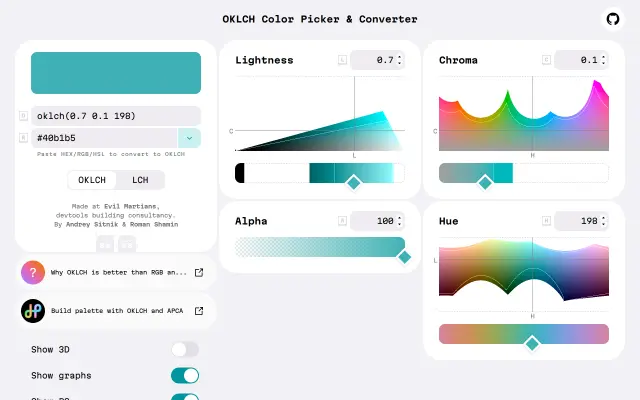
OKLCH Color Picker helps you work in OKLCH, a color space where lightness looks even across hues. That makes building consistent scales much easier than in HSL.
Good for: Working in OKLCH





Questions
- What is the best free color palette generator?
- Coolors for quick exploration, Realtime Colors to test a palette on a real layout. Both are easy to start with.
- How do I make an accessible color palette?
- Start from contrast, not from looks. Leonardo builds colors from contrast targets, and Radix Colors gives you a scale where each step is meant for a specific use.
- How do I get a Tailwind color scale from my brand color?
- UI Colors turns one color into a full 50 to 950 scale and exports it for Tailwind.
Browse the full category
More guides
- Best UI Design Inspiration Websites
- Best Free Mockup Websites and Generators
- Best Free Icon Libraries for UI Design
- Best Free Font Websites for Commercial Use
- Best Free Stock Photo Sites
- Best Free Illustration Websites for Designers
- Best Screen Recorders for Mac
- Best Mac Apps for Designers
- Best Figma Alternatives for UI Design