



Free mockup websites and generators
11 picks · Updated
There are two kinds of mockup tools. Generators run in the browser: you drop in a screenshot and export an image. Mockup file sites give you PSD or Figma files to edit yourself.
Generators are faster for social posts, app store images and quick shares. Files give you more control for a portfolio or a client deck.

1. Shots
Shots (shots.so) turns a screenshot into a polished mockup with devices, backgrounds, shadows and layouts. It is quick to learn and the results look clean enough for a launch post.
Good for: Social posts and launch images
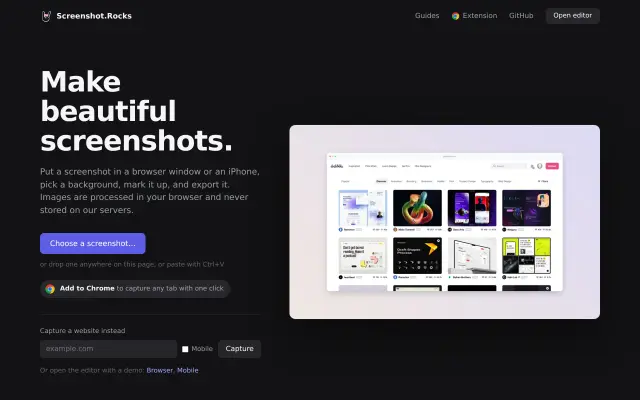
Screenshot.rocks wraps a screenshot in a browser window or a phone frame, right in the browser. It is simple, which is the point: two clicks and you have a tidy image.
Good for: Browser window frames for website shots

3. MockuPhone
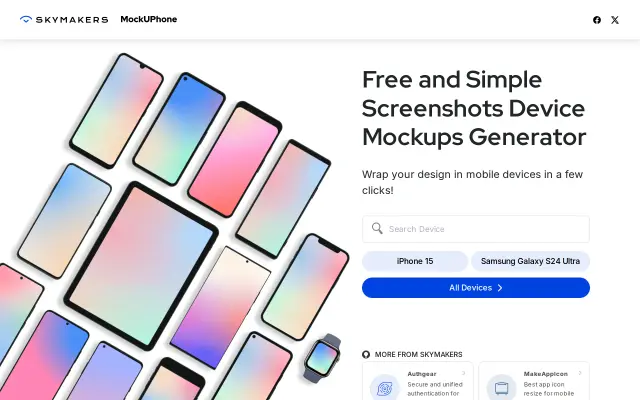
MockuPhone puts your screenshot inside real device frames: iPhones, Android phones, tablets and laptops. It is basic but reliable for app store style images.
Good for: Device frames for app screenshots

4. Pika.style
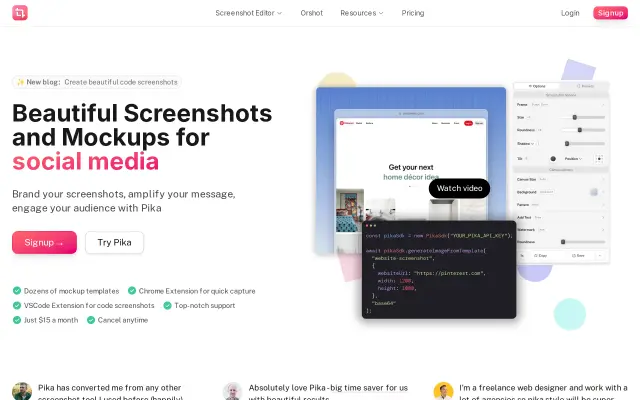
Pika makes screenshots look good fast: backgrounds, padding, browser frames, plus Open Graph images. Handy when you share product updates often.
Good for: Pretty screenshots and OG images

5. Previewed
Previewed has 3D device mockups and app store templates you can edit in the browser. More scenes and angles than the simpler generators.
Good for: 3D device scenes and app store sets

6. Device Shots
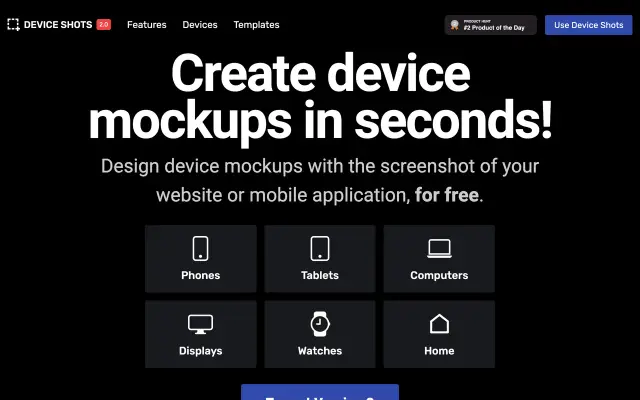
Device Shots is a quick device mockup generator. Upload, pick a device and background, download. Good when you need one image now.
Good for: One quick device image

7. AppLaunchpad
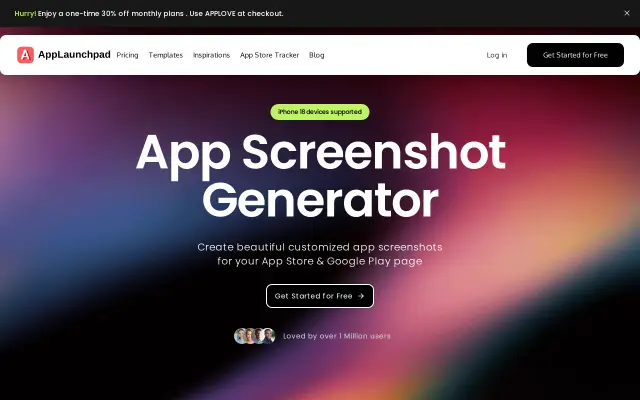
AppLaunchpad is made for app store screenshots. It gives you templates with captions and devices sized for the stores, so you do not have to set up each size by hand.
Good for: App Store and Google Play screenshots

8. Cleanmock
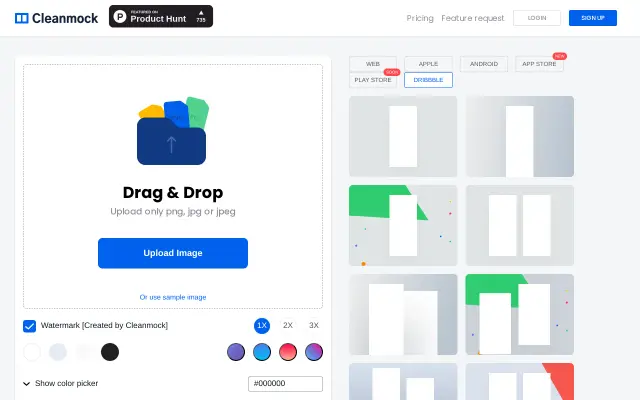
Cleanmock frames screenshots in devices and browsers with a light editor. A simple option when you want a clean look without many settings.
Good for: Simple framed screenshots

9. MockupWorld
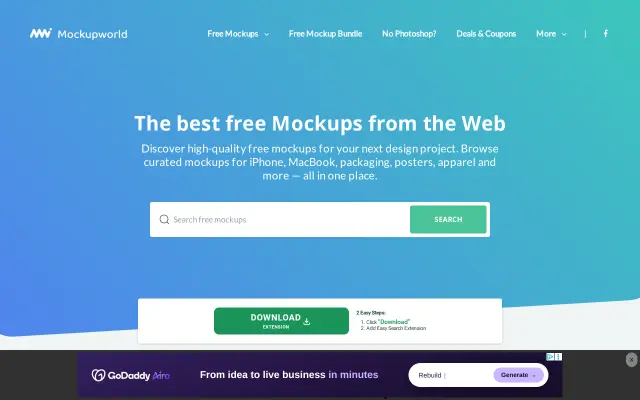
MockupWorld collects free photoreal PSD mockups from many designers: devices, packaging, print and branding. Check each file's license, since they come from different authors.
Good for: Free PSD mockups for branding and print

10. Mockups Design
Mockups Design shares free mockup files for devices, print and packaging. The quality is consistent and the files are easy to edit.
Good for: Free editable mockup files
Shotreel
Turn screenshots into looping showcase videos. 70 motion templates, runs in your browser, free 720p export.

11. Shotreel
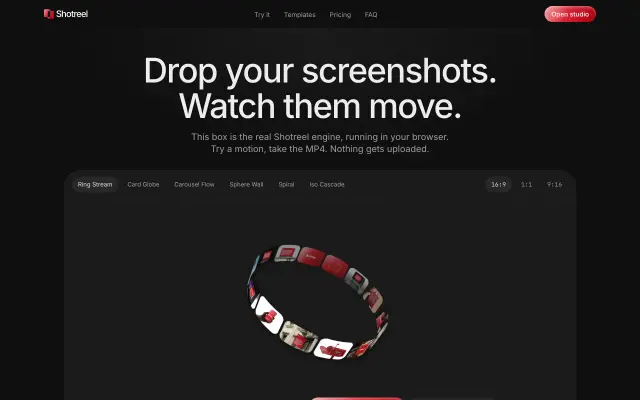
Shotreel turns screenshots into short looping showcase videos instead of still images. It runs in the browser and nothing is uploaded. Useful when a still mockup feels flat for a launch or a portfolio.
Good for: Animated showcase videos from screenshots




Questions
- What is the easiest free mockup generator?
- Screenshot.rocks and MockuPhone are the simplest: drop in a screenshot, pick a frame, download. Shots gives you more styling with only a little more effort.
- Where can I download free PSD mockups?
- MockupWorld and Mockups Design both share free mockup files. Read the license on each file before using it in client work.
- Can I make app store screenshots with these?
- Yes. AppLaunchpad and Previewed have templates sized for the App Store and Google Play.
Browse the full category
More guides
- Best UI Design Inspiration Websites
- Best Free Icon Libraries for UI Design
- Best Color Palette Generators for Designers
- Best Free Font Websites for Commercial Use
- Best Free Stock Photo Sites
- Best Free Illustration Websites for Designers
- Best Screen Recorders for Mac
- Best Mac Apps for Designers
- Best Figma Alternatives for UI Design