



Mac apps every designer should know
11 picks · Updated
Your design tool is only part of the day. The rest is screenshots, colors, windows, fonts and files, and a few small Mac apps make all of that faster.
None of these replace Figma. They remove the small frictions around it.

1. Raycast
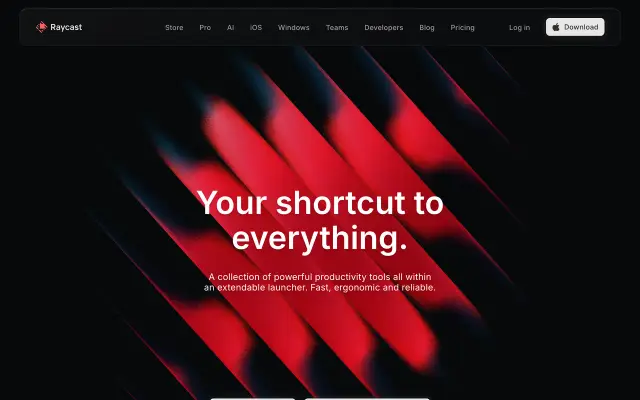
Raycast replaces Spotlight with a launcher you can extend: clipboard history, window layouts, snippets, quick math, and extensions for Figma, Linear and more. The one app that changes how the whole Mac feels.
Good for: Launching, clipboard and quick actions

2. CleanShot X
CleanShot X is the screenshot tool most designers end up with: scrolling capture, annotations, a floating preview, recording, and cloud links.
Good for: Screenshots and annotations

3. Shottr
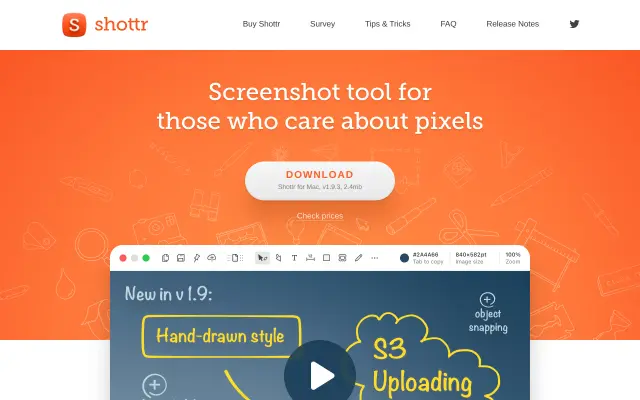
Shottr is a tiny, fast screenshot app with a pixel ruler, color picker, text recognition and scrolling capture. A lighter option than CleanShot X.
Good for: Fast screenshots with measuring tools

4. Rectangle
Rectangle snaps windows to halves, thirds and corners with shortcuts. Free and open-source. Essential when you work with Figma next to a browser.
Good for: Window snapping
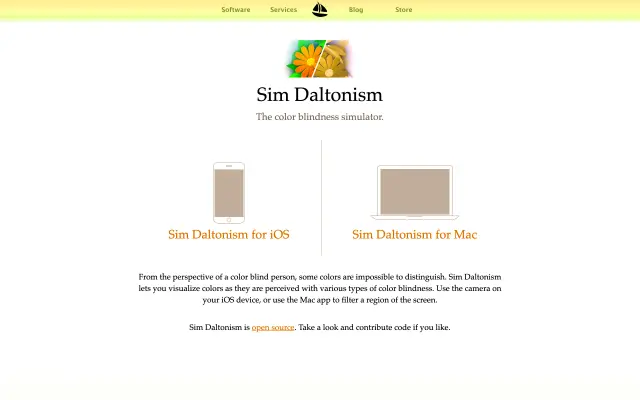
Sim Daltonism shows any window as people with different types of color blindness see it, in real time. A quick accessibility check while you design.
Good for: Checking designs for color blindness

6. ImageOptim
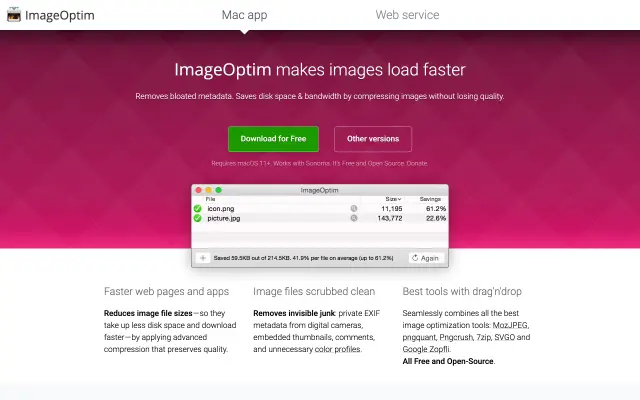
ImageOptim shrinks PNG, JPEG and GIF files without visible loss. Drag files in before you hand off or upload. Free and open-source.
Good for: Making images smaller before shipping

7. RightFont
RightFont is a font manager for Mac that syncs with design apps and lets you activate fonts on demand. Useful once your font folder gets big.
Good for: Managing a large font library

8. Peeler
Peeler is an open-source color picker that pulls palettes from anything on screen. Point it at a site or an image and get the colors out.
Good for: Grabbing palettes from the screen

9. Dropover
Dropover gives you a floating shelf to drop files on while you move between apps. Small, but it makes dragging assets around much easier.
Good for: Moving files between apps

10. Maccy
Maccy is a light, free clipboard manager. Press a shortcut and paste anything you copied before: hex codes, text, links.
Good for: Clipboard history

11. Gradients.cool
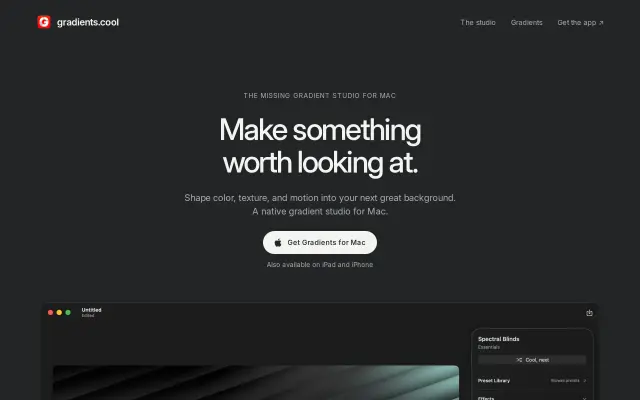
Gradients.cool is a native Mac app for designing still and animated gradients, with presets to start from. Handy for backgrounds and hero visuals.
Good for: Gradient backgrounds





Questions
- What Mac apps do designers use?
- Beyond Figma, most designers rely on a launcher like Raycast, a screenshot tool like CleanShot X or Shottr, a window manager like Rectangle, and a clipboard manager.
- What is the best free screenshot app for Mac?
- Shottr is fast and free to try with a lot of tools for designers. The built-in Shift Command 4 works too, with fewer options.
- How can I check my design for color blindness on Mac?
- Sim Daltonism simulates different types of color blindness over any window in real time.
Browse the full category
More guides
- Best UI Design Inspiration Websites
- Best Free Mockup Websites and Generators
- Best Free Icon Libraries for UI Design
- Best Color Palette Generators for Designers
- Best Free Font Websites for Commercial Use
- Best Free Stock Photo Sites
- Best Free Illustration Websites for Designers
- Best Screen Recorders for Mac
- Best Figma Alternatives for UI Design