



The best screen recorders for Mac
10 picks · Updated
macOS has a built-in recorder (Shift Command 5), and for a quick clip it is enough. The apps below are for when you need more: a polished product demo, auto zoom on clicks, a camera bubble, or a quick share link.
Think about the output first. A demo video for a landing page, an async message to a teammate and a tutorial need different tools.
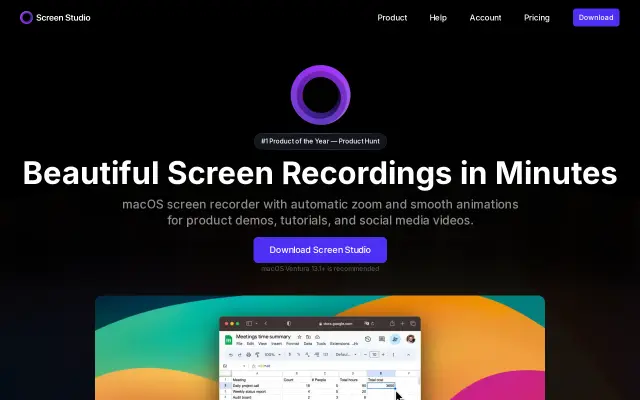
Screen Studio makes product demos look polished with almost no editing: it zooms on clicks, smooths the cursor and adds backgrounds on its own. It is a paid app and worth it if you make demos often.
Good for: Polished product demo videos

2. CleanShot X
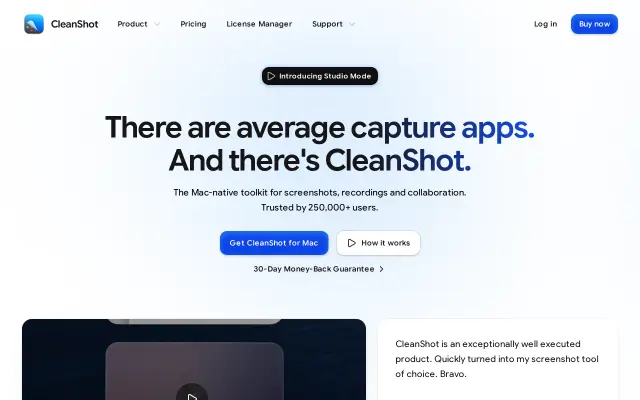
CleanShot X is a screenshot app first, with good screen recording built in: record to video or GIF, show clicks and keystrokes, and share with a link. One app for most daily capture.
Good for: Screenshots plus quick recordings

5. OBS Studio
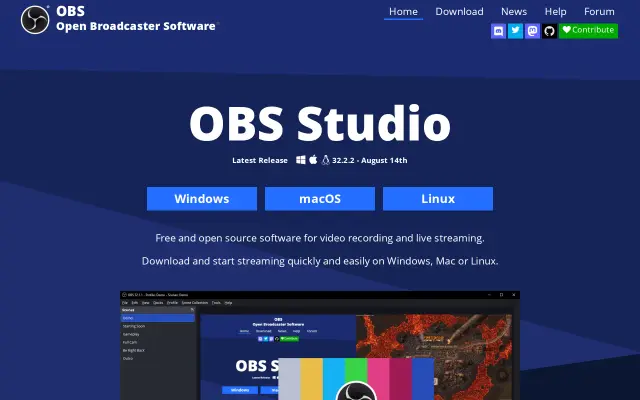
OBS is free and open-source, built for streaming and recording with scenes and sources. More setup than the others, but nothing beats it for control.
Good for: Full control, streaming and complex setups

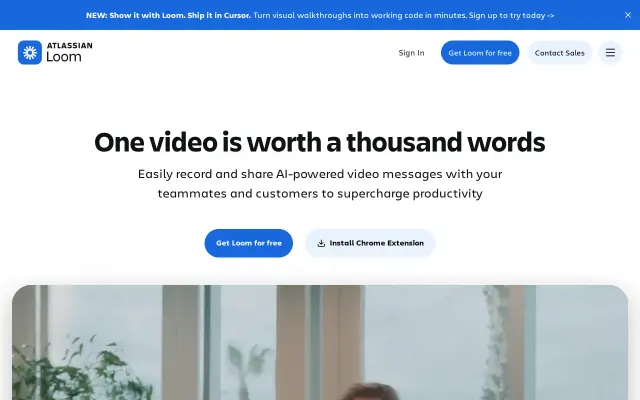
6. Loom
Loom is the standard for async video messages: record screen and camera, get a link right away, and see who watched. Best for team communication, not for polished output.
Good for: Async video messages for teams

7. Tella
Tella is built for recording tutorials and demos in clips, then editing them into one video with layouts and backgrounds. Good for course and product content.
Good for: Tutorials and longer demos

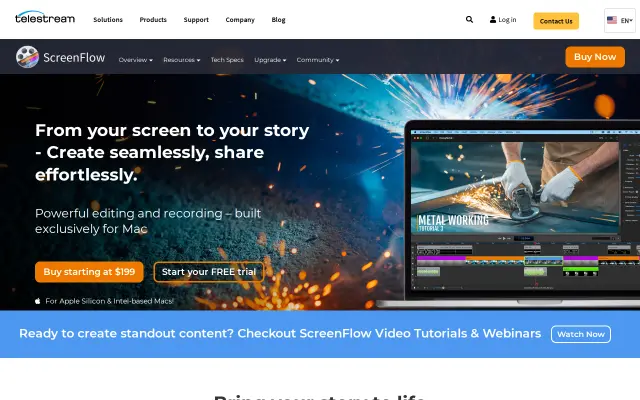
8. ScreenFlow
ScreenFlow combines recording with a full video editor made for screen content: callouts, zooms, captions. A long running pro choice for tutorial makers.
Good for: Recording and editing in one app

9. Tight Studio
Tight Studio is a newer Mac app that turns screen recordings into product demos with zooms and framing. Worth a look next to Screen Studio.
Good for: Demo videos from raw recordings

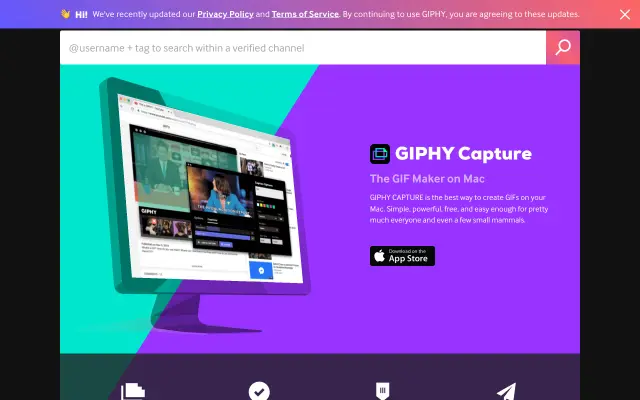
10. GIPHY Capture
GIPHY Capture records a part of your screen straight to a GIF. Old and simple, still handy for bug reports and quick shares.
Good for: Quick GIFs





Questions
- What is the best free screen recorder for Mac?
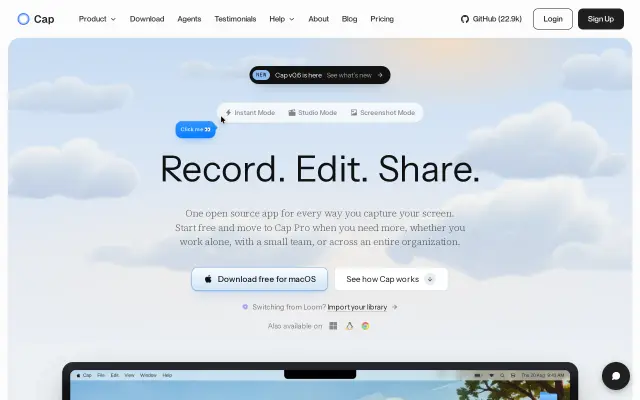
- Kap for simple clips, Cap if you want shareable links like Loom, and OBS when you need full control. All three are open-source.
- How do I make a product demo video on Mac?
- Screen Studio is the easiest way to get a polished result with auto zoom and smooth cursor. Tight Studio is a newer alternative.
- Does Mac have a built-in screen recorder?
- Yes. Press Shift Command 5 to record the whole screen or a selection. It does not add zooms, captions or share links.
Browse the full category
More guides
- Best UI Design Inspiration Websites
- Best Free Mockup Websites and Generators
- Best Free Icon Libraries for UI Design
- Best Color Palette Generators for Designers
- Best Free Font Websites for Commercial Use
- Best Free Stock Photo Sites
- Best Free Illustration Websites for Designers
- Best Mac Apps for Designers
- Best Figma Alternatives for UI Design